

Getting Your API Key
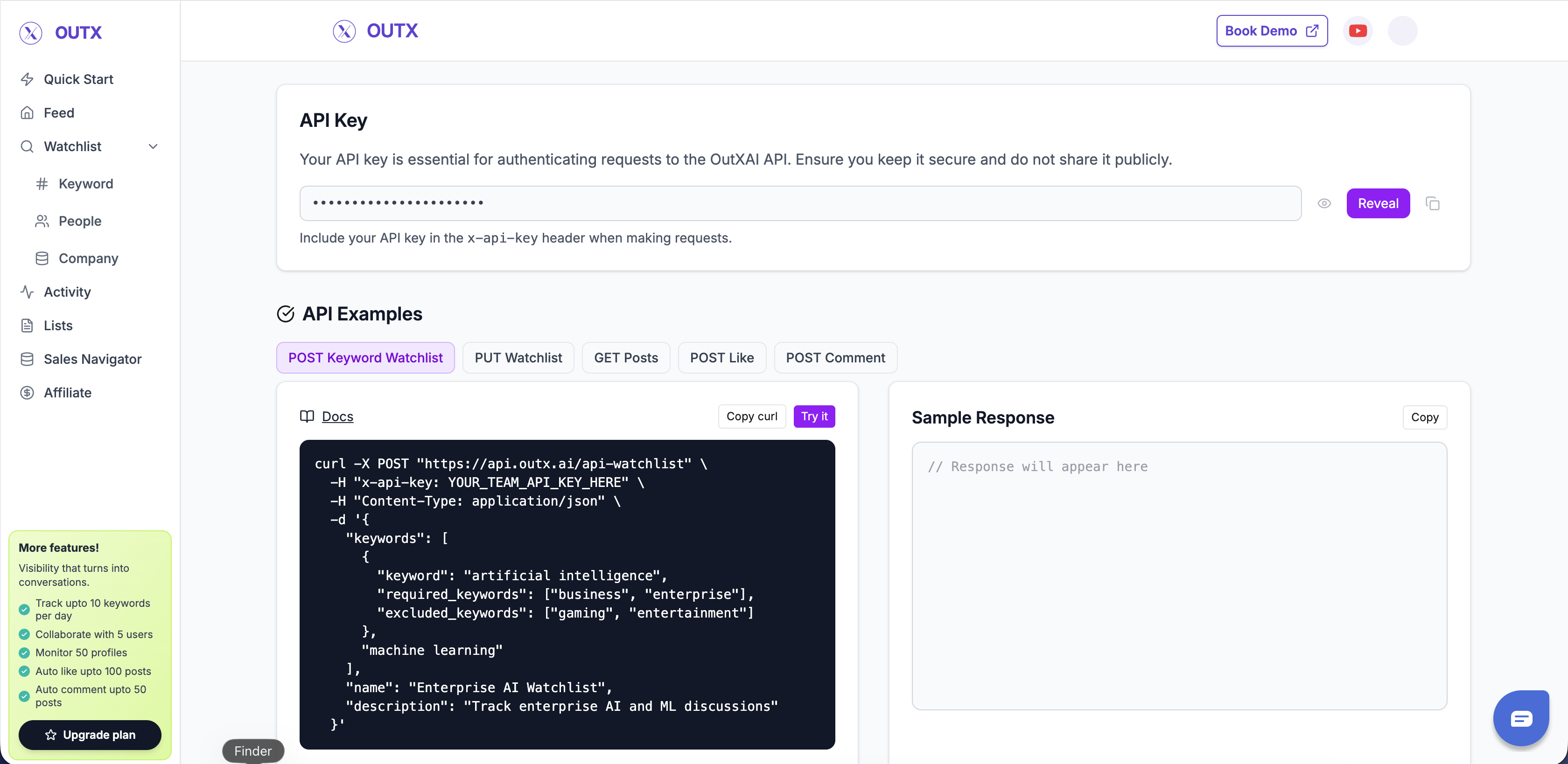
To obtain your API key:- Log in to your OutX account
- Visit mentions.outx.ai/api-doc
- Click “Reveal API Key” to view your key
- Copy and securely store your API key
Programmatic Authentication (OTP)
For AI agents, CLI tools, and automation, you can obtain your API key programmatically without a browser:- Send OTP,
POST /linkedin-agent/auth-send-otpwith your email - Verify OTP,
POST /linkedin-agent/auth-verify-otpwith the 6-digit code from your email
api_key directly.
Using Your API Key
Include your API key in thex-api-key header of every API request:
Header Format
Example Request
Chrome Extension Requirement
If no team member has an active extension, you’ll receive:Authentication Errors
401 Unauthorized
This error occurs when:- No API key is provided
- The API key is invalid or expired
- The API key format is incorrect
Missing key
Invalid key
x-api-key header.
403 Forbidden
This error occurs when:- You’re trying to access resources that don’t belong to your team
- Your API key doesn’t have permission for the requested operation
Best Practices
Store API Keys Securely
Store API Keys Securely
- Never commit API keys to version control
- Use environment variables or secure key management systems
- Rotate keys periodically for enhanced security
Use HTTPS Only
Use HTTPS Only
- Always use HTTPS for API requests
- Never send API keys over unencrypted connections
Monitor API Usage
Monitor API Usage
- Track LinkedIn-side usage at Dashboard, Settings, Daily Usage Limits
- Set up alerts for unusual activity
- Review API logs regularly
Handle Errors Gracefully
Handle Errors Gracefully
- Implement proper error handling in your code
- Retry failed requests with exponential backoff
- Log authentication errors for debugging
Rate Limiting
OutX does not enforce an API request rate limit, on any plan, at any time. The only constraint is LinkedIn’s own per-action daily limits on the accounts doing the work. See Rate Limits for the daily task caps, plan quotas, and safe usage guidelines. For error handling and troubleshooting, see Error Codes.Team-Based Access
Your API key is associated with your team account. This means:- All API requests are scoped to your team’s data
- You can only access watchlists and posts created by your team
- Team members share the same plan quotas
Next Steps
Quick Start Guide
Make your first API request
Watchlist APIs
Create and manage watchlists
Frequently Asked Questions
Can I rotate or regenerate my API key?
Can I rotate or regenerate my API key?
API key rotation is not currently available as a self-service feature. If you need to rotate your API key for security reasons, contact support@outx.ai and the team will generate a new key for you.
Why am I getting a 403 error even though my API key is correct?
Why am I getting a 403 error even though my API key is correct?
The most common cause is the Chrome extension requirement. At least one team member must have the OutX Chrome extension installed and actively used within the last 48 hours. Without an active extension, all API calls will return a 403 error. Install the OutX Chrome Extension, sign into LinkedIn in the same browser, and keep the browser open.