

Why use OutX.ai?
Most intent on LinkedIn is shared publicly through posts, comments, and profile updates. OutX.ai helps you capture these signals automatically instead of manually checking LinkedIn.How OutX.ai helps with Social Listening
OutX.ai continuously scans LinkedIn for keywords, people, and companies you care about, then organizes updates into a single feed so you can act at the right time.Setup Your account
Step 1: Create Your Account
Click Try for free on the OutX.ai website and sign up using Google login or email OTP.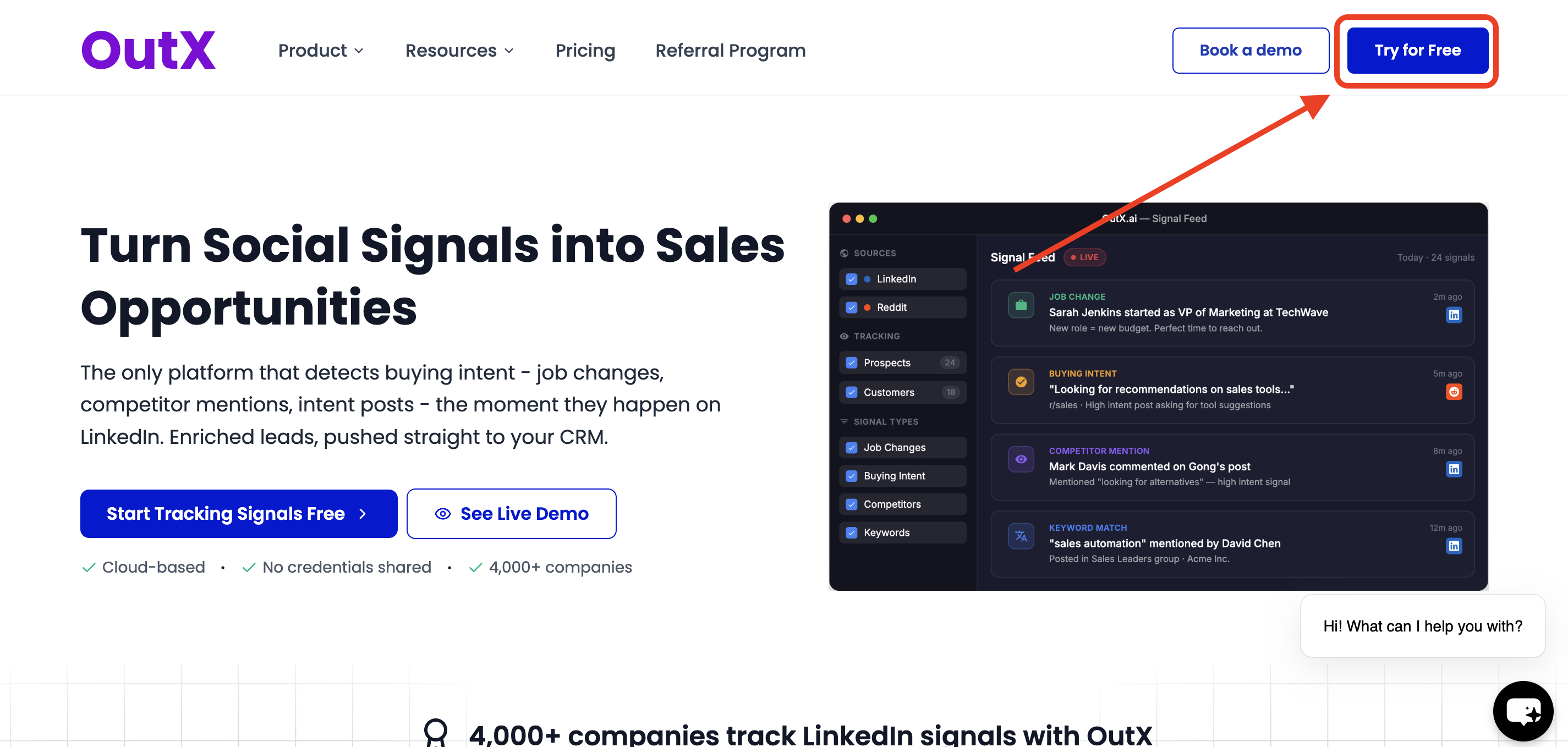
Step 2: Install the Chrome Extension
The OutX.ai Chrome extension connects LinkedIn to your account.- No LinkedIn password required
- No cookies or private data accessed
- Reads only public LinkedIn content
⚠️ The extension is mandatory for tracking posts and profiles.
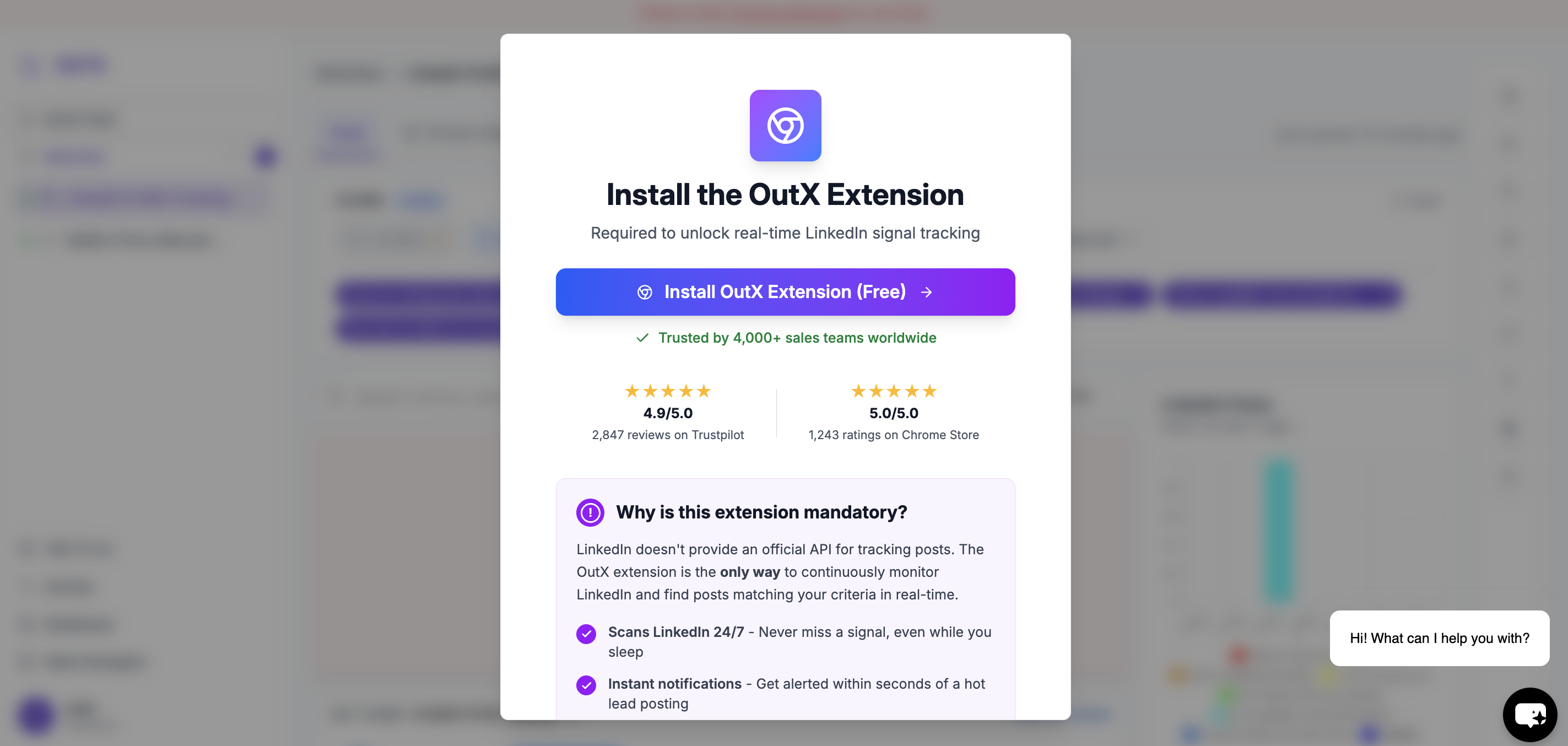
Steps to install
- Click Install Chrome Extension
- Approve the extension in Chrome
- Keep the extension enabled while using LinkedIn
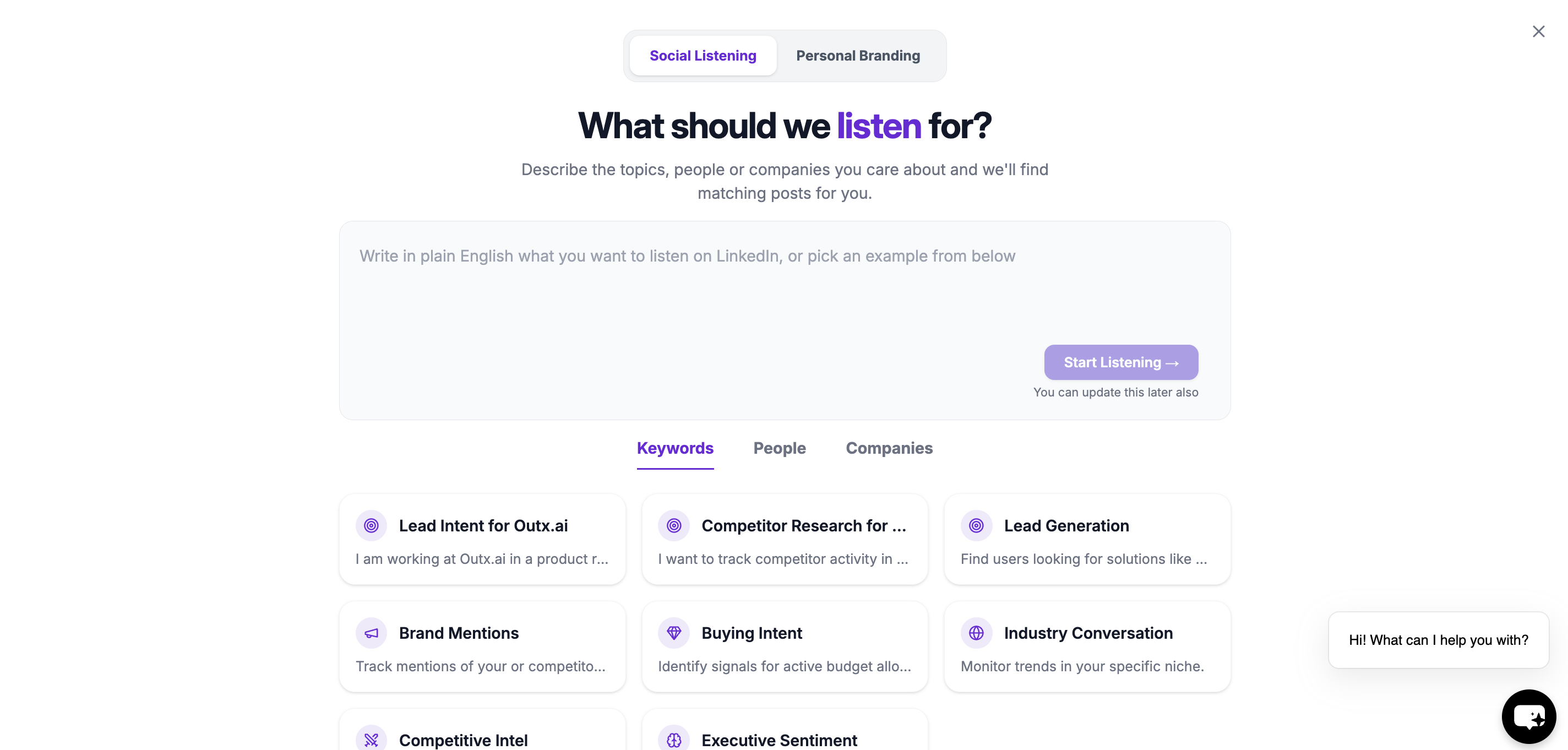
Step 3: Select what you want OutX to do?
After installing the extension, you’ll see a chatbot interface instead of a setup modal. Here, simply describe in plain English what you want to track on LinkedIn or select from pre made prompt customised for you from below. Examples:- “Track people talking about buying sales engagement tools”
- “Monitor posts mentioning Apollo, ZoomInfo, or sales automation”
- “Track founders hiring SDRs in US startups”
- “Follow posts from RevOps leaders about outbound”
- Social Listening
- Track industry keywords, competitor mentions, and your brand
- Track people (leads, prospects, customers)
- Personal Branding
- Automatically like or comment on relevant posts
- Engage with tracked people and companies
- Stay active on LinkedIn using simple rules
Step 4: Wait While Your Watchlist Is Created
OutX.ai analyzes your prompt and automatically: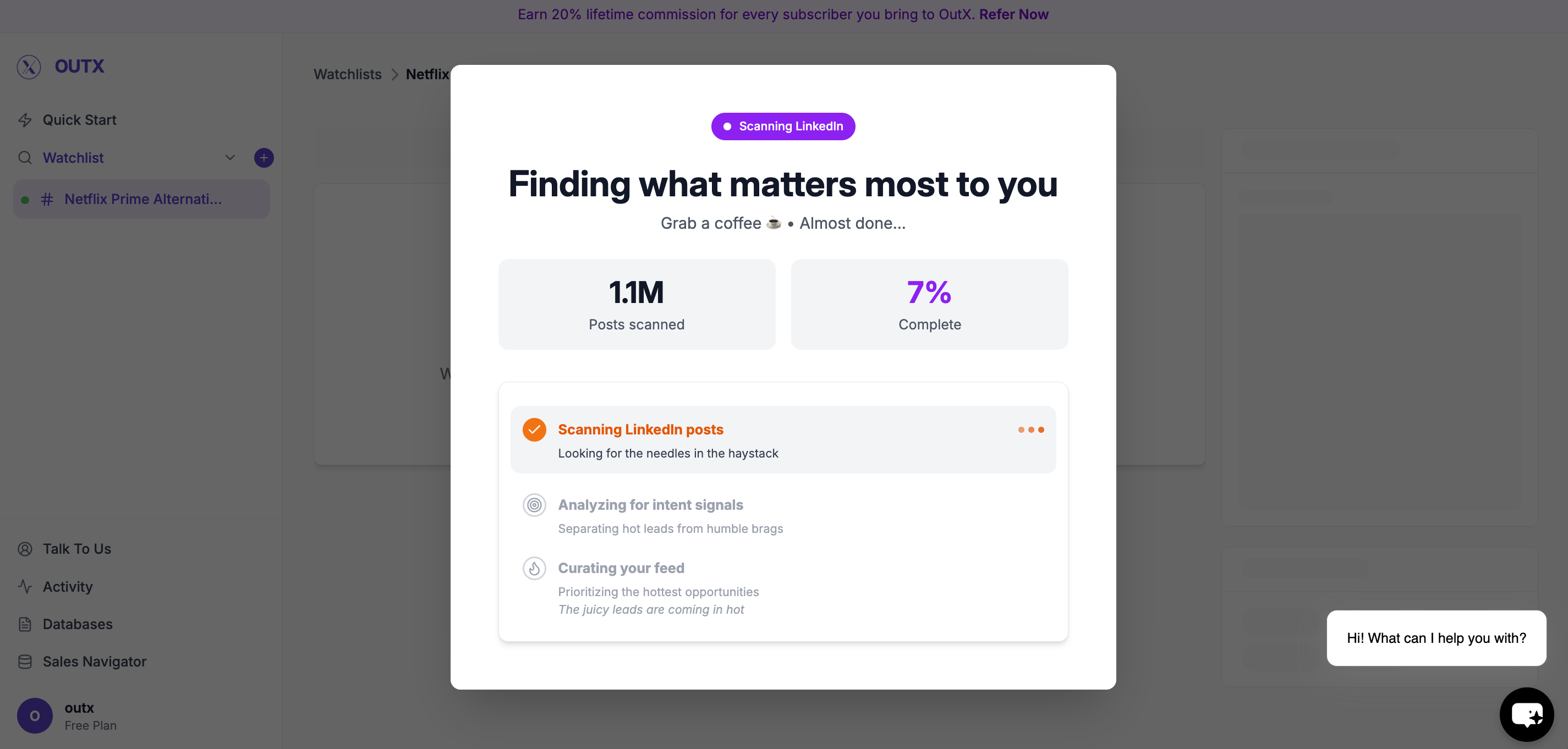
- Generates relevant keywords
- Creates a watchlist
- Starts scanning LinkedIn
Managing Your Watchlist
Click on Configuration.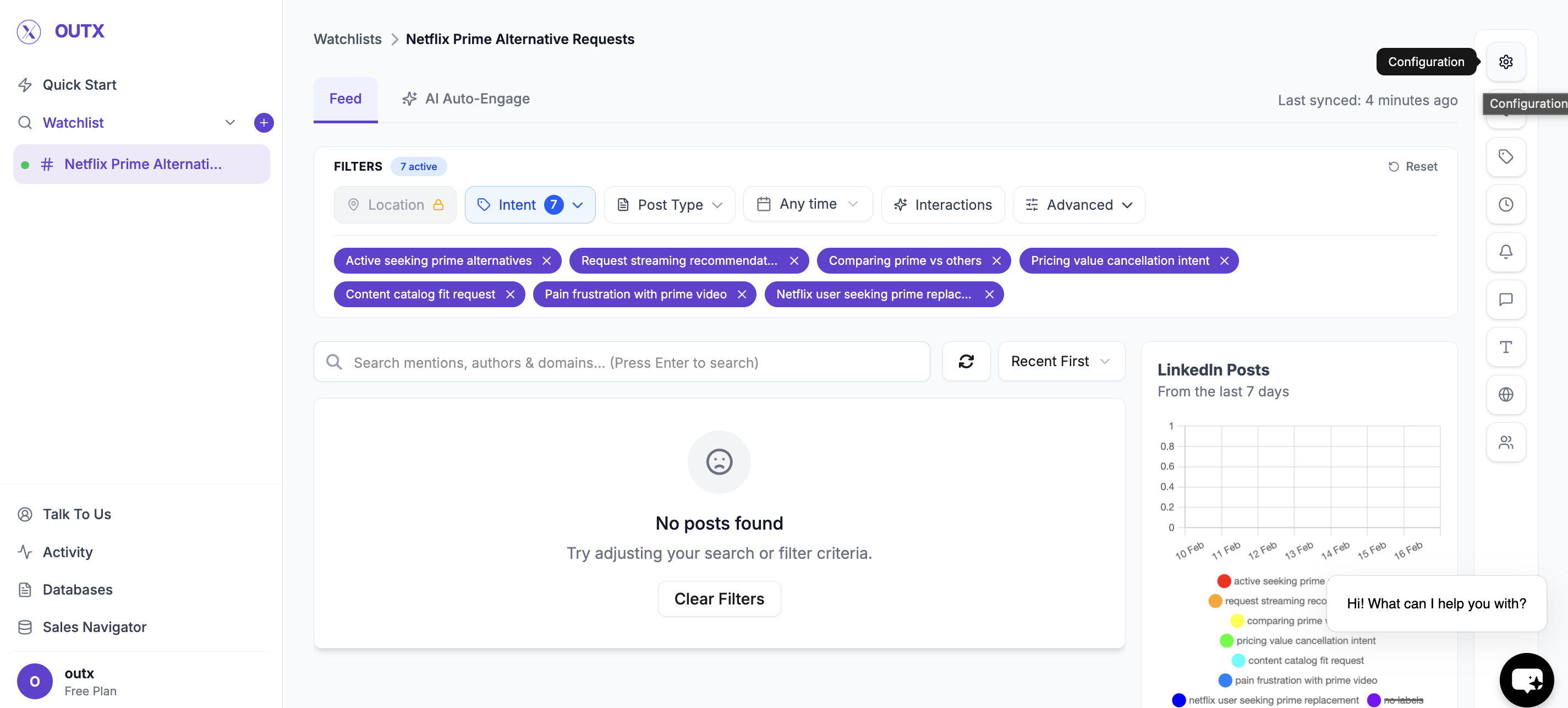
Edit Keywords (Optional)
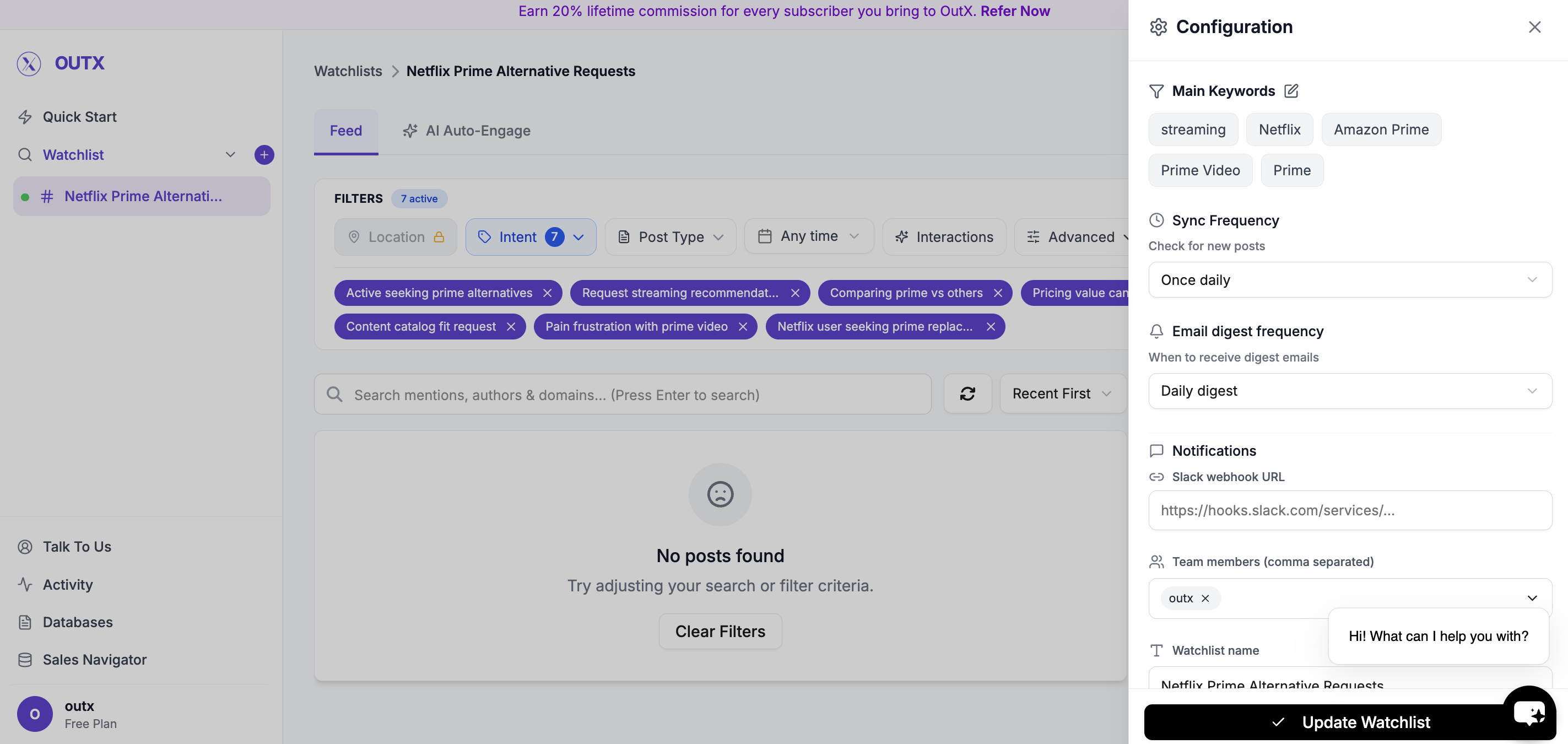
- Add new keywords
- Remove irrelevant ones
- Adjust wording to match your niche
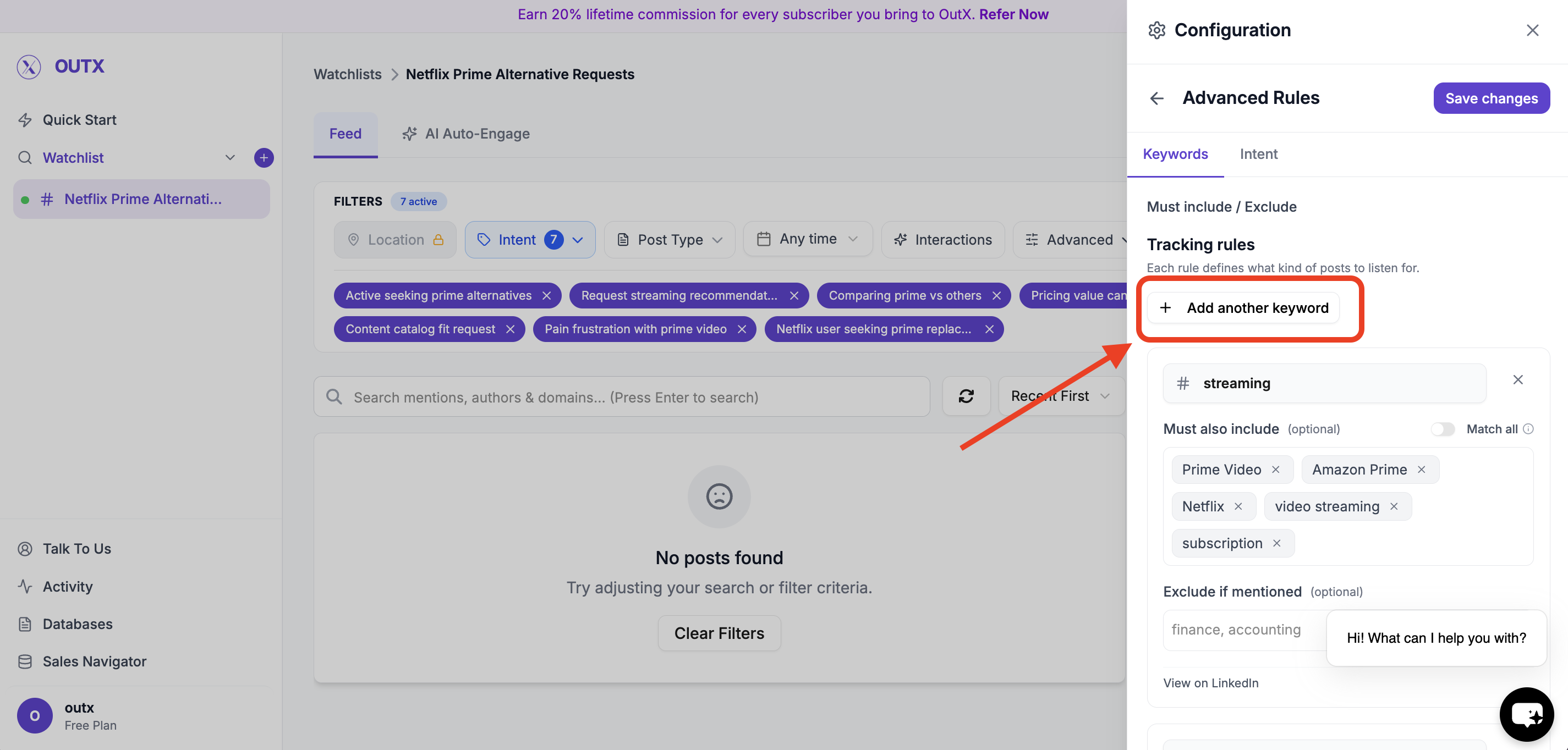
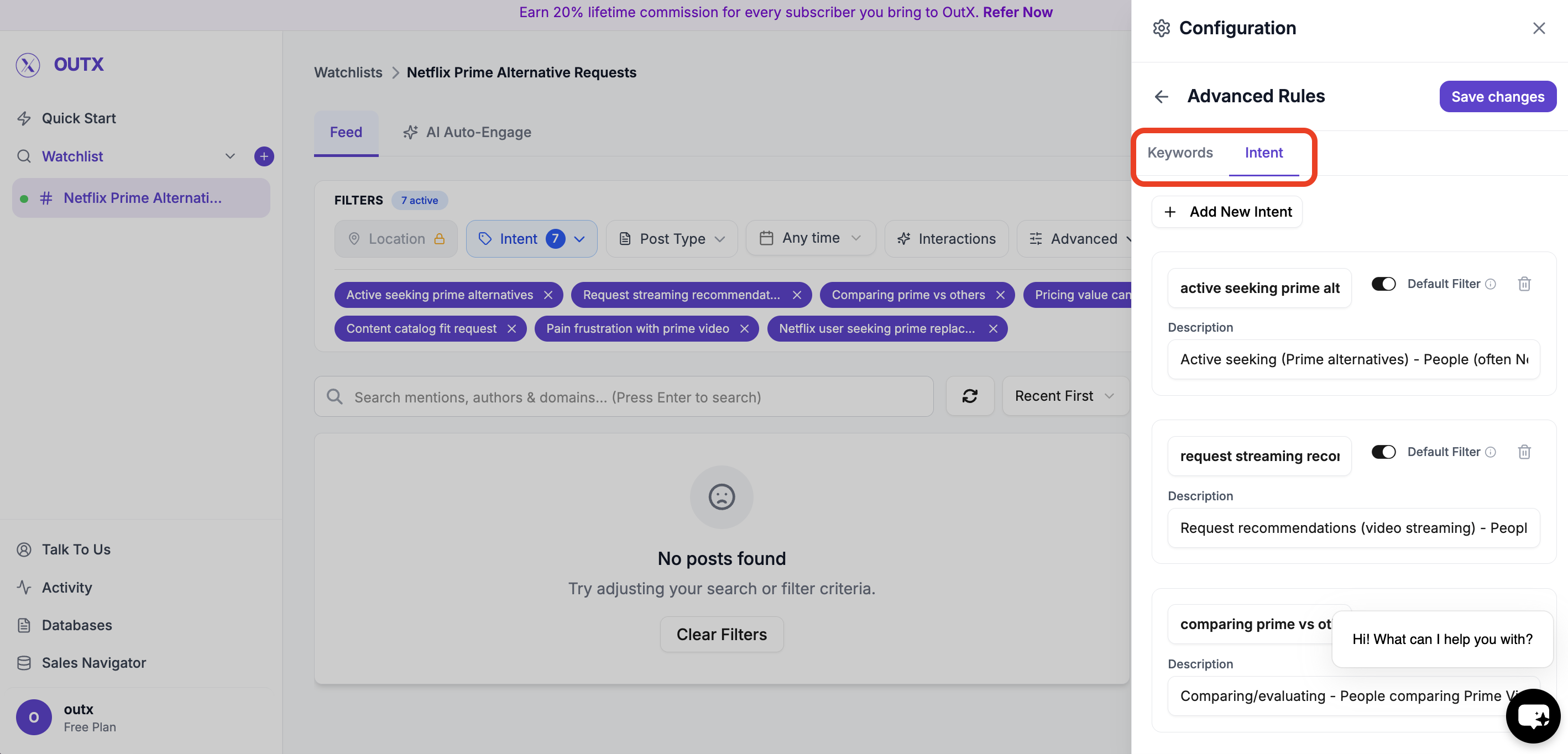
Labels (Optional)
Labels help organize posts inside a watchlist. Use labels to:- Group similar posts
- Understand why a post was captured
- Route signals to the right workflow
- Buying Intent
- Hiring
- Competitor Mention
- Lead
How to Add People or Companies
1. Open a Watchlist
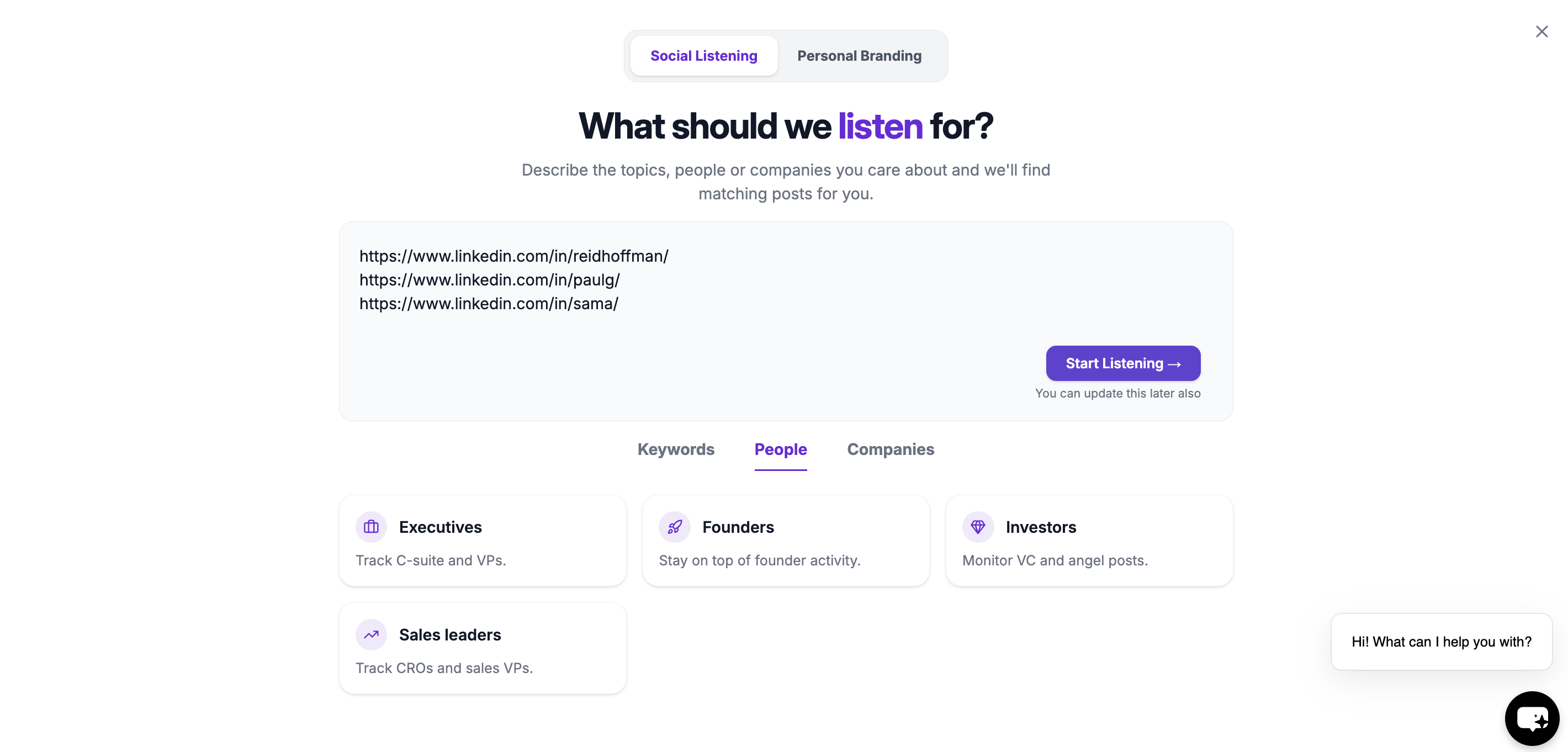
Go to any existing watchlist, or create a new one using the chatbot.2. Add LinkedIn Profile or Company URLs
Paste the LinkedIn profile or company page URLs you want to track. You can add:- Individual LinkedIn profiles
- Company pages
- Multiple URLs at once
3. Save
Once saved, OutX.ai begins monitoring these profiles in the background.Engage with tracked people
- Manual engagement: Reply thoughtfully using AI-suggested comments
- Automatic engagement: Engage using rules to stay consistent
Optional: Personal Branding with Auto Engagement
You can enable auto engagement to build your personal brand by staying visible on LinkedIn.- Automatically like or comment on relevant posts
- Engage from personal or company accounts
- Fully controlled by rules
You’re Live
In under 10 minutes, you’ve:- Connected LinkedIn
- Set up keyword or people tracking
- Started capturing signals
- Begun engaging with posts
Frequently Asked Questions
What can OutX.ai track on LinkedIn?
What can OutX.ai track on LinkedIn?
OutX.ai tracks public LinkedIn activity, including:
- Posts
- Profile updates (job or company changes)
- Company page posts
- Hiring and job-related updates
- Birthdays (when publicly visible)
- Keyword-based conversations
Can I track prospects or specific people?
Can I track prospects or specific people?
Yes. You can track individual LinkedIn profiles and see their public posts and profile changes in one feed.
Can I track companies?
Can I track companies?
Yes. You can track company pages, competitors, and target accounts to monitor posts and major updates.
Can I track keywords or topics?
Can I track keywords or topics?
Yes. You can track keywords, brands, competitors, and industry topics mentioned in public LinkedIn posts.
Can OutX.ai track job changes or hiring signals?
Can OutX.ai track job changes or hiring signals?
Yes. OutX.ai surfaces public job changes, hiring posts, and role updates.
Can OutX.ai track birthdays?
Can OutX.ai track birthdays?
Yes, if they’re publicly visible on LinkedIn.
Can OutX.ai track comments?
Can OutX.ai track comments?
No. OutX.ai does not track individual comments on posts.
Can OutX.ai track likes or reactions?
Can OutX.ai track likes or reactions?
No. Likes and reactions are not tracked.
Does OutX.ai access private LinkedIn data or messages?
Does OutX.ai access private LinkedIn data or messages?
No. OutX.ai only reads public LinkedIn content. No DMs, passwords, or private data.