Loomly-Alternativen 2026: 7 Tools im Vergleich (kostenlos vs. kostenpflichtig)
Loomly ist ein solider Social-Media-Kalender mit Freigabe-Workflows ab dem Einstiegsplan. Die Preisumstrukturierung 2024-2025 ist der komplizierte Teil: Der Sprung von Starter ($65/Monat, 3 Nutzer) zu Beyond ($332/Monat, unbegrenzte Nutzer) ist fast 5x, mit mehreren Trustpilot-Bewertungen, die Preiserhöhungs-E-Mails mit 300-1000% Preisanstieg mit begrenzter Vorankündigung dokumentieren. Wenn das der Sprung war, der Sie hierher gebracht hat, oder wenn Sie etwas brauchen, das schrittweiser skaliert, finden Sie hier die sieben Alternativen für 2026.
Kurzvergleich
Sieben Alternativen, Preise in USD, sortiert nach Eignung für Teams, die Loomly evaluieren.
| Tool | Preis | Am besten für | Kostenloser Plan |
|---|---|---|---|
| Loomly | Ab $65/Monat (Starter, 3 Nutzer); $332/Monat (Beyond, unbegrenzte Nutzer) | Content-Kalender-First-Teams mit Freigabe-Workflows | Nein (15-Tage-Test) |
| OutX (empfohlen) | Kostenlos; ab $99/Monat | LinkedIn-spezifische Signale, nicht nur Marketing-Kalender | Ja |
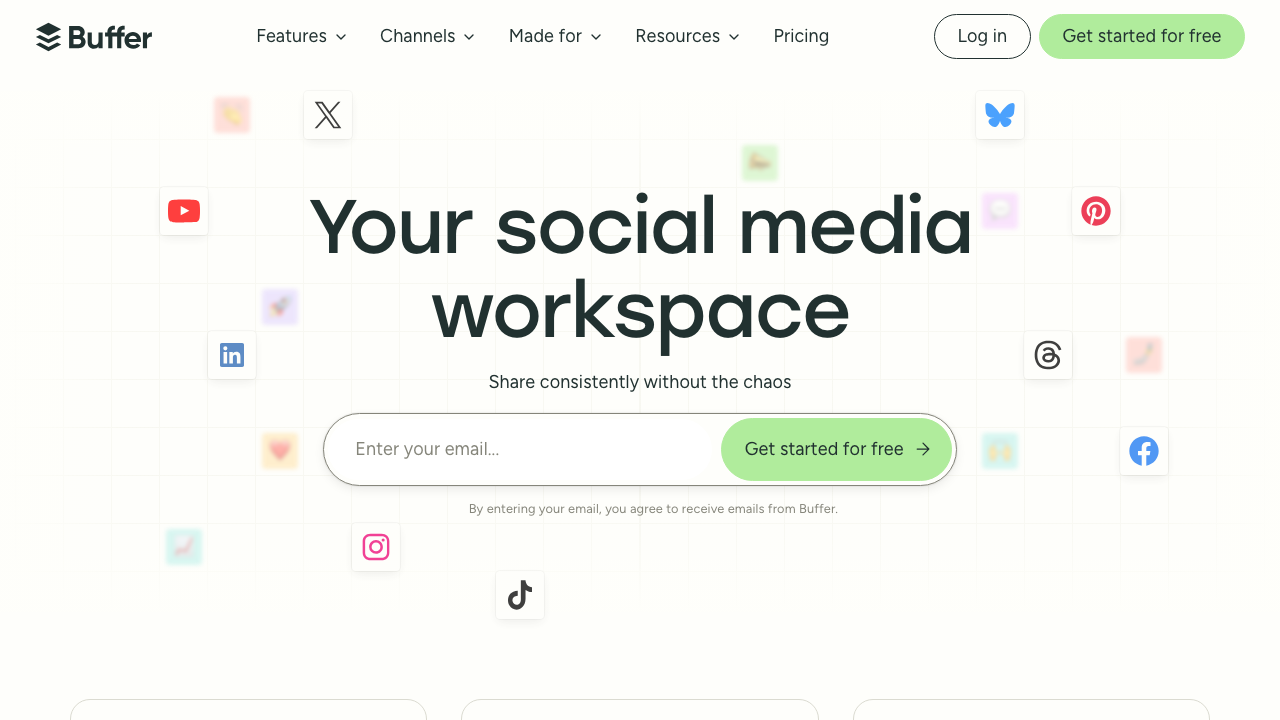
| Buffer | Kostenlos; ab $6/Kanal/Monat | Teams, die einfaches Scheduling ohne Freigabe-Workflows wollen | Ja |
| Planable | Ab $33/Workspace/Monat | Teams mit Freigabe-Workflows und unbegrenzten Nutzern pro Workspace | Nein (Testphase) |
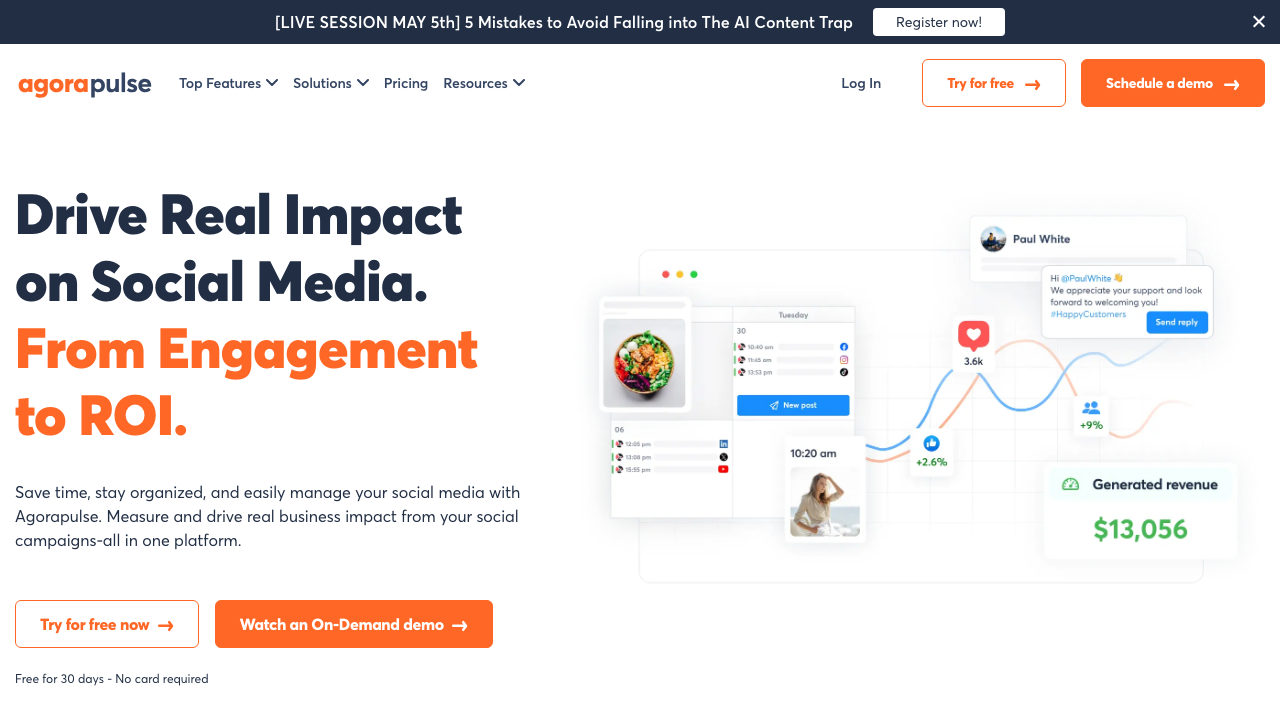
| Agorapulse | Kostenlos; ab $79/Nutzer/Monat | Teams, die über Loomly hinauswachsen und Inbox-Management benötigen | Ja |
| Sendible | Ab $89/Monat (4 Nutzer) | Agenturen mit planbasierter Preisgestaltung für Kundenverwaltung | Nein |
| SocialBee | Ab $29/Monat | Budget-bewusste Teams mit Content-Kategorien + KI-Generierung | Nein (14-Tage-Test) |
| Statusbrew | Ab $69/Monat | Teams auf Loomly-Beyond-Niveau, die Funktionen ohne den Sprung wollen | Nein |
Warum suchen Nutzer nach Loomly-Alternativen?
Loomly hat ausgezeichnete G2-Bewertungen (4,6/5 aus 1.793 Bewertungen). Die Alternativen-Suchen drehen sich fast ausschließlich um die Preisstruktur:
- Die Starter-to-Beyond-Klippe. Starter ($65/Monat, 12 Konten, 3 Nutzer) zu Beyond ($332/Monat, 60 Konten, unbegrenzte Nutzer) ist die am meisten dokumentierte Loomly-Beschwerde. Kein Zwischen-Tarif bedeutet, dass das Hinzufügen eines 4. Nutzers $267/Monat mehr kostet.
- Preiserhöhungs-E-Mails. Trustpilot-Bewertungen dokumentieren Nutzer, die E-Mail-Benachrichtigungen von 300-1000% Preiserhöhungen aus Legacy-Plan-Preisgestaltung erhalten, oft mit 30-Tage-Vorankündigung.
- Keine Social-Inbox. Loomly hat keine einheitliche Inbox für die Verwaltung von Kommentaren, DMs oder Erwähnungen.
- Analysen sind grundlegend. Selbst auf Beyond ist Loomlys Reporting nicht tief genug für Teams, die Wettbewerber-Analyse oder Anzeigen-Performance-Daten benötigen.
- Technische Probleme mit der Instagram-API. Jüngste Bewertungen 2026 dokumentieren intermittierende Instagram-Verbindungsfehler.
7 Loomly-Alternativen im Detail
1. OutX (die LinkedIn-Signal-Option)
Kategorie: LinkedIn Social Listening und Kaufsignal-Engagement Preis: Kostenlos; kostenpflichtig ab $99/Monat Am besten für: B2B-Teams, deren Kunden auf LinkedIn aktiv sind
Loomly verwaltet den Content, den Sie erstellen, und den Freigabeprozess, bevor er veröffentlicht wird. OutX verwaltet die Signale, auf die Sie reagieren müssen, nachdem Ihre Käufer ihren eigenen Content erstellen.
Wenn ein Marketing-Direktor bei einem Zielkonto postet "we are looking at new social media scheduling tools, what's working for people?", wird Loomly das nicht aufzeigen. OutX wird es tun, für Relevanz für Ihr Angebot bewerten und eine Antwort entwerfen, die Sie innerhalb einer Stunde von Ihrem echten LinkedIn-Konto senden können.
Die beiden Tools stehen nicht in Konkurrenz. Loomly ist Ihr Publishing-Workflow. OutX ist Ihre Engagement-Intelligence. Für B2B-Teams, bei denen LinkedIn-Pipeline wichtig ist, sind beide notwendig.
OutX 7 Tage kostenlos testen (keine Kreditkarte erforderlich).
2. Buffer
Kategorie: Social-Media-Scheduling Preis: Kostenlos (3 Kanäle); ab $6/Kanal/Monat Am besten für: Teams, die Freigabe-Workflows gegen dramatisch niedrigere Kosten eintauschen können
Buffer ist die Budget-Migration von Loomly, wenn die Preis-Klippe untragbar wird. Deutlich günstiger, sauberere Oberfläche, stärkerer kostenloser Tarif. Die Kompromisse sind real: keine Freigabe-Workflows, keine Beitrags-Ideen, kein visueller Content-Kalender mit Drag-and-Drop.
3. Planable
Kategorie: Social-Media-Zusammenarbeit und Scheduling Preis: Ab $33/Workspace/Monat (Basic); $49/Workspace/Monat (Pro) Am besten für: Teams, die Loomlys Freigabe-Workflows ohne die Preis-Klippe benötigen
Planable ist die direkteste Loomly-Alternative für das spezifische Problem der Freigabe-Workflows im großen Maßstab. Unbegrenzte Nutzer pro Workspace sind im $33/Monat-Basic-Plan enthalten, die visuelle Feed-Vorschau zeigt, wie Beiträge vor der Veröffentlichung aussehen werden, und mehrstufige Freigaben (Entwurf, Review, Genehmigung) werden unterstützt.
4. Agorapulse
Kategorie: Social-Media-Management Preis: Kostenlos (3 Profile); ab $79/Nutzer/Monat Am besten für: Teams, die über Loomlys Nur-Scheduling-Modell hinauswachsen und Inbox-Management benötigen
Agorapulse ist der Schritt nach oben, wenn ein Team Inbox-Management neben Scheduling und Freigaben benötigt. Die einheitliche Social-Inbox für die Verwaltung von Kommentaren und DMs über Plattformen ist beste ihrer Klasse.
5. Sendible
Kategorie: Social-Media-Management für Agenturen Preis: Ab $89/Monat (Traction: 4 Nutzer); $199/Monat (Scale: 7 Nutzer) Am besten für: Wachsende Agenturen, bei denen Loomlys Nutzeranzahl-Preisgestaltung unpraktisch wurde
Sendibles planbasierte Preisgestaltung adressiert direkt den Grund, warum die meisten Agenturen Loomly verlassen: Kostenvorhersehbarkeit beim Wachstum der Mitarbeiterzahl. Bei $89/Monat für 4 Nutzer (vs. Loomlys $332/Monat Beyond für denselben Bedarf) sind die Einsparungen sofort.
6. SocialBee
Kategorie: Social-Media-Scheduling mit Content-Kategorien Preis: Bootstrap $29/Monat, Accelerate $49/Monat Am besten für: Budget-bewusste Teams mit Content-Kategorie-Organisation und KI-Generierung
SocialBee organisiert Content in Kategorien und enthält KI-Bildunterschriften-Generierung, was sich mit Loomlys Beitrags-Ideen-Funktion zu einem niedrigeren Einstiegspreis überschneidet.
7. Statusbrew
Kategorie: Social-Media-Management Preis: Ab $69/Monat (planbasiert) Am besten für: Teams auf dem Loomly-Beyond-Niveau, die vergleichbare Funktionen zu niedrigeren Kosten wollen
Statusbrew wird konsistent als der richtige Landeplatz für Teams zitiert, die Loomly auf dem Beyond-Niveau ($332/Monat) verlassen. Planbasierte Preisgestaltung statt pro-Sitz, vergleichbare Inbox- und Workflow-Funktionen und eine vorhersehbarere Kostenstruktur für Teams, die 60+ Konten verwalten.
Fazit
- Teams, die die 3-Nutzer-Grenze erreichen und Freigaben benötigen: Planable.
- Agenturen, die auf Loomly-Beyond-Niveau aussteigen: Statusbrew oder Sendible.
- Teams, die Freigabe-Workflows gegen niedrigere Kosten eintauschen können: Buffer.
- Teams mit Content-Organisation + KI-Generierung: SocialBee.
- Teams mit Inbox neben Scheduling: Agorapulse.
- B2B-Teams mit LinkedIn-Signal-Monitoring: OutX neben jedem Scheduler.
Das schlechteste Ergebnis ist, $332/Monat für Loomly Beyond zu zahlen, wenn Sie nur den 4. Nutzer benötigen und Planable bei $33/Monat denselben Freigabe-Workflow-Bedarf abdeckt.