Best AI Tools for LinkedIn (2025)
AI tools on LinkedIn deliver results founders can’t ignore: 3–5x more post reach, 2–3x higher reply rates, and faster pipeline creation.
The challenge? Sorting through the noise. Most tools are either non-compliant, spammy, or too generic to move the needle.
If you’re a founder looking to scale attention, engagement, and revenue safely, this guide breaks down the exact AI tools worth your time in 2025.
.png&w=3840&q=75)
OutXAI picks: Best AI Tools for LinkedIn (2025)
This is where it gets good. Tools grouped by what you’re trying to achieve.
Content Creation & Post Optimization
OutXAI
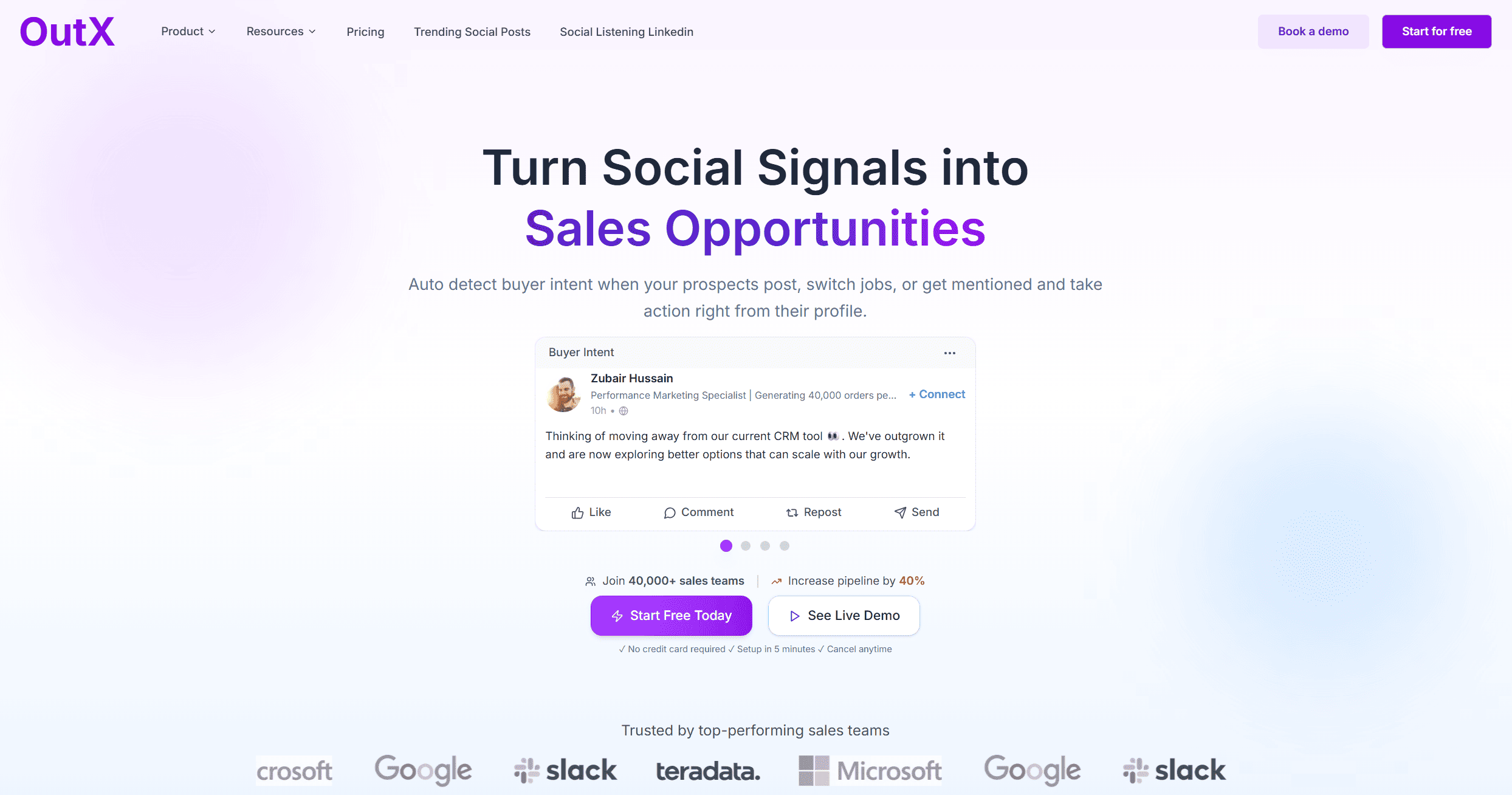
Overview
OutXAI simplifies LinkedIn posting. It gives daily content ideas, optimizes text, and runs analytics. All LinkedIn-first.
Key Features
- AI post generation + optimization
- Scheduling + queues
- Engagement analytics
- Post inspiration engine
- Free profile/post audits
Pros and Cons
| Pros | Cons |
|---|---|
| Built for LinkedIn only | Can feel heavy for casual users |
| Free optimization tools | Premium tiers needed for depth |
| Analytics tied to engagement | Higher price vs. single-use apps |
Pricing
$49/month Pro. $249 Expert. $999 Ultimate. Free tools included.
AuthoredUp
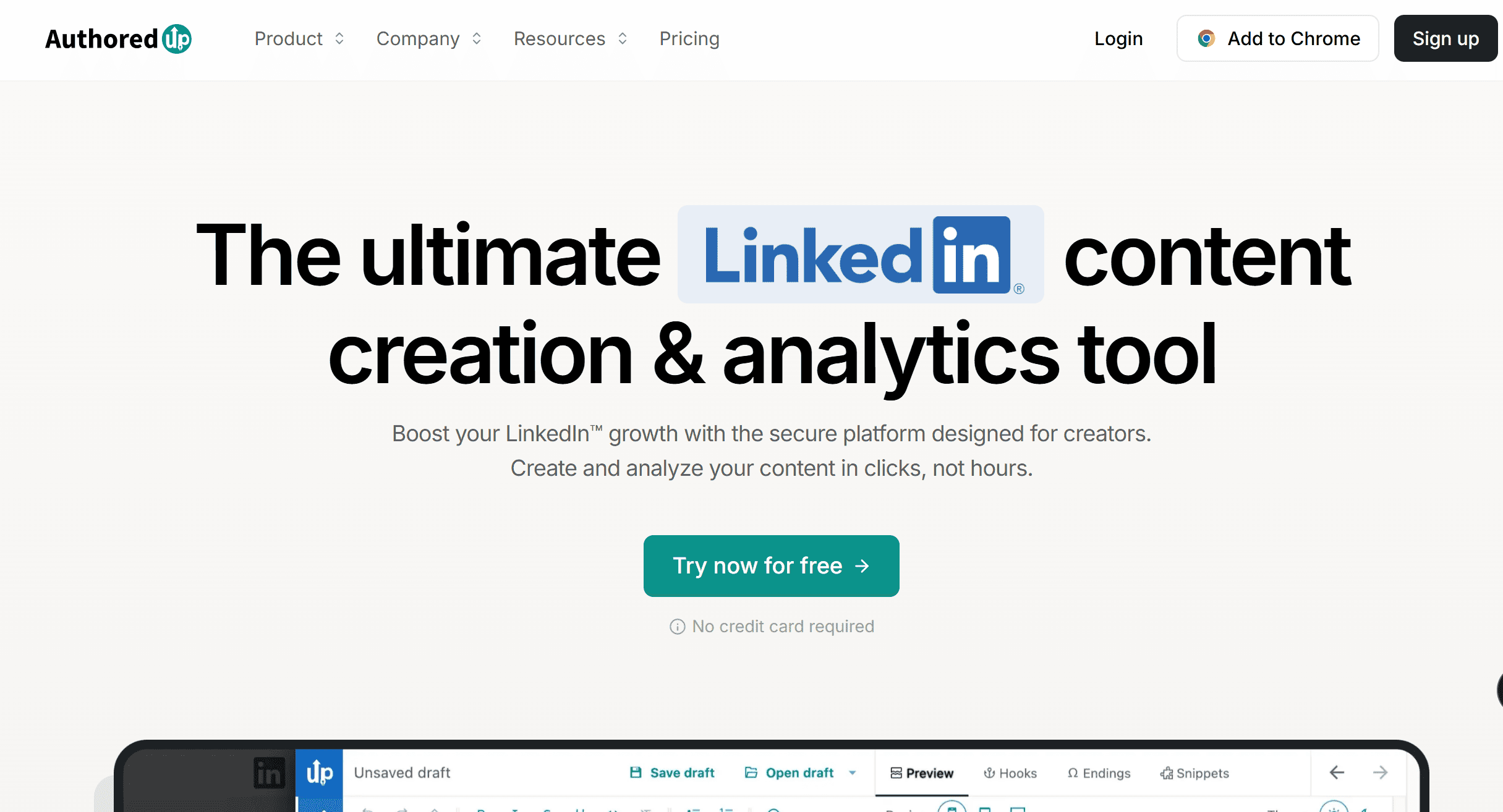
Overview
AuthoredUp makes LinkedIn writing sharper. It polishes hooks, improves flow, and organizes drafts.
Key Features
- Advanced text editor
- Hook testing and suggestions
- Draft library
- Formatting helper
Pros and Cons
| Pros | Cons |
|---|---|
| Improves structure and clarity | Only covers writing |
| Hook optimizer is solid | No analytics or scheduling |
| Distraction-free editor | Narrow focus |
Pricing
From €19/month.
Jasper
Overview
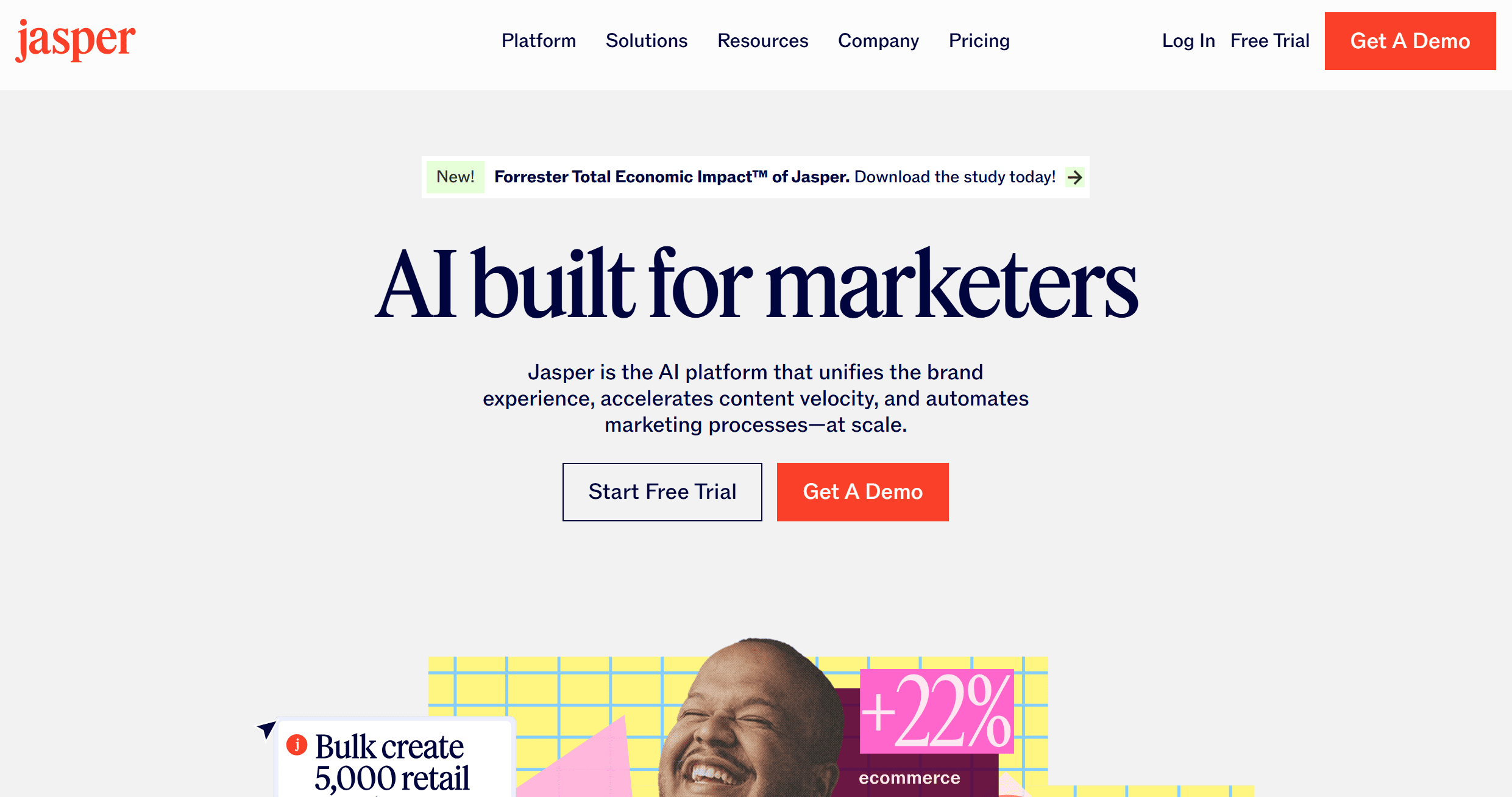
Jasper helps teams write consistent LinkedIn content. It remembers brand voice and creates carousels or long-form posts.
Key Features
- Brand voice memory
- Carousel templates
- LinkedIn post formats
- Team collaboration
Pros and Cons
| Pros | Cons |
|---|---|
| Great for tone consistency | Pricey for LinkedIn-only use |
| Strong with carousels | Needs training to set up voice |
| Team-friendly | Higher learning curve |
Pricing
Starts $49/month.
Lately
Overview
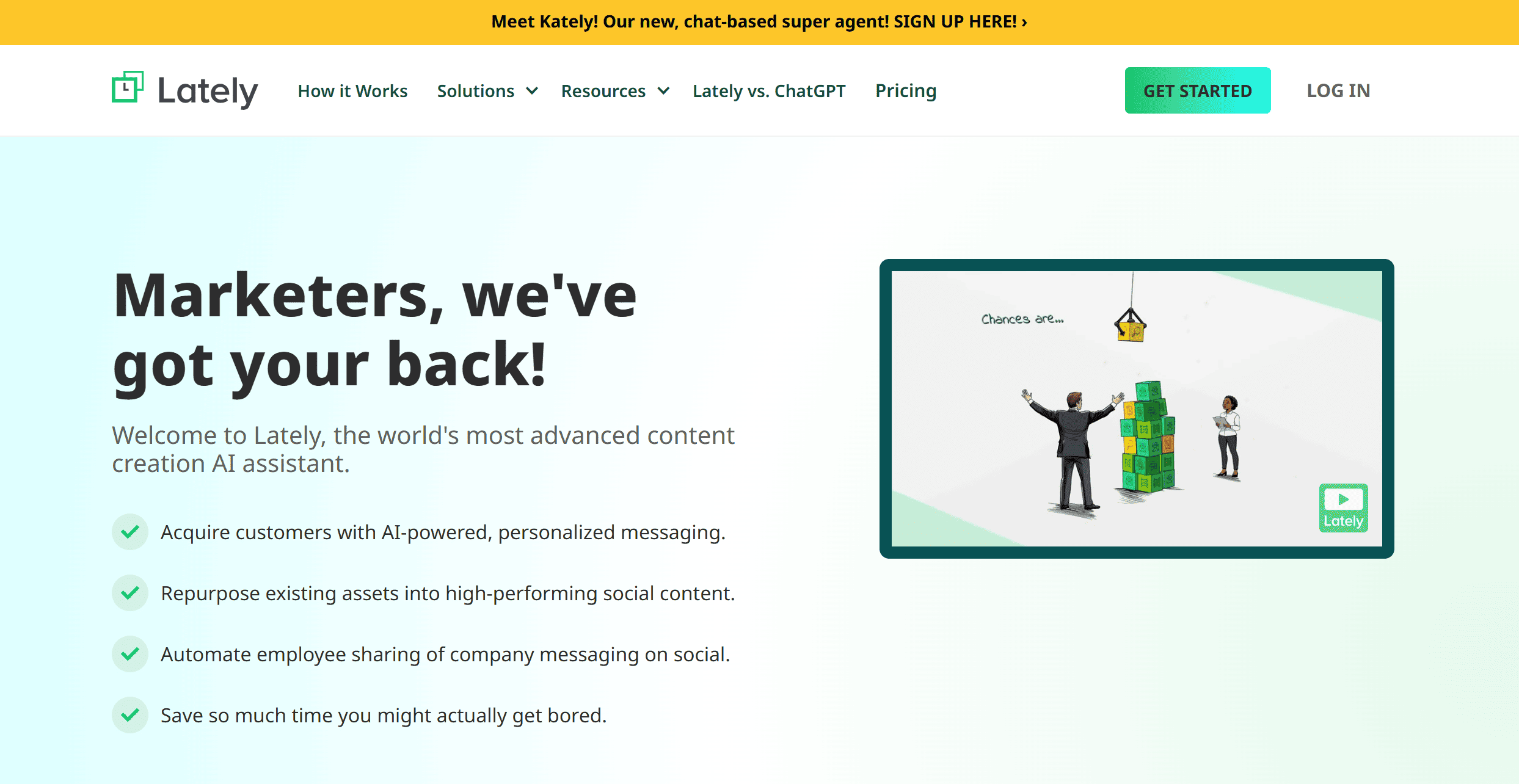
Lately repurposes big content (transcripts, blogs) into LinkedIn posts. Podcasters and writers save hours here.
Key Features
- AI transcript → post drafts
- Maintains your tone
- Post scheduling
- Bulk generation
Pros and Cons
| Pros | Cons |
|---|---|
| Saves time | Narrow use case |
| Good for repurposing | Needs long content input |
| Preserves voice | Less control on polish |
Pricing
From $39/month.
TextCortex / ChatGPT
Overview
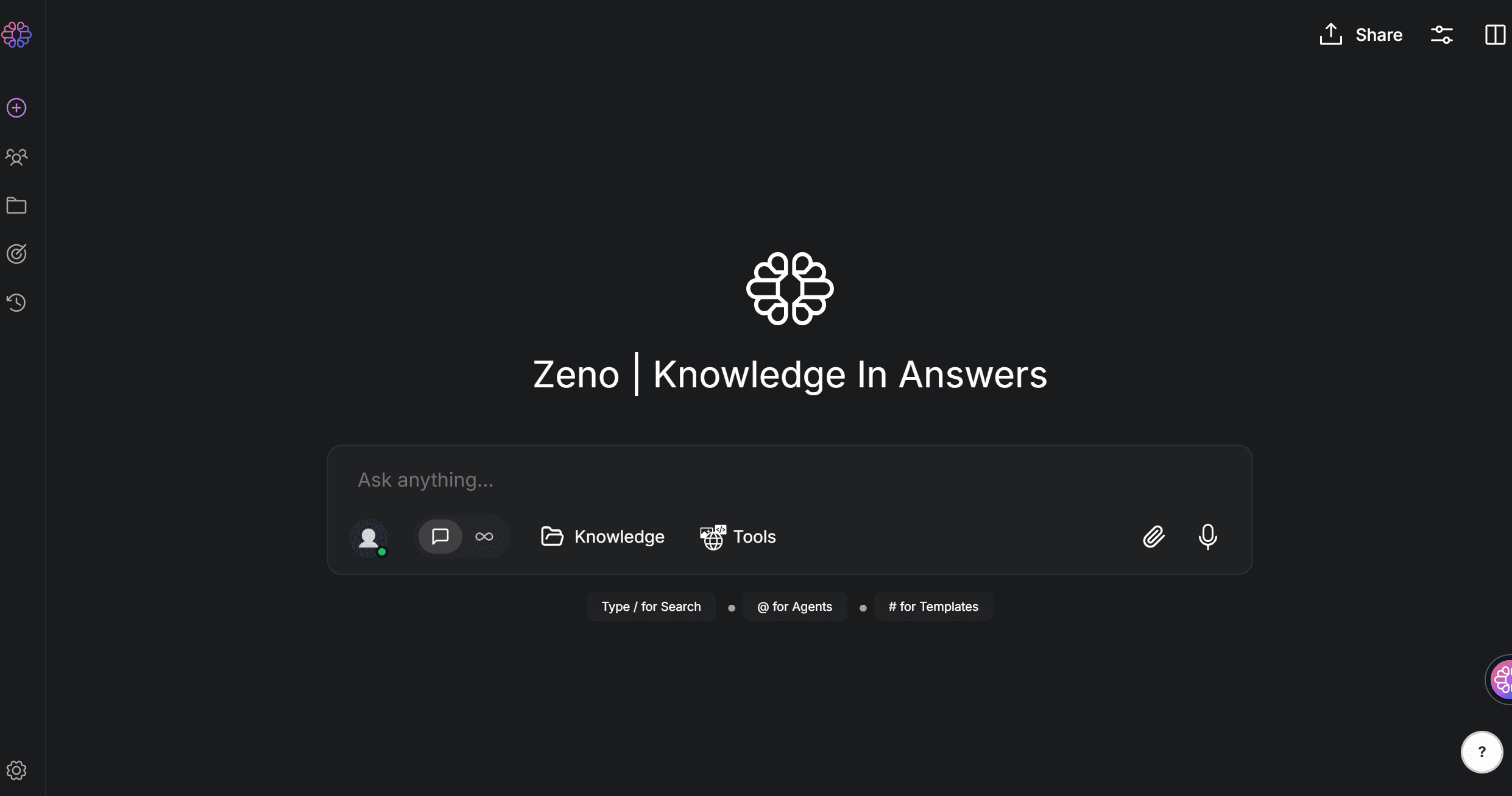
Text Cortex General AI assistants for quick drafting. Not LinkedIn-specific but useful daily.
Key Features
- Drafts + rewrites
- LinkedIn prompt libraries
- Chrome extensions
- Multilingual
Pros and Cons
| Pros | Cons |
|---|---|
| Flexible | Needs strong prompting |
| Cheap/free | No LinkedIn integration |
| Works beyond LinkedIn | Not tailored analytics |
Pricing
Free plans; premium $20–$30/month.
Engagement & Analytics
OutXAI
Overview
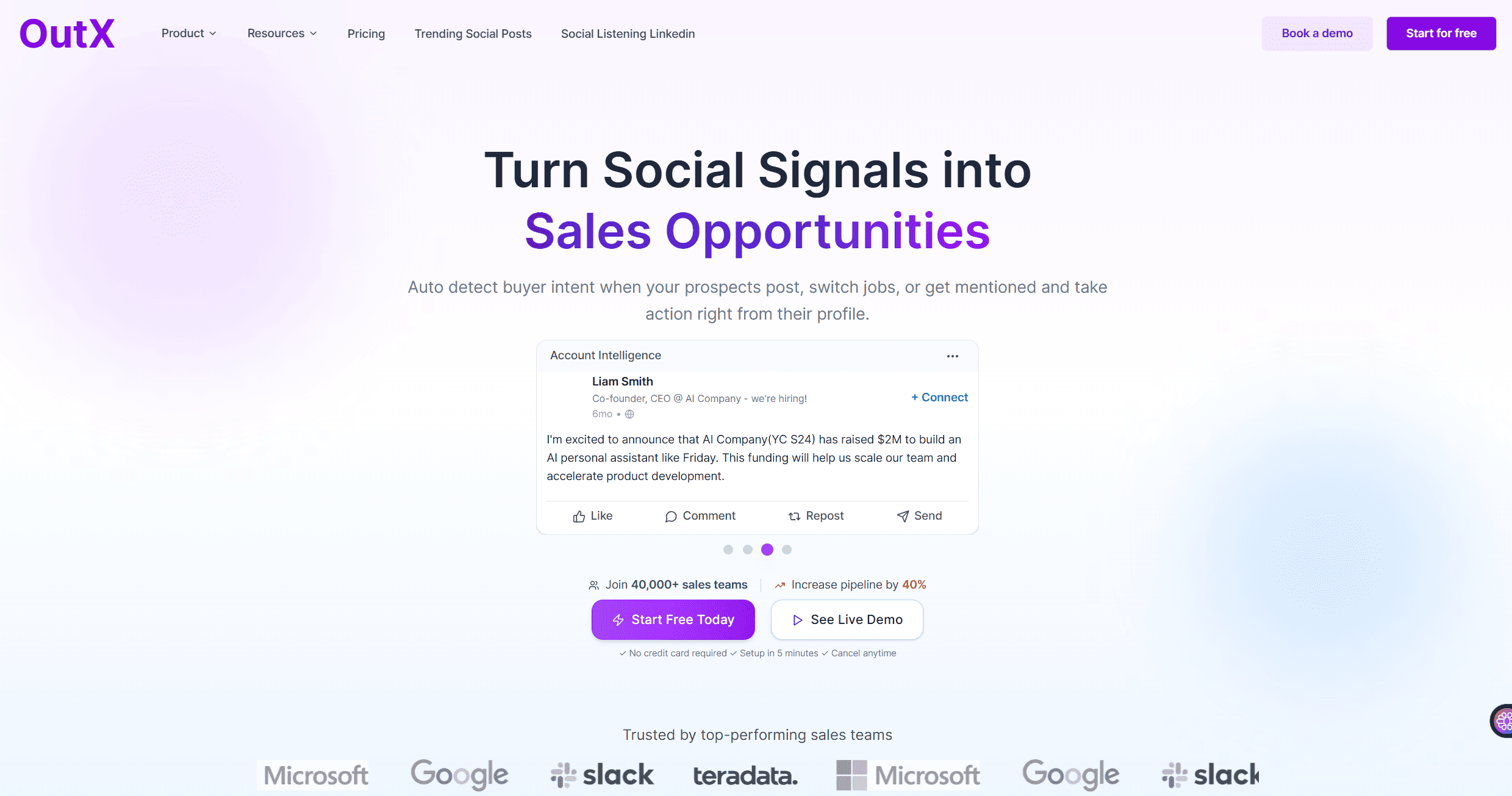
OutXAI's LinkedIn auto-liker automates likes, posts human-like comments, and monitors mentions. Engagement tied directly to pipeline.
Key Features
- Auto-likes + AI comments
- Mention + trend tracking
- CRM sync
- Engagement analytics
Pros and Cons
| Pros | Cons |
|---|---|
| Engagement + analytics unified | Advanced dashboards premium only |
| CRM visibility | Setup needed |
| Monitors prospects in real time | Costlier than single-use apps |
Pricing
Starts $49/month.
Shield Analytics
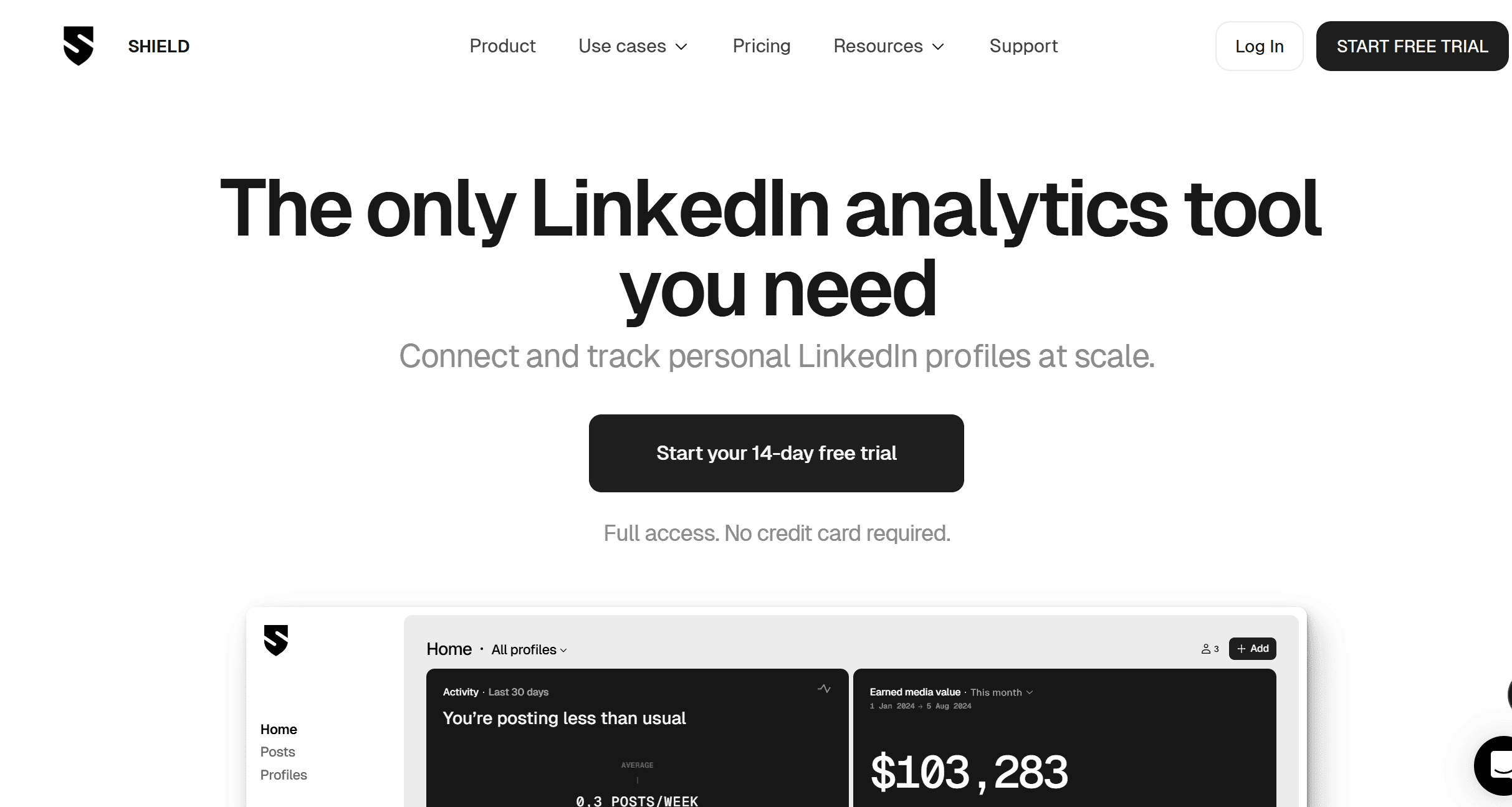
Overview
Shield gives creators clarity. Post analytics, audience growth, and engagement metrics in one clean interface.
Key Features
- Post metrics
- Audience dashboards
- Engagement breakdown
- Export reports
Pros and Cons
| Pros | Cons |
|---|---|
| Creator-focused | No outreach features |
| Clean dashboards | Adds cost to base LinkedIn |
| Easy trend spotting | Less team support |
Pricing
From $8/month.
Hootsuite Insights
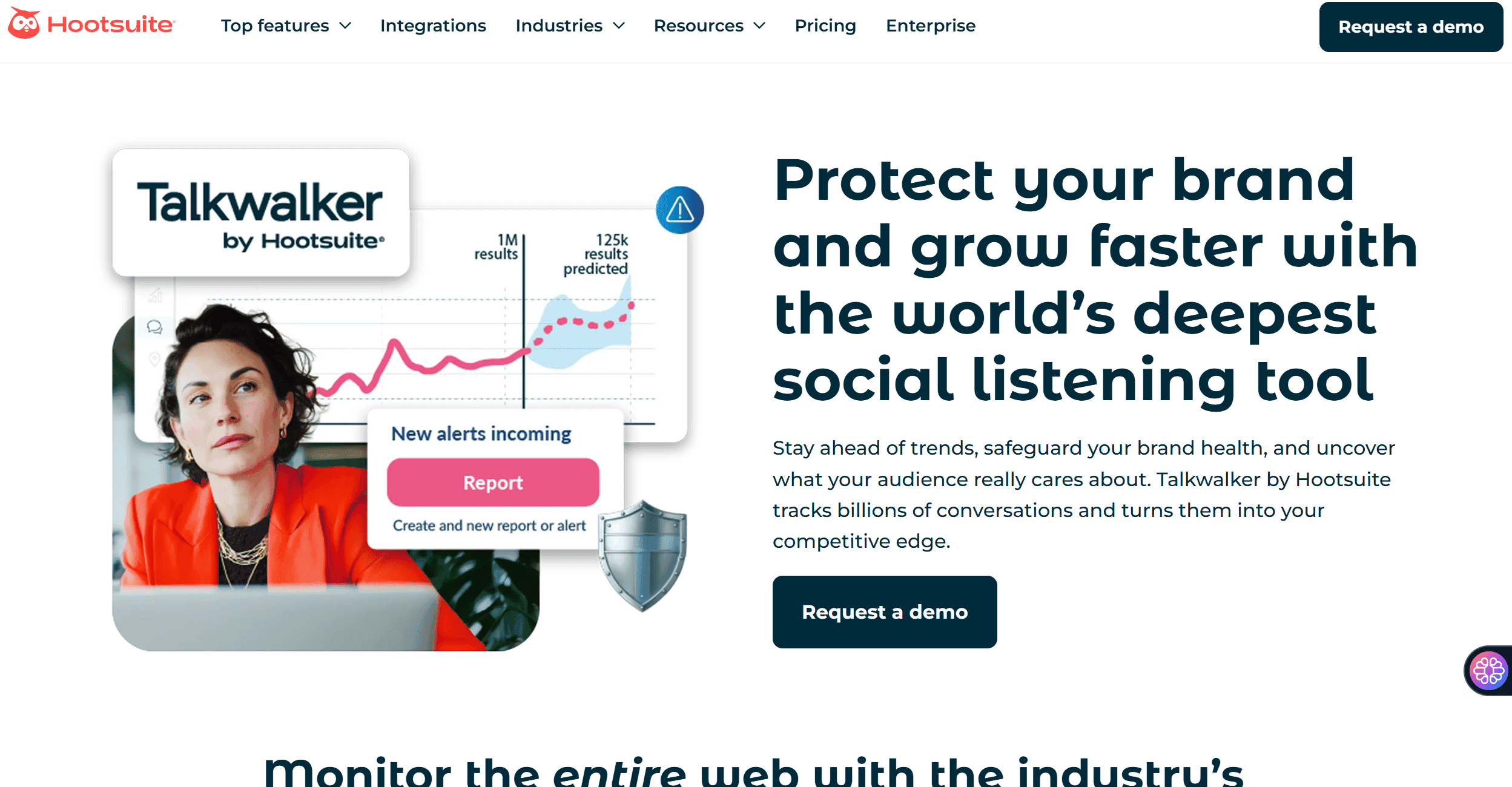
Overview
Hootsuite brings LinkedIn reporting inside its suite. Built for enterprises running multi-network campaigns.
Key Features
- Multi-network dashboards
- Scheduling
- Social listening
- Team reporting
Pros and Cons
| Pros | Cons |
|---|---|
| Reliable enterprise tool | Expensive for LinkedIn-only |
| Good for cross-platform | Bulky for creators |
| Established | Not LinkedIn-first |
Pricing
From $99/month.
Socialinsider
Overview
Socialinsider benchmarks LinkedIn accounts. Agencies use it for competitive reporting.
Key Features
- Competitor analytics
- Benchmarking dashboards
- Client-ready reports
- Multi-account support
Pros and Cons
| Pros | Cons |
|---|---|
| Strong competitor data | Pricey for individuals |
| White-label reporting | No engagement tools |
| Agency-friendly | Learning curve |
Pricing
From $99/month.
Outreach, Personalization & Lead Generation
OutXAI
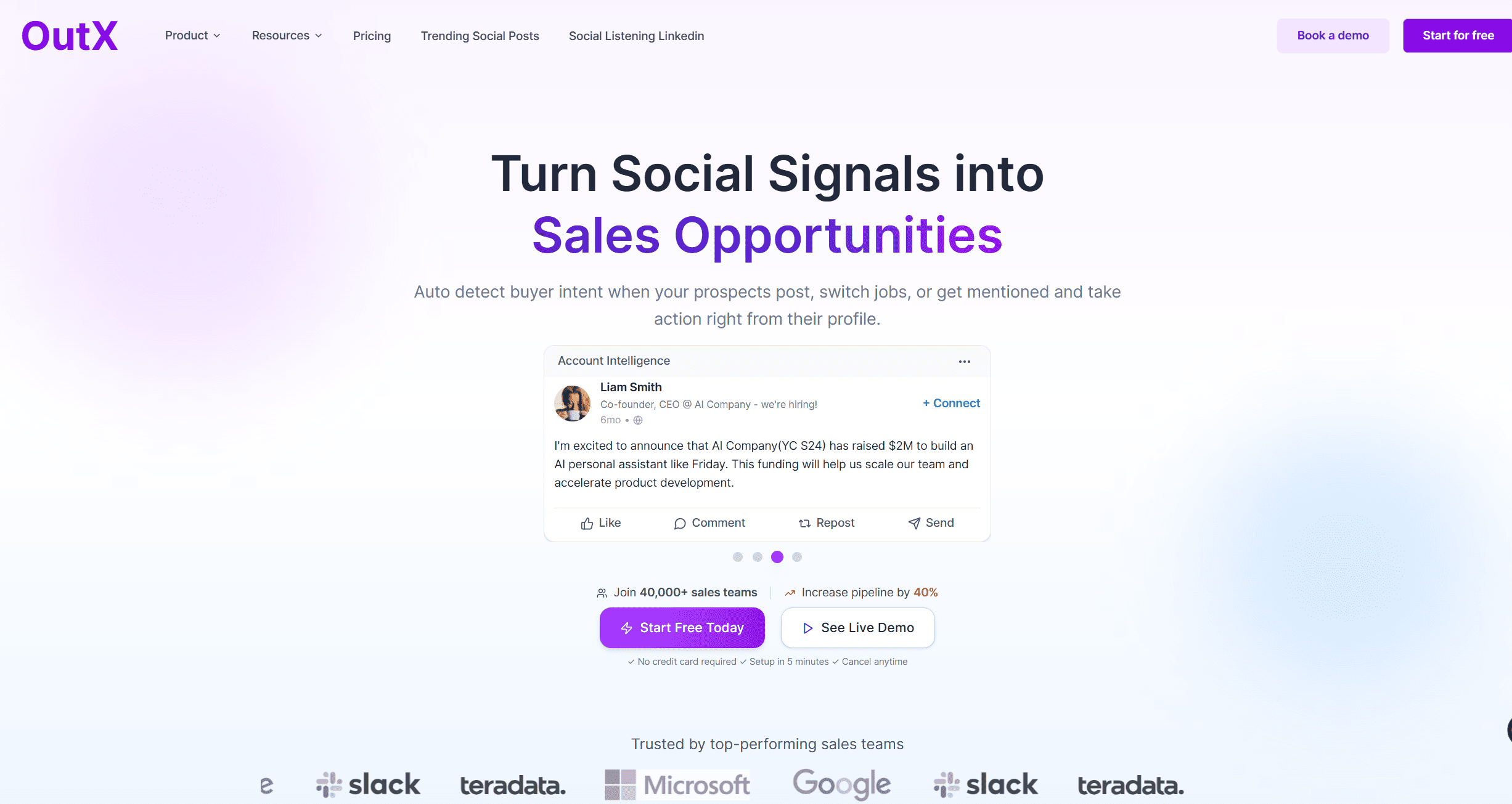
Overview
OutXAI’s LinkedIn Cold Outreach personalizes engagement safely. It automates comments, manages follow-ups, and syncs CRM without breaking LinkedIn rules.
Key Features
- Safe outreach automation
- AI-personalized engagement
- CRM sync
- Guardrails to stay ToS-safe
Pros and Cons
| Pros | Cons |
|---|---|
| ToS-compliant | Not as aggressive as others |
| CRM pipeline view | Premium cost |
| Human-like personalization | Campaign setup learning |
Pricing
Starts $49/month.
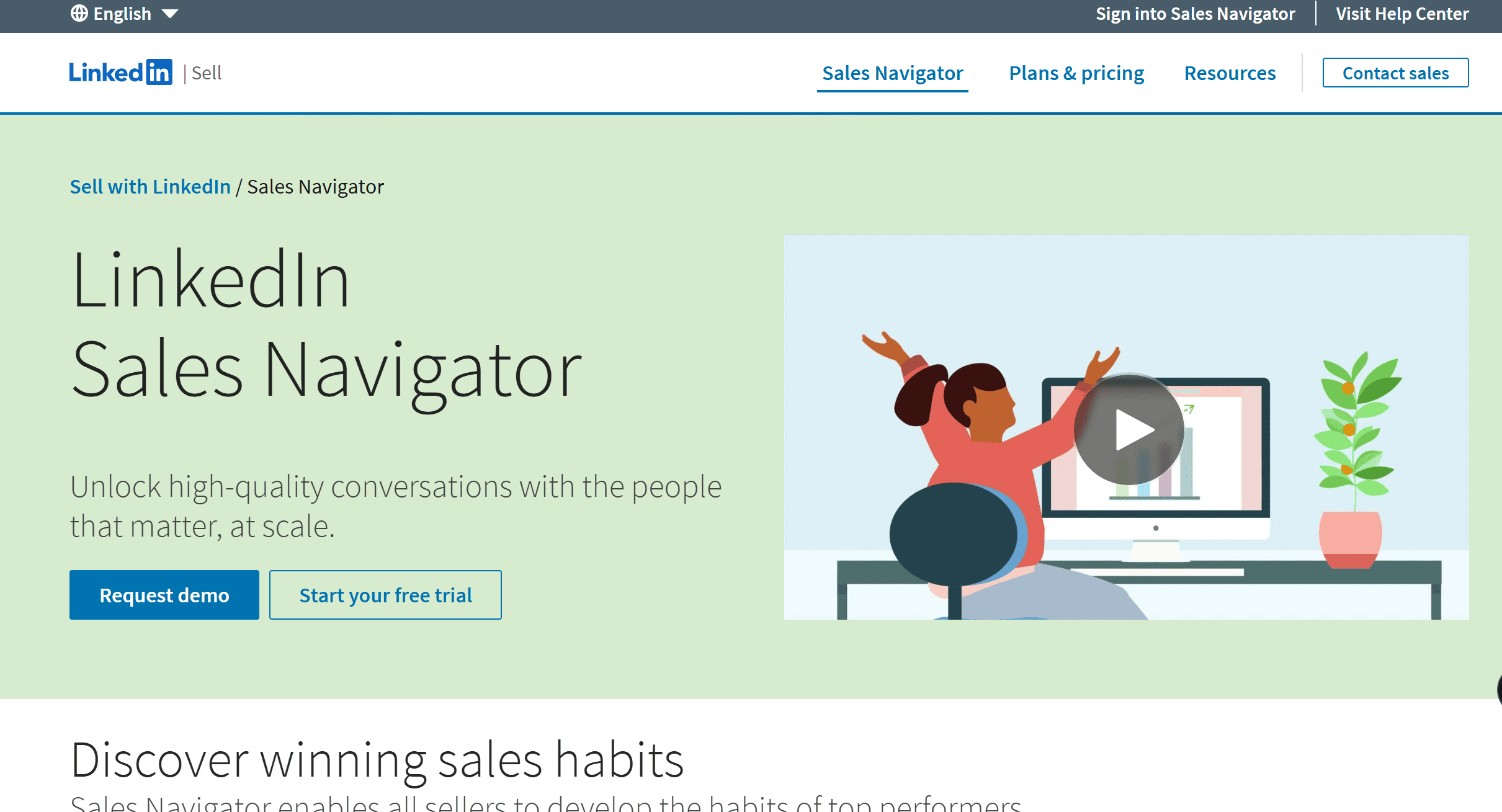
LinkedIn Sales Navigator
Overview
LinkedIn’s official lead gen tool. Best for advanced search and prospect tracking.
Key Features
- Advanced search
- Lead lists
- Intent signals
- InMail credits
Pros and Cons
| Pros | Cons |
|---|---|
| Native to LinkedIn | Expensive |
| Best filters | Only for prospecting |
| Intent data | Steep learning curve |
Pricing
From $99/month.
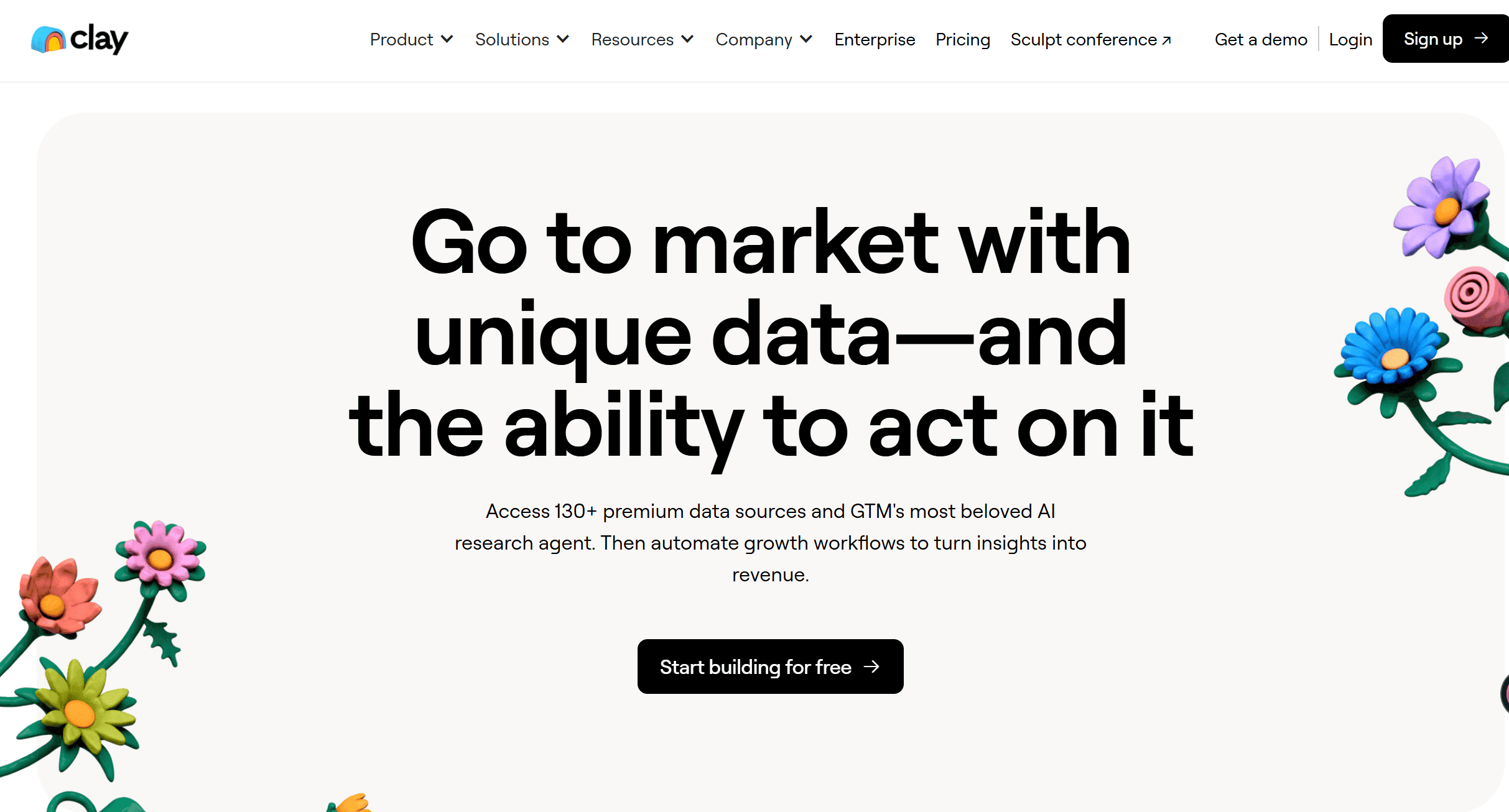
Clay
Overview
Clay enriches contact data and personalizes outreach at scale. Data-driven personalization.
Key Features
- 50+ enrichment sources
- AI-crafted messages
- CRM integrations
- Automated workflows
Pros and Cons
| Pros | Cons |
|---|---|
| Rich data coverage | Technical setup needed |
| Hyper-personalization | Expensive |
| Automates at scale | Risk of over-automation |
Pricing
From $149/month.
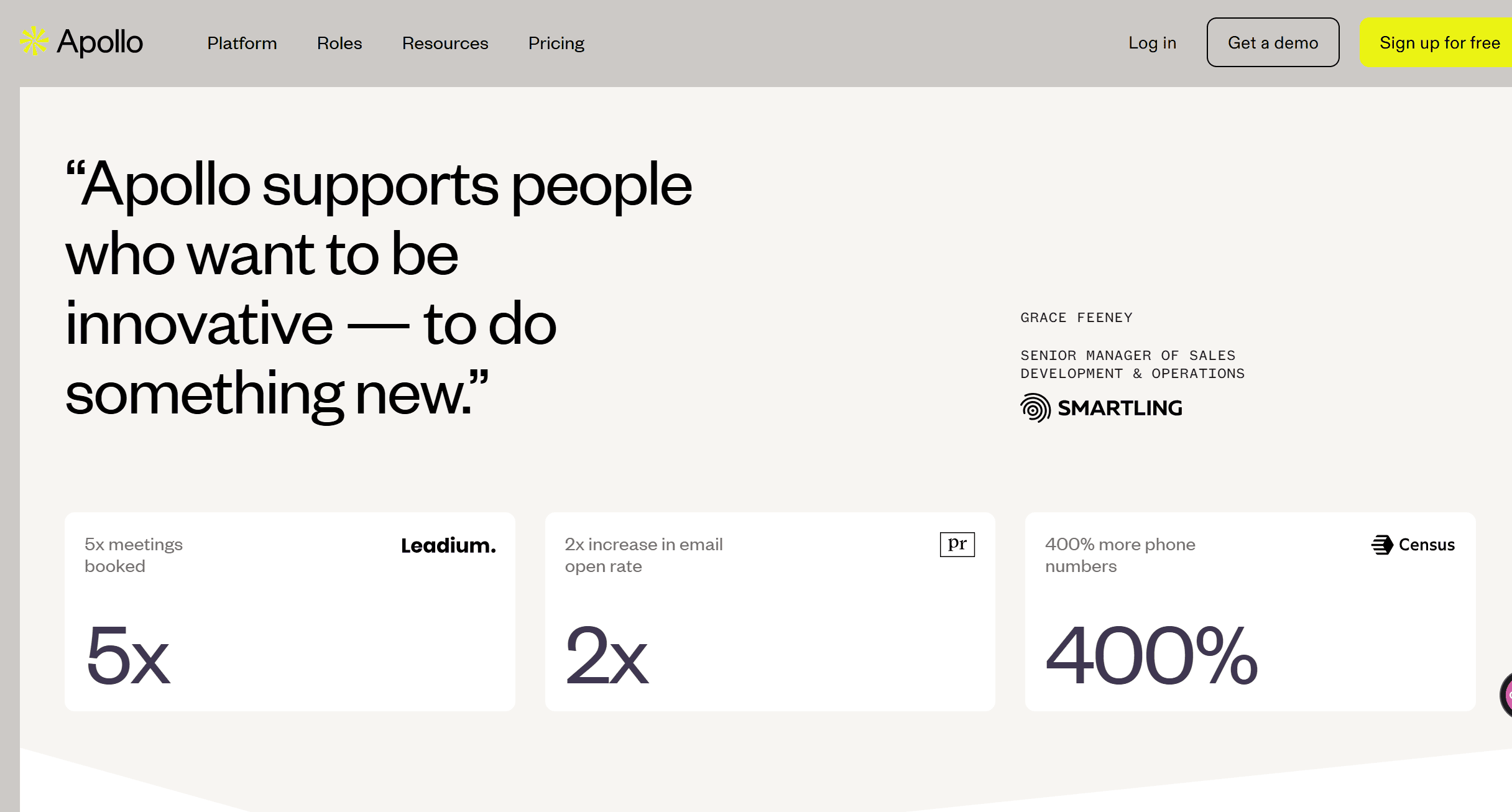
Apollo.io
Overview
Apollo.io mixes data, email, and LinkedIn workflows. Great for hybrid sales.
Key Features
- Huge B2B contact database
- Email + LinkedIn sequencing
- Data enrichment
- CRM sync
Pros and Cons
| Pros | Cons |
|---|---|
| Large dataset | Email focus dominates |
| Affordable | Compliance risk if misused |
| LinkedIn + email workflows | Not LinkedIn-only |
Pricing
Free tier, paid from $49/month.
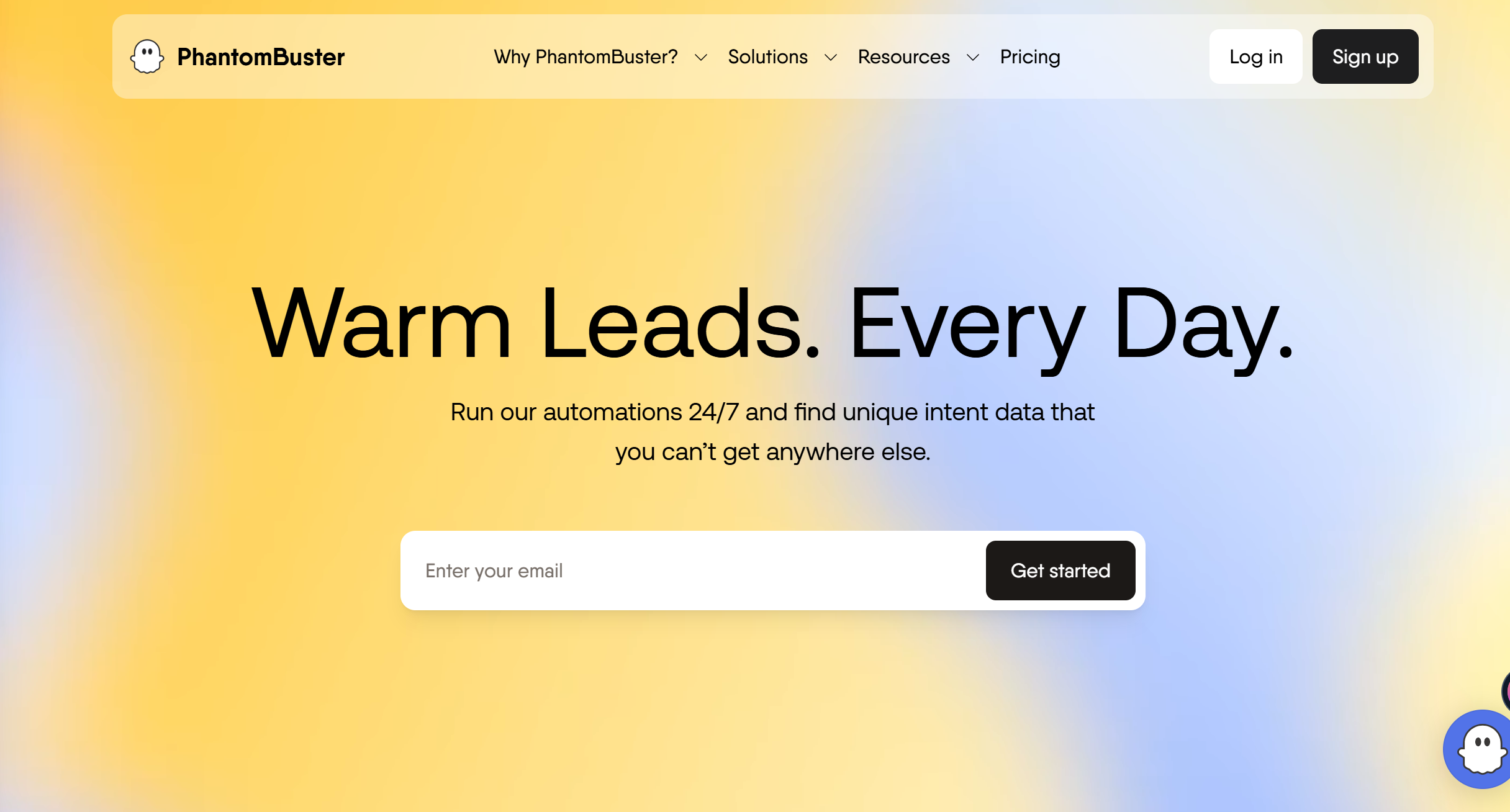
PhantomBuster
Overview
PhantomBuster runs LinkedIn automations and scrapers. Extremely flexible but risky.
Key Features
- 100+ automation templates
- LinkedIn scrapers
- API for devs
- Campaign automations
Pros and Cons
| Pros | Cons |
|---|---|
| Very flexible | Risk of LinkedIn bans |
| Developer-friendly | Hard for beginners |
| Many automations | Needs discipline |
Pricing
From $59/month.
Expandi
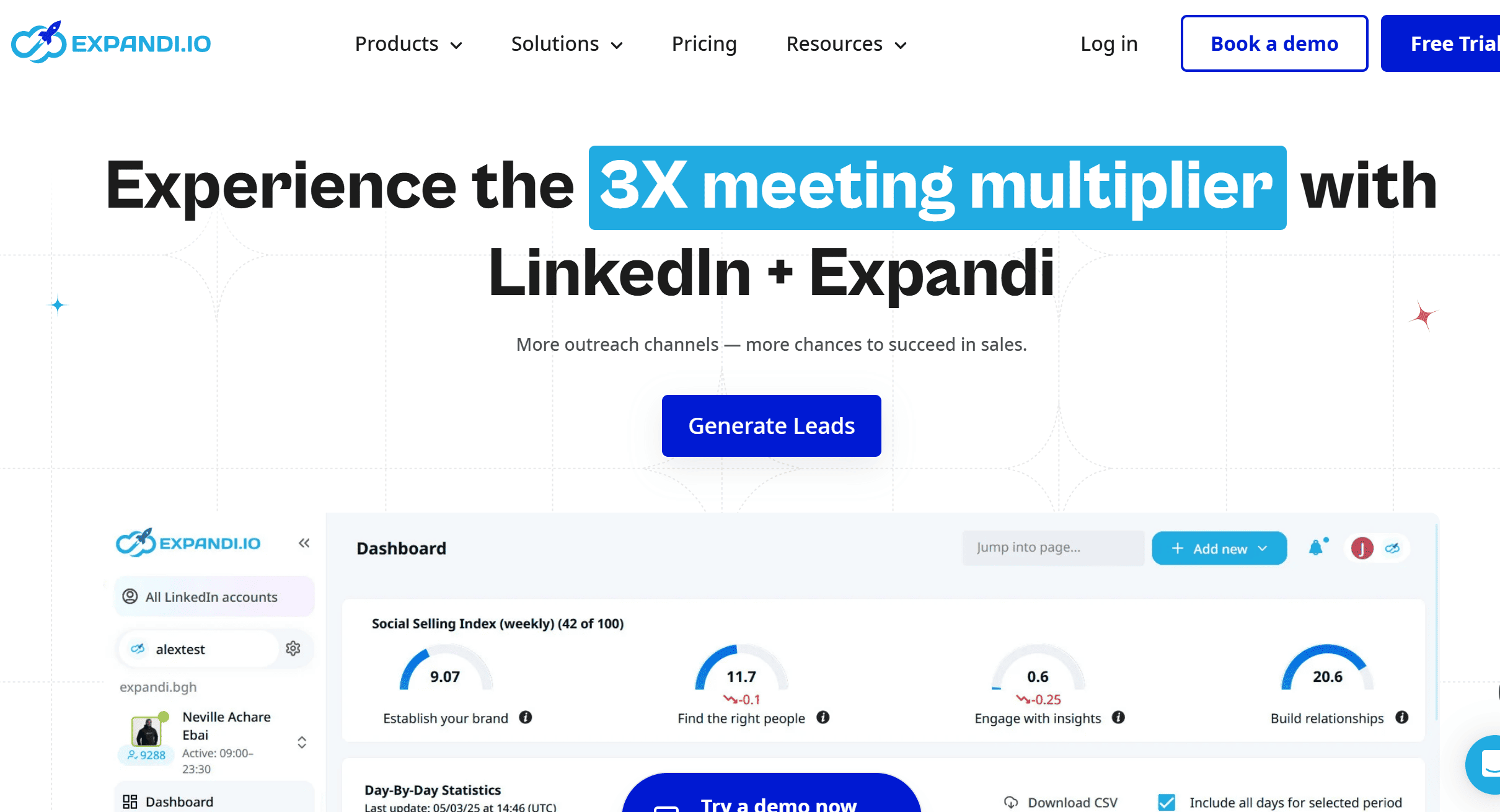
Overview
Expandi runs LinkedIn campaigns with built-in safety. Focused on outreach at scale.
Key Features
- Outreach campaign builder
- Account warmup
- Randomized actions
- Reporting
Pros and Cons
| Pros | Cons |
|---|---|
| Safer automation | Still ToS gray zone |
| Campaign automation | Pricey for solo use |
| Dashboards included | Limited outside LinkedIn |
Pricing
$99/month.
HeyReach
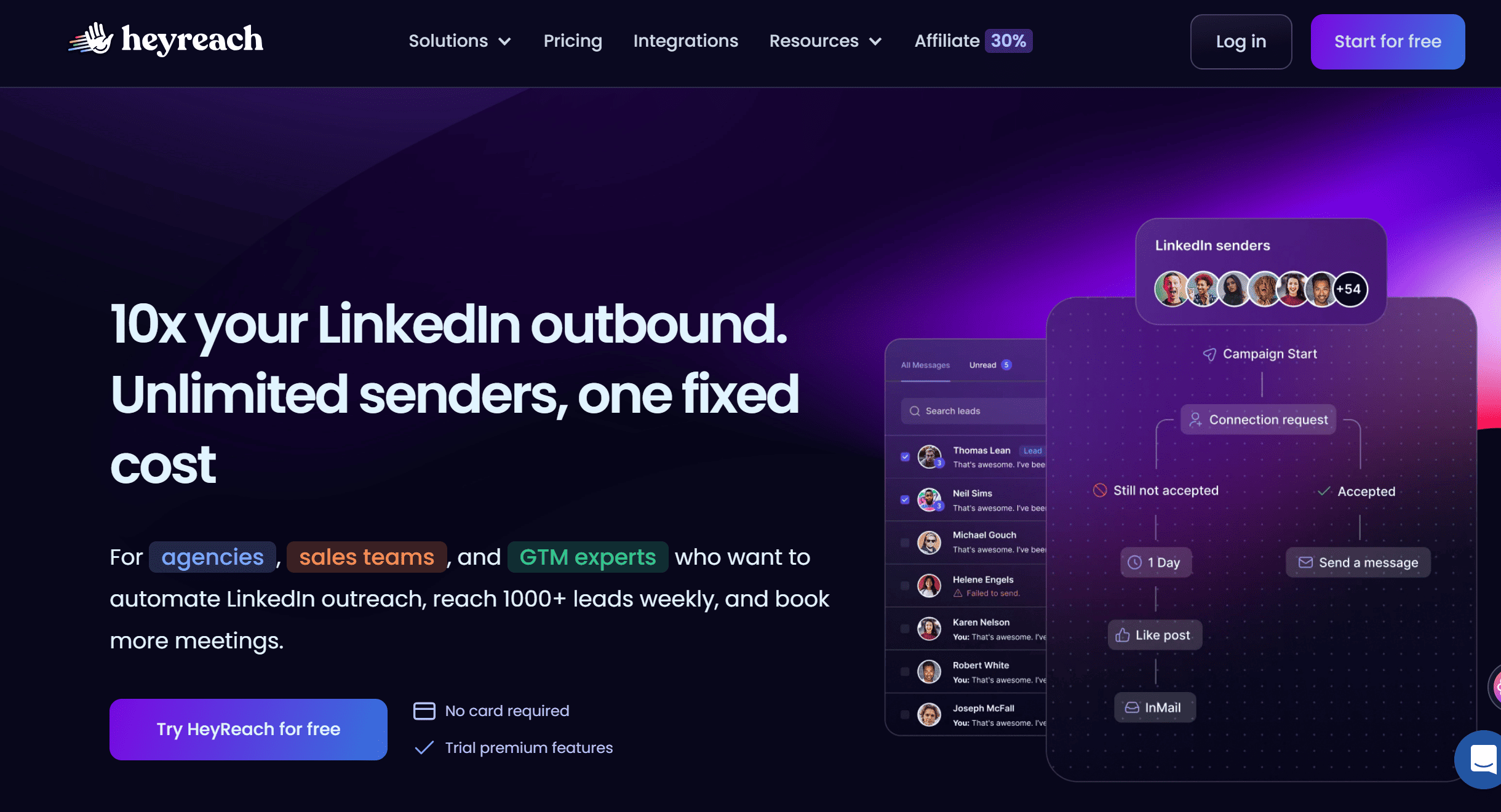
Overview
HeyReach combines outreach campaigns with a smart inbox. Made for teams.
Key Features
- Campaign automation
- AI icebreakers
- Team inbox
- Multi-account support
Pros and Cons
| Pros | Cons |
|---|---|
| Scales outreach for teams | Risky if abused |
| Inbox + campaigns in one | Expensive for solos |
| AI icebreakers | Setup complexity |
Pricing
From $129/month.
High-Risk Automation Tools (Use with Caution)
Dux-Soup
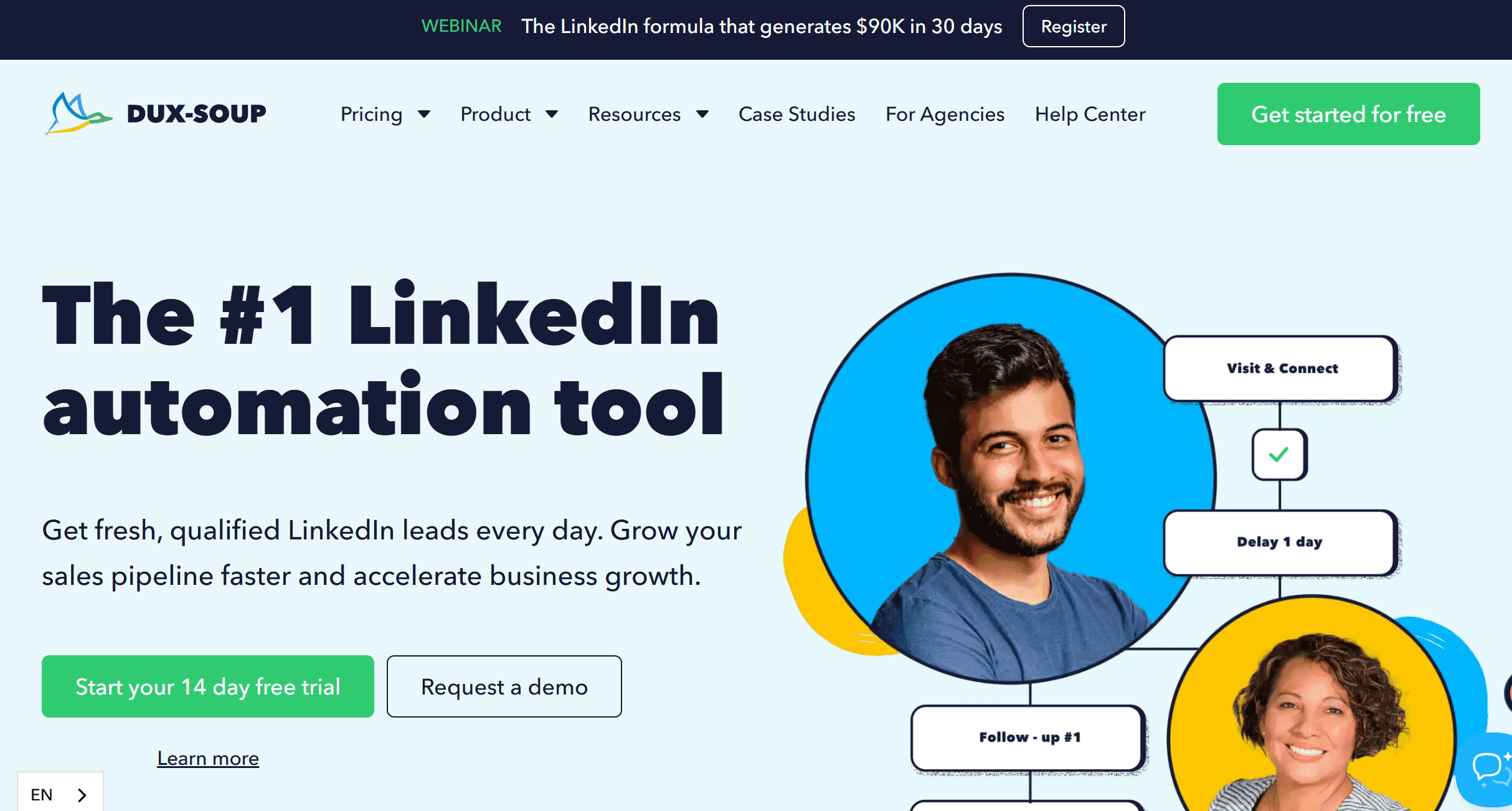
Overview
Dux-Soup automates LinkedIn outreach at scale. Powerful but risky for bans.
Features: Auto-connects, profile visits, drip campaigns.
Pros/Cons: Flexible campaigns | High ban risk.
Pricing: From $15/month.
Zopto
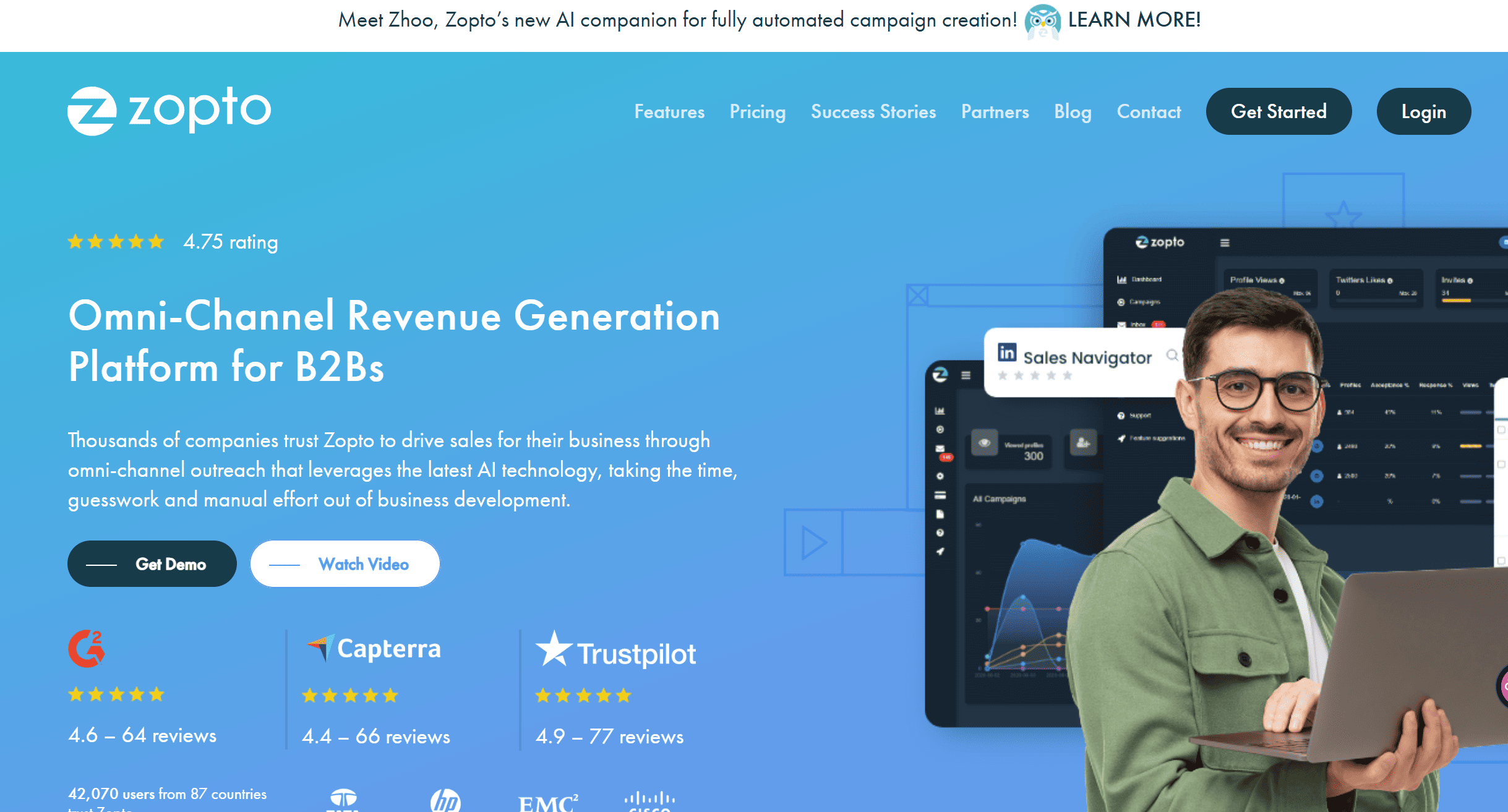
Overview
Zopto targets lead gen agencies. Heavy campaign automation.
Features: Multi-account, auto-messaging, filters.
Pros/Cons: Scale campaigns | High LinkedIn risk.
Pricing: From $215/month.
Octopus CRM

Overview
Octopus CRM is a campaign tool for individuals. Easier to start with.
Features: Auto-invites, message sequences, tagging.
Pros/Cons: Simple to use | Still risky.
Pricing: From $6.99/month.
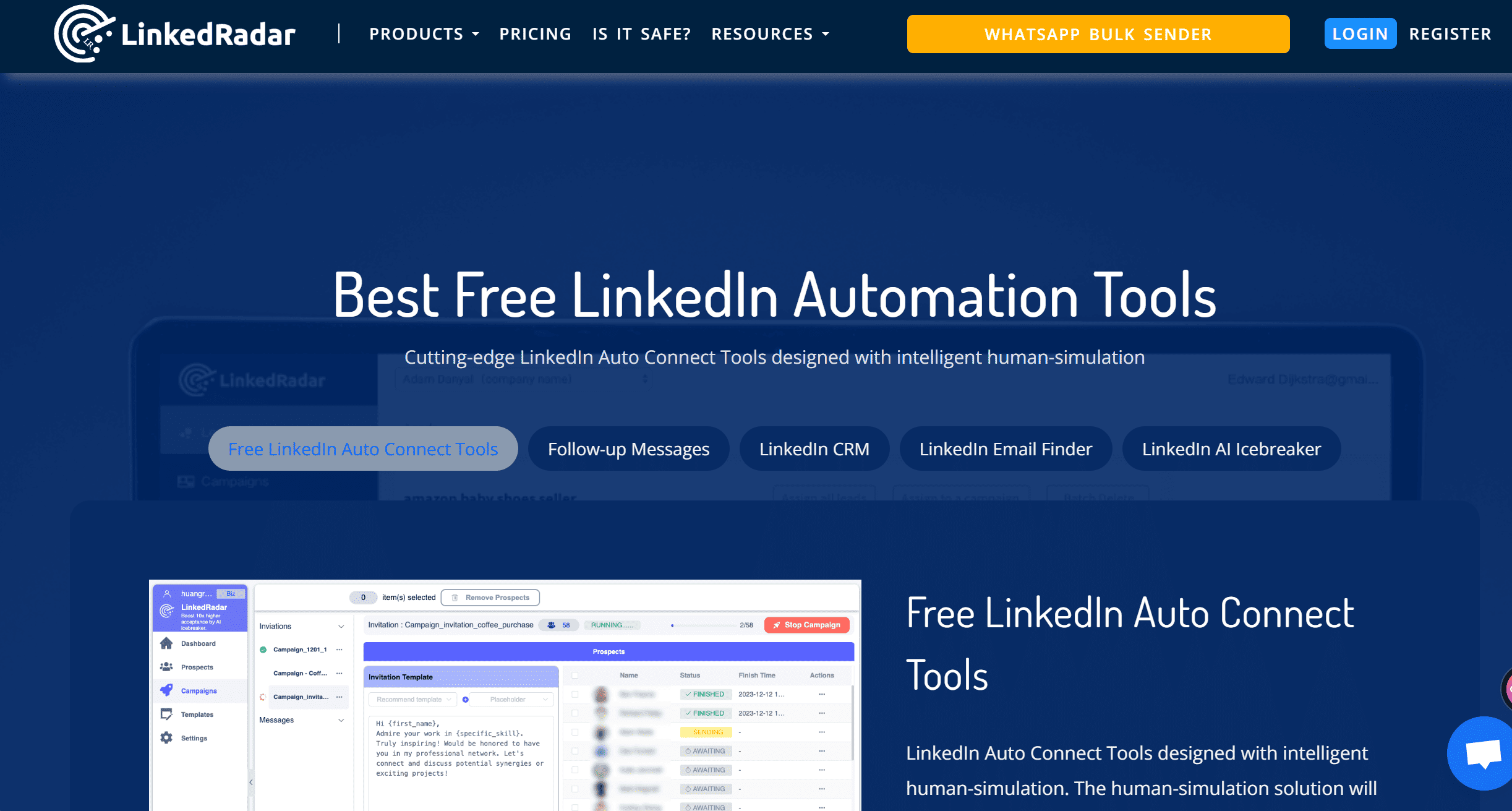
LinkedRadar
Overview
LinkedRadar runs scheduled outreach campaigns. Similar to Octopus.
Features: Auto-connects, message drips, campaign analytics.
Pros/Cons: Budget friendly | Still unsafe.
Pricing: From $19/month.
Profile Optimization & Job Search
OutXAI
Overview
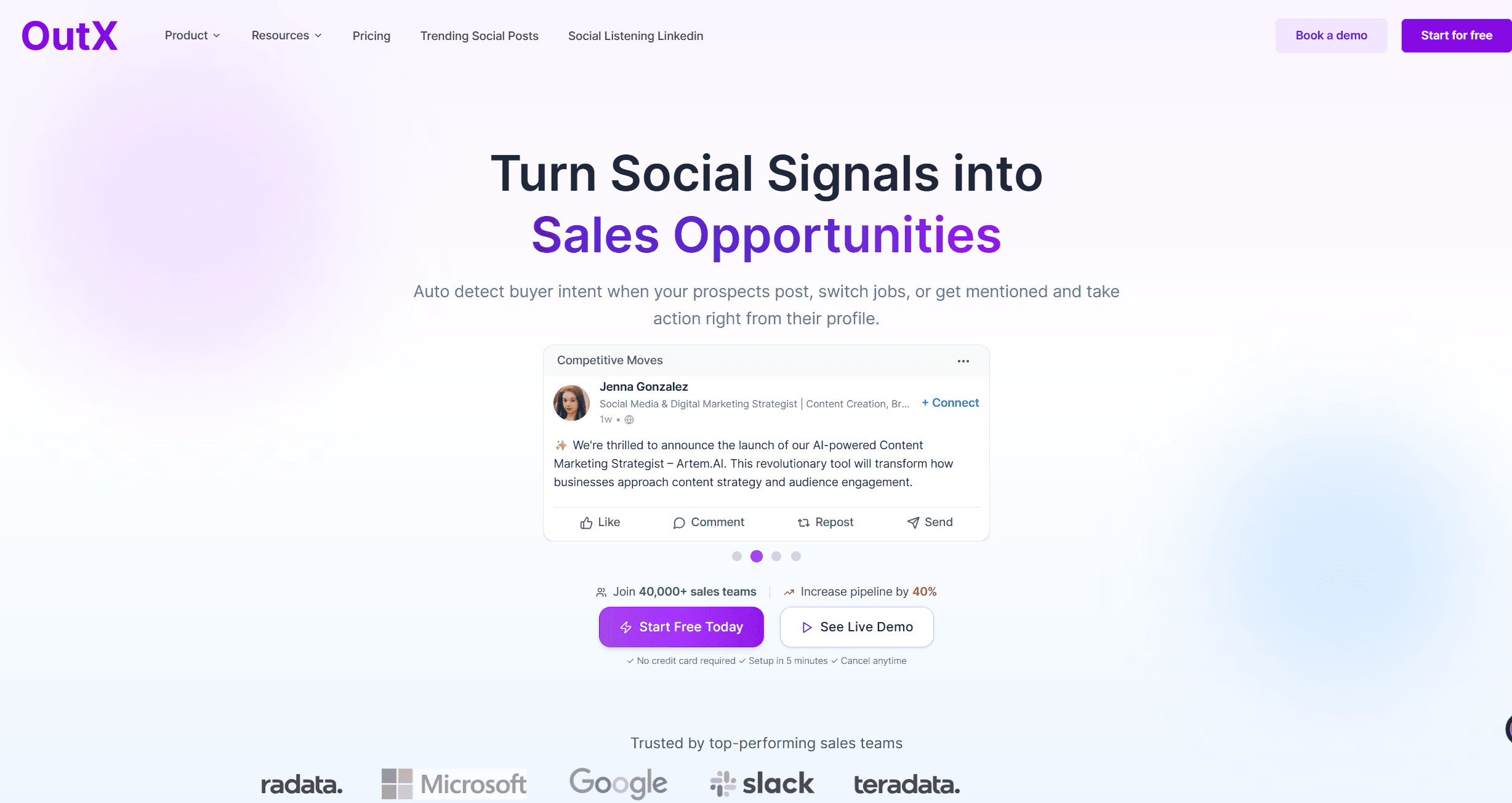
OutXAI’s Profile optimizer audits your LinkedIn presence. Shows gaps and suggests fixes.
Key Features
- Profile score insights
- Post + visibility checks
- Optimization suggestions
- Auto-engagement
Pros and Cons
| Pros | Cons |
|---|---|
| Free tools included | Deeper analysis in paid |
| LinkedIn-specific | Not ATS-focused |
| Great for job seekers + sellers | Broader scope |
Pricing
Free tools, paid from $49/month.
Teal / Jobscan
Overview
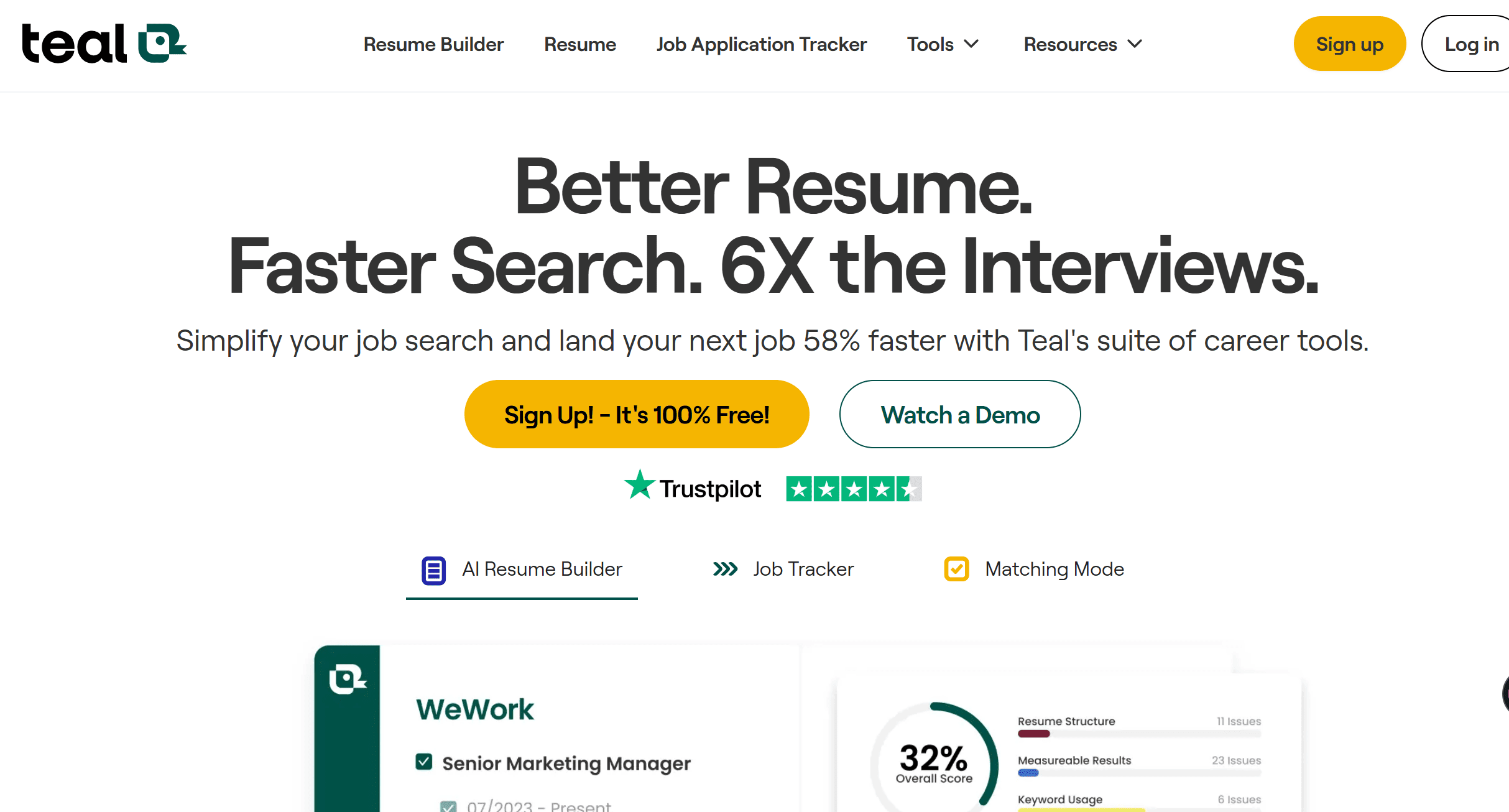
Teal and Jobscan match resumes to job postings. Improve keyword fit and visibility.
Key Features
- Resume match scoring
- Keyword recommendations
- Job tracker dashboard
Pros and Cons
| Pros | Cons |
|---|---|
| Strong ATS support | Not LinkedIn-first |
| Clear scoring | Subscription adds up |
| Saves time tailoring | Career focus only |
Pricing
Premium $29–$49/month.
Headshot Generators
OutXAI
Overview
OutXAI’s Headshot Generator creates LinkedIn profile picture frames. Quick way to brand your existing photos.
Key Features
- Clean profile frames
- Campaign branding
- Simple export
Pros and Cons
| Pros | Cons |
|---|---|
| Free + instant | Doesn’t create new portraits |
| Good for campaigns | Limited customization |
Pricing
Free.
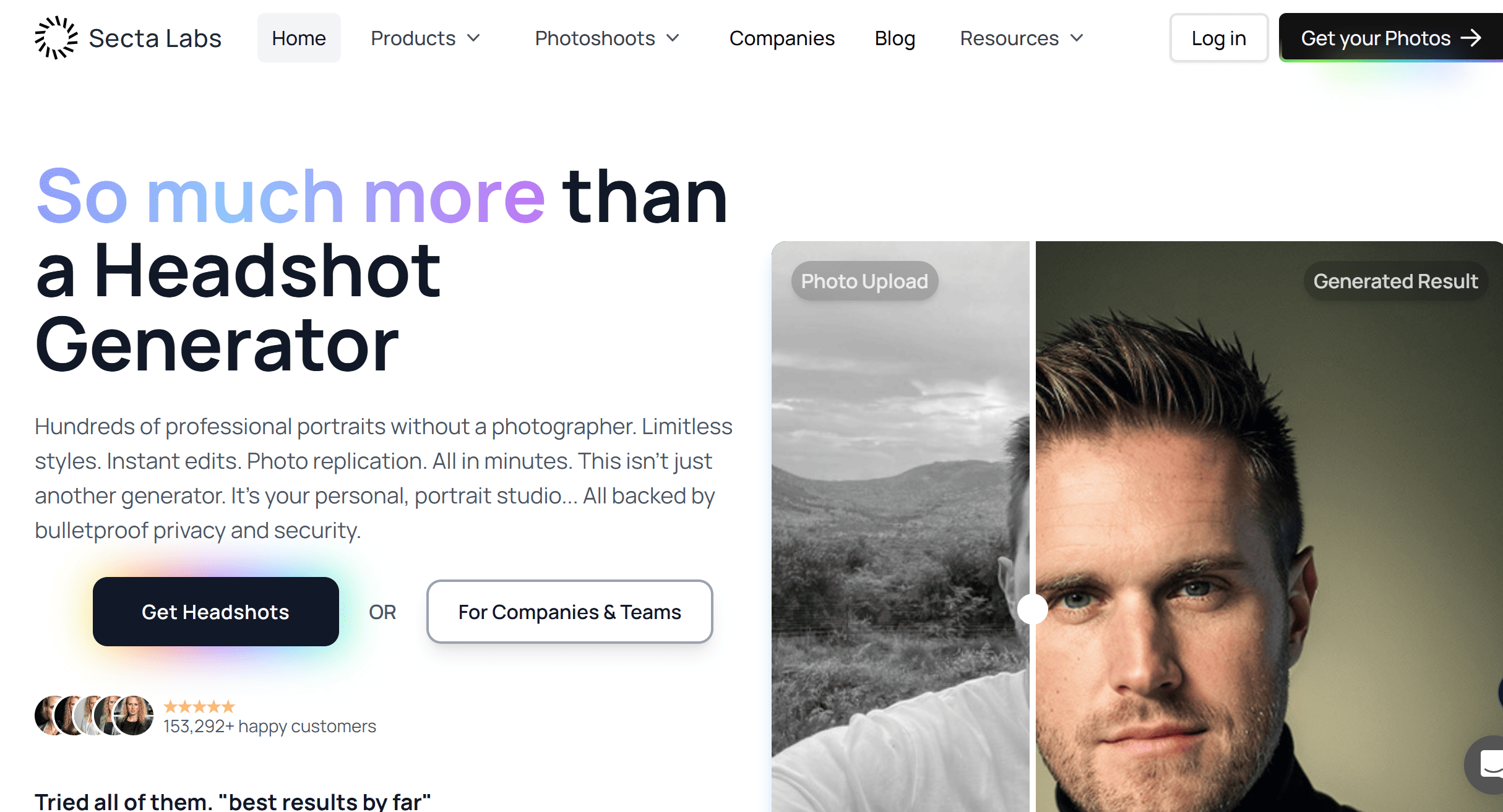
Secta AI
Overview
Secta AI builds AI headshots from selfies. Produces large sets.
Key Features
- 10 selfies in
- 100+ headshots out
- Multiple styles
Pros and Cons
| Pros | Cons |
|---|---|
| Studio-like quality | Needs lots of selfies |
| Bulk output | Paid service |
Pricing
From $29 one-time.
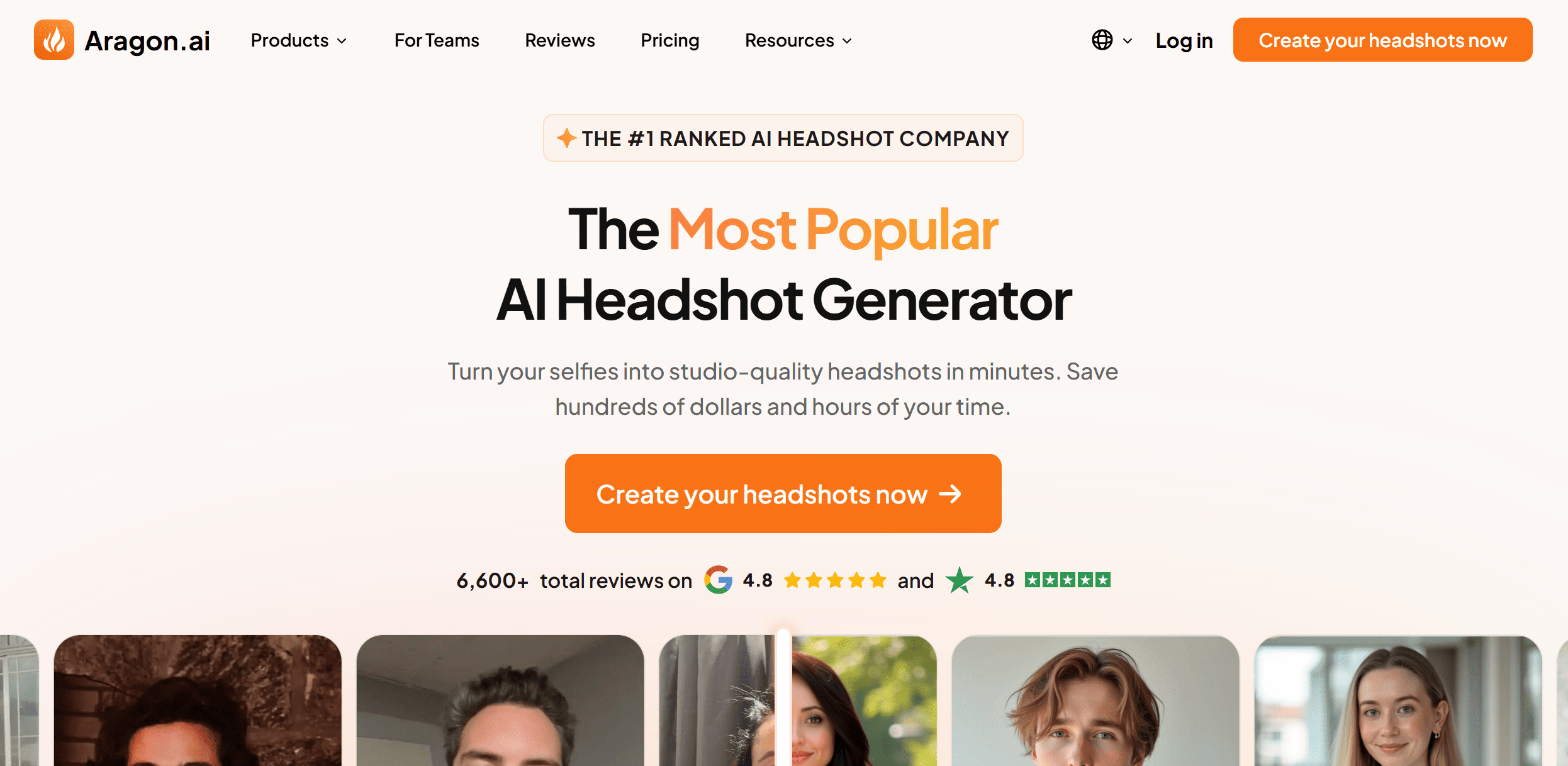
Aragon AI
Overview
Aragon AI offers customizable AI portraits. Backgrounds, outfits, moods all editable.
Key Features
- Portrait generator
- Custom background + outfits
- Style variations
Pros and Cons
| Pros | Cons |
|---|---|
| High customization | More setup needed |
| Professional look | Pricier than others |
Pricing
From $39 one-time.
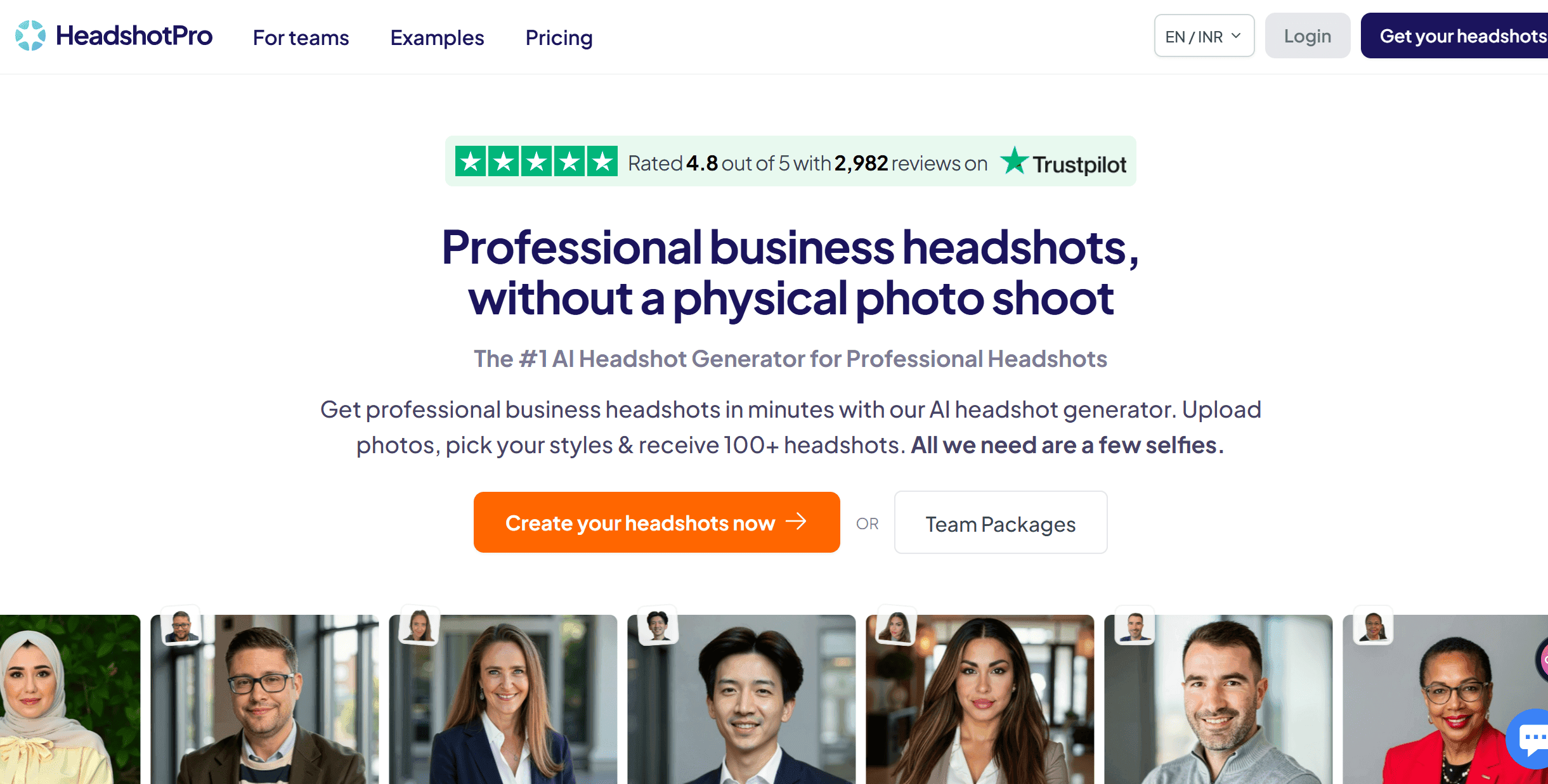
HeadshotPro / TryItOn
Overview
Affordable AI headshot options. Realistic results, budget friendly.
Key Features
- Fast headshot generation
- Professional styles
- Simple upload process
Pros and Cons
| Pros | Cons |
|---|---|
| Cheap | Fewer options |
| Fast delivery | Lower resolution at base tier |
Pricing
From $19 one-time.
Commenting Assistants & Inbox Copilots
OutXAI
Overview
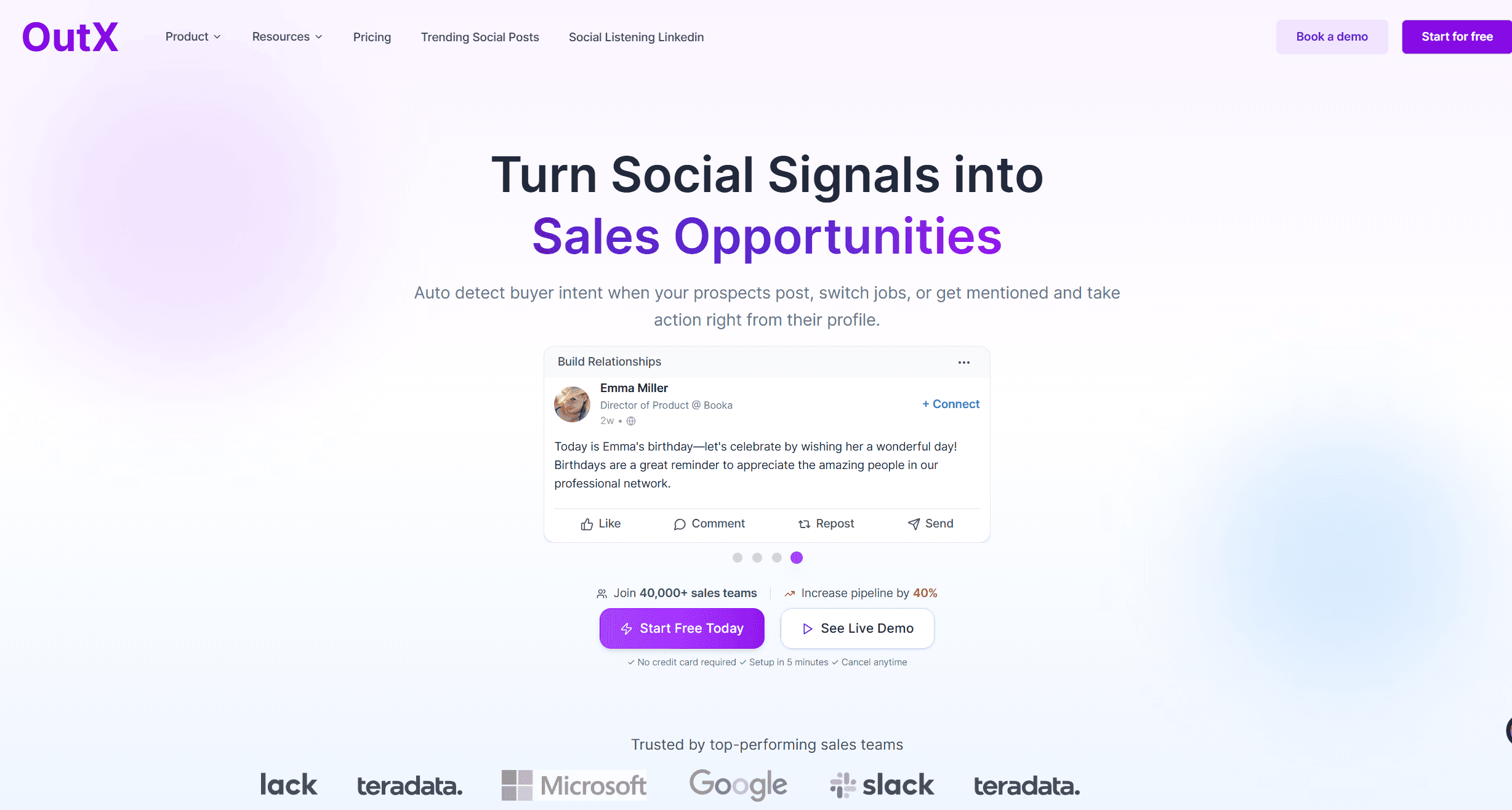
OutXAI’s Comment Generator auto-generates human-sounding comments and syncs inbox with CRM.
Key Features
- AI comments
- Auto-likes
- CRM inbox sync
- Daily visibility
Pros and Cons
| Pros | Cons |
|---|---|
| Human-like tone | Higher tiers needed for CRM |
| Inbox sync powerful | Premium price |
| Consistent visibility | Needs setup |
Pricing
From $49/month.
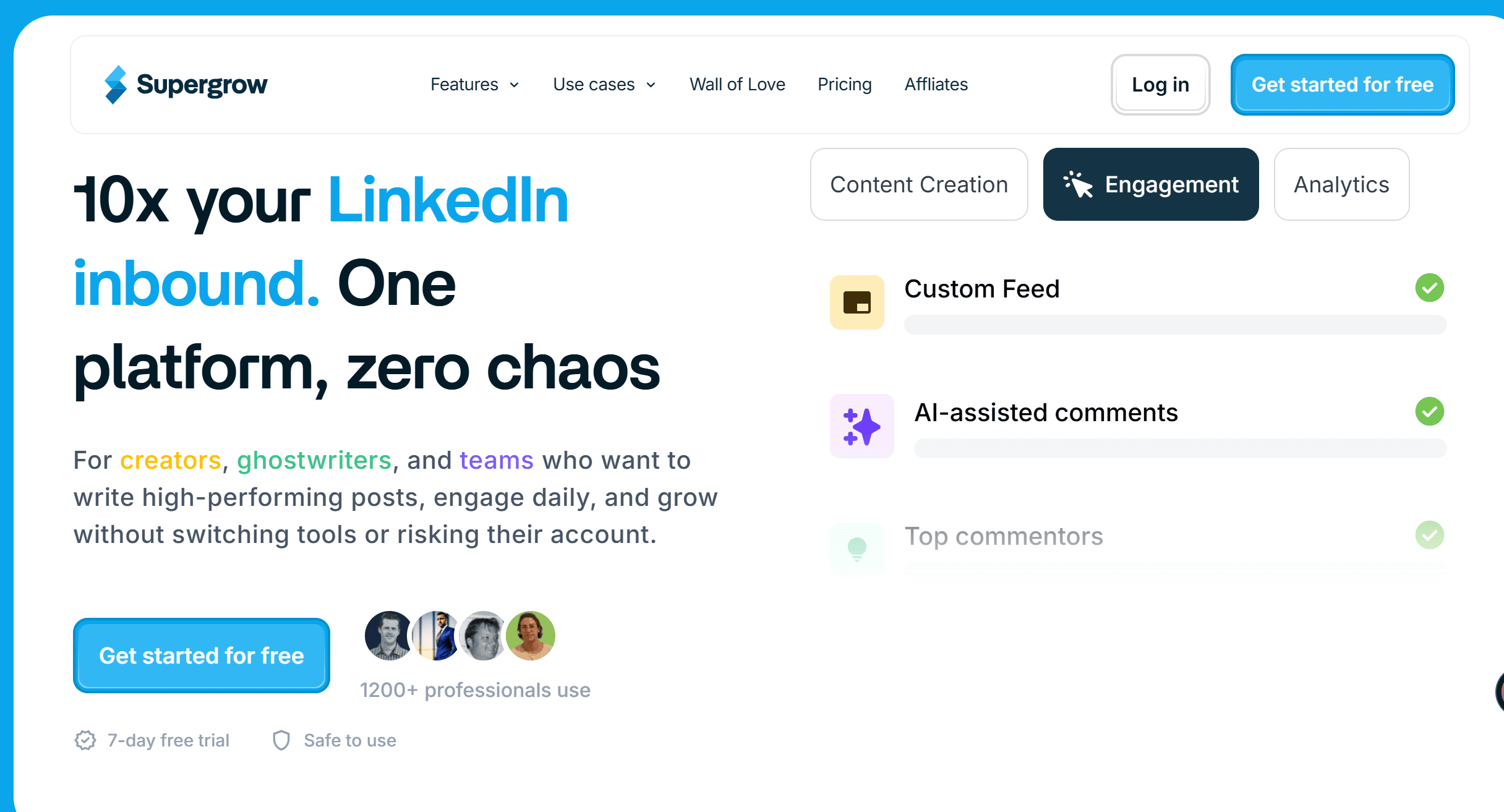
Supergrow
Overview
Supergrow keeps you consistent with comments and post ideas.
Key Features
- AI comment generator
- Content ideas
- Engagement reminders
Pros and Cons
| Pros | Cons |
|---|---|
| Simple to use | No CRM sync |
| Affordable | Limited analytics |
| Keeps you active | Not LinkedIn-first |
Pricing
From $29/month.
Copilotly
Overview
Copilotly is a lightweight assistant for replies and comments.
Key Features
- Quick replies
- Inbox help
- Comment drafting
Pros and Cons
| Pros | Cons |
|---|---|
| Easy setup | Narrow features |
| Handles inbox stress | No team features |
| Cheap | No reporting |
Pricing
From $19/month.
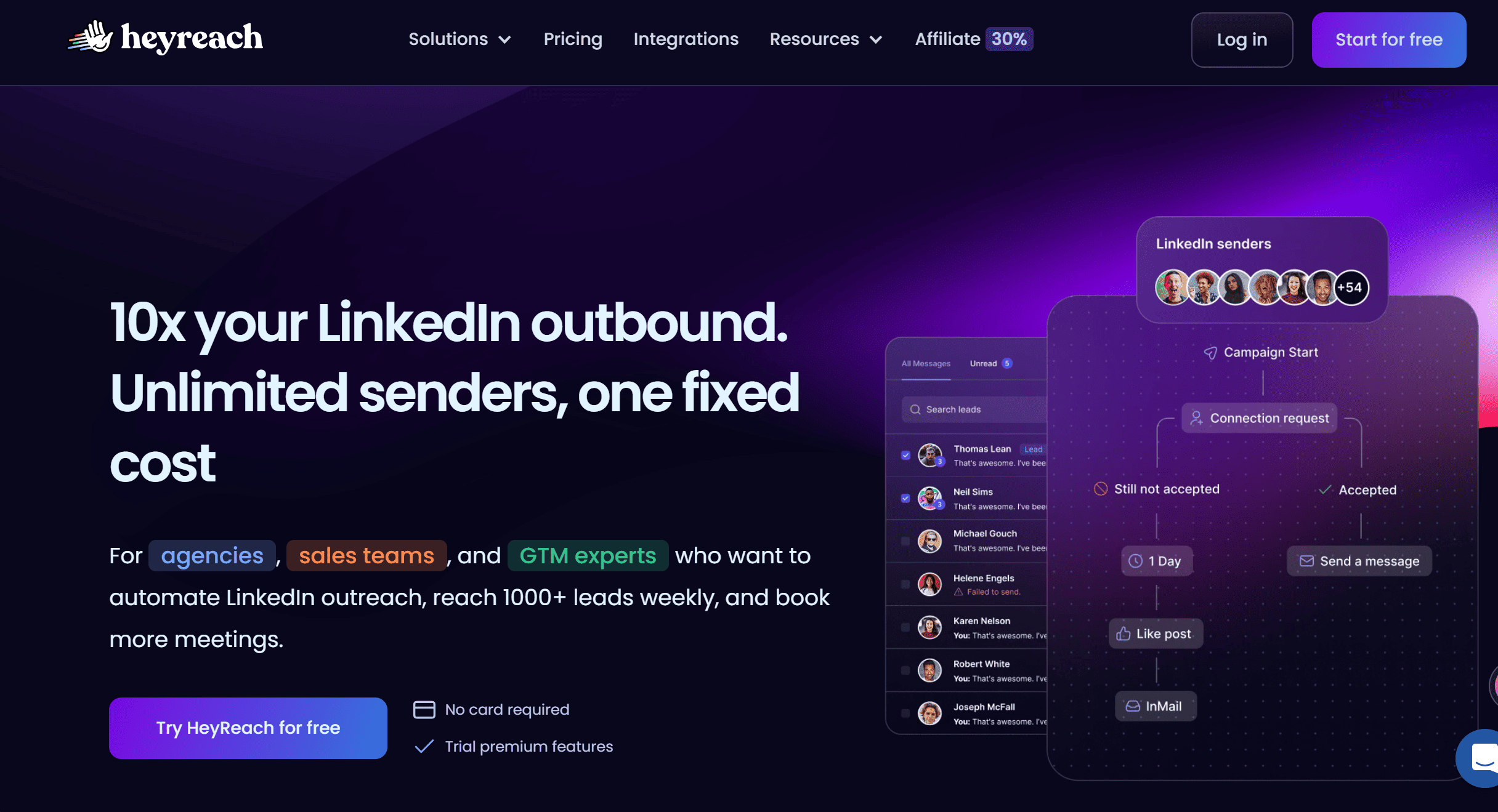
HeyReach
Overview
HeyReach doubles as a commenting tool via its smart inbox.
Key Features
- Smart inbox
- AI icebreakers
- Campaign support
Pros and Cons
| Pros | Cons |
|---|---|
| Inbox + campaigns | Expensive |
| AI icebreakers work well | More setup needed |
| Team workflows | Still automation-heavy |
Pricing
From $129/month.
What are LinkedIn AI tools? Core use cases and benefits
LinkedIn is a marketplace. A stage. A credibility engine.
AI makes it faster. Sharper. Scalable.
Let’s break it down by use case.
Content ideation, writing, repurposing, and formatting
Blank page syndrome? Gone.
AI tools now spark hooks. Draft posts. Reshape long articles into 220-character posts. Even strip jargon into clear, human-sounding copy.
Benefits:
- Save hours on writing
- Maintain consistent posting rhythm
- Repurpose a single idea into 5 formats
The catch? You still need a human voice. AI drafts, you refine. That’s the winning combo.
Scheduling, publishing, and analytics insights
Posting once a week at random? Amateur move.
Smart AI schedulers spot when your audience is online. They publish. They analyze engagement. They tell you why a post flopped or why another one soared.
It’s like having a silent analyst. One that never sleeps.
You just feed it your content pipeline.
Result: sharper timing, higher reach, and actual feedback loops.
Outreach personalization, lead gen, and inbox assistance
AI tools scan profiles. Spot buying triggers. Draft outreach that doesn’t feel robotic.
Added bonus: inbox copilots now flag hot leads. Summarize threads. Suggest quick replies. Your prospecting time? Cut in half.
Profile optimization, resume tailoring, and job search
Your profile is the landing page and in 2025 AI can grades it. Suggests better headlines. Rewrites summaries.
Tailors experience blurbs to match job descriptions.
For job seekers: this is rocket fuel.
For founders: this means your “About” section finally says more than driven, passionate, results-oriented.
Visuals, video clips, carousels, and headshots
Words are half the game. Visuals win the scroll.
AI can now:
- Generate branded carousels in minutes
- Clip a 45-min webinar into 4 viral shorts
- Polish a headshot that looks professional, not like a blurry Zoom screenshot
It’s not vanity. It’s perception. And perception sells.
.png&w=3840&q=75)
Our testing methodology and selection criteria
Everyone says they “tested tools.” Few actually do. Here’s how we ran it.
Data sources, hands-on evaluations, and scoring
We didn’t rely on vendor claims.
We went hands-on. Used real LinkedIn accounts. Measured impact on reach, replies, and leads.
Scoring was weighted:
- Ease of use
- Output quality
- Measurable LinkedIn growth
No fluff. Just numbers.
Compliance with LinkedIn Terms of Service, safety, and reliability
Important note. LinkedIn bans aggressive automation.
So we cut tools that push spammy tactics.
The shortlist? Only tools playing inside the rules.
Safety > hacks. Because getting banned = game over.
Feature depth, integrations, pricing, support, and roadmap
Great tools evolve. Bad ones stall.
We looked at:
- How deep the feature set goes
- Whether integrations reduce friction (Zapier, HubSpot, Slack, etc.)
- Pricing that makes sense for solopreneurs and teams
- Customer support (do they respond, or ghost you?)
- Product roadmap (are they actually building, or stuck in 2023?)
This layered lens separated the hype toys from the keepers.
OutXAI’s testing methodology and selection criteria
Data sources, hands-on evaluations, and scoring
We combined three inputs:
- Direct testing publishing posts, editing carousels, running analytics.
- Creator interviews what real operators say after 6+ months of use.
- Market scans pricing, feature updates, and integrations.
Each tool was scored across performance, usability, and ROI.
Compliance with LinkedIn Terms of Service, safety, and reliability
Important: LinkedIn bans unsafe automation.
So every tool was filtered by:
- Whether it directly violates Terms of Service.
- Risk mitigation (e.g., limits, proxy safety).
- Transparency from the company.
Because burning your account for a few outreach messages? Dumb move.
Feature depth, integrations, pricing, support, and roadmap
The final lens:
- Depth: is it more than a shiny gimmick?
- Integrations: does it play nice with CRMs, schedulers, or analytics?
- Support: does the company actually answer you?
- Roadmap: do they ship, or just sell?
.png&w=3840&q=75)
Tool Comparisons and Decision Guide
By Goal: Personal Brand, Lead Generation, Hiring, or Job Search
- Personal Brand: You want reach, credibility, and a touch of thought-leader sparkle. Go heavy on analytics and scheduling tools like OutXAI + Shield.
- Lead Generation: You’re in sales mode. Think PhantomBuster for research, Clay for enrichment, and smart comment/like automation (yes, the gray-zone kind).
- Hiring: You’re fishing for talent. Mix LinkedIn Recruiter Lite with AI filters and a scheduling tool for faster candidate response.
- Job Search: You need polish + reach. AI profile optimizers, résumé tailoring tools, and even AI headshot generators now matter more than cover letters.
By Budget: Free, <$30, $30–$99, and $100+ per Month
- Free: LinkedIn’s native AI captions and scheduling + ChatGPT for prompts. Great to test the waters.
- <$30: Entry-level tools like Buffer or FeedHive basic scheduling, light analytics.
- $30–$99: OutXAI, Shield, and AI research tools. This is the “serious creator” zone.
- $100+: Full outbound automation stacks (Expandi, Dripify, Clay). The territory of agencies and SDR teams.
By Risk/Compliance: Native, Partner Integrations, and Gray-Zone Automation
- Native: Safe, ToS-approved (LinkedIn’s own AI and scheduling). Zero risk, but limited upside.
- Partner Integrations: Tools like Shield that play nice with APIs. Safe-ish.
- Gray-Zone Automation: Auto-DMs, scraping, auto-connectors. Huge upside, but one wrong setting and hello, account restriction.
OutXAI vs Shield vs Hootsuite: Analytics and Scheduling Tradeoffs
- OutXAI: King of creators. Templates, AI posts, content inspiration and affordable as well.
- Shield: Analytics powerhouse. SSI scores, post breakdowns, audience trends.
- Hootsuite: Solid if you manage multiple channels, but LinkedIn-specific features lag.
Verdict? Creators go OutXAI + Shield. Agencies juggling Twitter/LinkedIn/Instagram? Hootsuite.
.png&w=3840&q=75)
How to Build a Compliant LinkedIn AI Stack
What LinkedIn Allows: ToS Highlights and Safe Automation Principles
LinkedIn’s rules boil down to:
- Don’t mass-spam connects or DMs.
- Don’t pretend to be a robot.
- Don’t scrape at scale.
Translation? Stay human-like. Keep automation throttled.
Daily and Weekly Workflow Templates
- Creator: Draft posts → AI edit → Schedule → Comment 15 mins/day → Review analytics weekly.
- Sales: Research → Personalized AI snippets → Soft touch (like/comment) → DM follow-up next week.
- Recruiter: Shortlist candidates → AI personalize outreach → Schedule calls.
- Job Seeker: Weekly content post → Comment on hiring managers’ content → Follow-ups with warm intros.
Prompt Templates for Posts, Comments, and Outreach Messages
- Posts: “Write a 200-word LinkedIn post that explains [topic] with a hook, story, and CTA.”
- Comments: “Craft a thoughtful, 1-line comment that adds insight without sounding generic.”
- Outreach: “Write a 2-line intro referencing [shared context], then a question about [problem].”
.png&w=3840&q=75)
Setup and Quick-Start Checklists
Creators: From Ideation to Posting and Engagement Loops
- Use AI to brainstorm weekly themes.
- Batch-create posts with OutXAI.
- Schedule 3x per week.
- Spend 20 mins daily on comments.
Sales/SDRs: Research, Personalization, Soft Touch, and Follow-Ups
- Use OutXAI for lead lists.
- Generate AI snippets based on lead’s profile.
- Warm up with likes/comments.
- Drop a personalized DM after 3 touches.
Job Seekers: Profile Polish, Headshots, Resume Tailoring, Networking
- AI-optimize headline + about section.
- Generate AI headshots (yes, recruiters notice).
- Tailor résumé bullets per role with ChatGPT.
- Engage target companies’ content weekly.
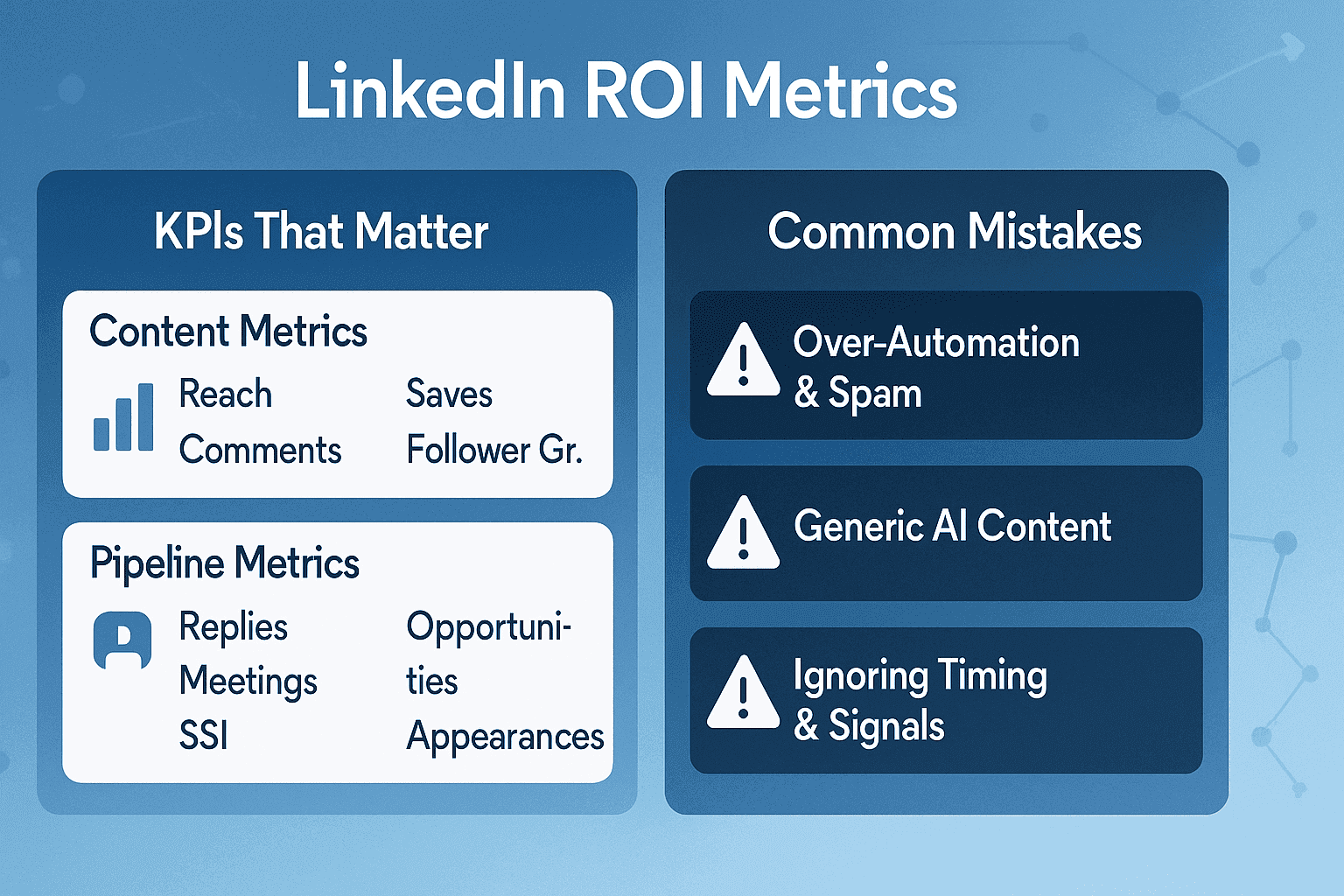
Measuring ROI: KPIs That Matter on LinkedIn
Content Metrics: Reach, Saves, Comments, Follower Growth
Your personal brand dashboard. If reach is flat, tweak hooks. If saves climb, you’re delivering value.
Pipeline Metrics: Replies, Meetings, Opportunities, Revenue
For sales teams, content reach is vanity. Pipeline is sanity. Track meetings booked per 100 outbound touches.
Profile Health: SSI, Profile Views, Search Appearances
Think of this as LinkedIn SEO. A higher SSI = more inbound discovery.
Conclusion: Why OutX.ai Is the Only LinkedIn AI Tool You Need
Most LinkedIn AI tools are single-trick ponies. One helps you draft content. Another does analytics. A third manages outreach.
Before you know it, you’re juggling six dashboards, paying six subscriptions, and still guessing which one actually drives pipeline.
That’s why I doubled down on OutXAI.
OutXAI is a LinkedIn-first growth engine. Built for one platform. Designed for one goal: turning your LinkedIn presence into revenue.
Instead of taping a stack together, OutXAI gives you a cockpit:
- Content engine that sparks ideas, drafts posts, and optimizes them with algorithm-driven insights.
- Engagement autopilot that drops context-aware likes and comments, keeping you visible without looking like a bot. Learn how to set up auto-engagement rules in the OutX documentation.
- Inbox + CRM sync that transforms casual conversations into actual pipeline.
- Profile optimization that shows you where you’re leaking attention and how to fix it.
The difference? It’s all in one place. You’re not managing chaos. You’re running a system.
OutXAI respects LinkedIn’s rules. Limits prevent you from tripping into “LinkedIn jail.” It’s automation without the anxiety.
Next Steps
If you’re a founder, creator, or sales pro in 2025, LinkedIn is your most valuable stage. OutXAI helps you show up daily, consistently, and authentically without burning hours or risking your account.
Forget the hype toys. Forget the gray-zone hacks.
The stack you’re looking for? It’s already here.
It’s called OutXAI.
Explore the full OutX API documentation to integrate LinkedIn social listening into your stack.
Because in a world where attention is currency, the person who shows up consistently, with the right message, wins. OutXAI makes sure that person is you.
FAQs About LinkedIn AI Tools
Does AI-Generated Content Hurt Reach on LinkedIn?
No. Bad content hurts reach. If your AI post gets engagement, the algo doesn’t care.
Will Outreach Automation Get My Account Restricted?
If you’re reckless, yes. Keep under 50 DMs/day. Rotate templates. Stay human.
Are LinkedIn’s Built-In AI Tools Enough for Most Users?
For casual users, yes. For serious creators/sales pros? Not even close.
Which Tools Are Best for Agencies vs. Solo Creators?
- Agencies: Need scale → Hootsuite, Expandi, Clay.
- Solo Creators: Need voice + insights → OutXAI, Shield.
2025 Updates and New Features to Watch
Latest LinkedIn AI Features and Policy Changes
- Built-in AI summaries for long posts.
- Smarter AI captions for images.
- Stricter limits on automated connection requests.
New and Emerging Tools Worth Testing This Year
- OutXAI: Automated likes/comments that feel human.
- Lemlist AI: Multichannel personalization (email + LinkedIn).
- Anyword for LinkedIn: AI copywriting tuned for engagement metrics.