23 best LinkedIn lead generation tools for 2026 (ranked by ROI & safety)
LinkedIn remains the goldmine of B2B lead generation. But outreach, automation, and scaling without getting penalized or banned?
That’s the tightrope everyone is walking. In 2026, it’s not enough for a tool to promise high volume it has to deliver results and preserve your account, relationships, and reputation.
These 23 tools are those that hit that sweet spot.
_(1).png&w=3840&q=75)
I’ve tested many, spoken with users, dug into pricing, safety, compliance, and ROI. Below: what works, what to watch, and who each tool is best (and worst) for.
The Best LinkedIn Lead Generation tools reviewed
Below are individual tools, grouped by how they shine.
I cover what they do, what to watch out for, whether I’d pick them (and when).
I’ll start with the ones that tend to give most bang for buck & safety, then move towards more niche or riskier options.
OutXAI
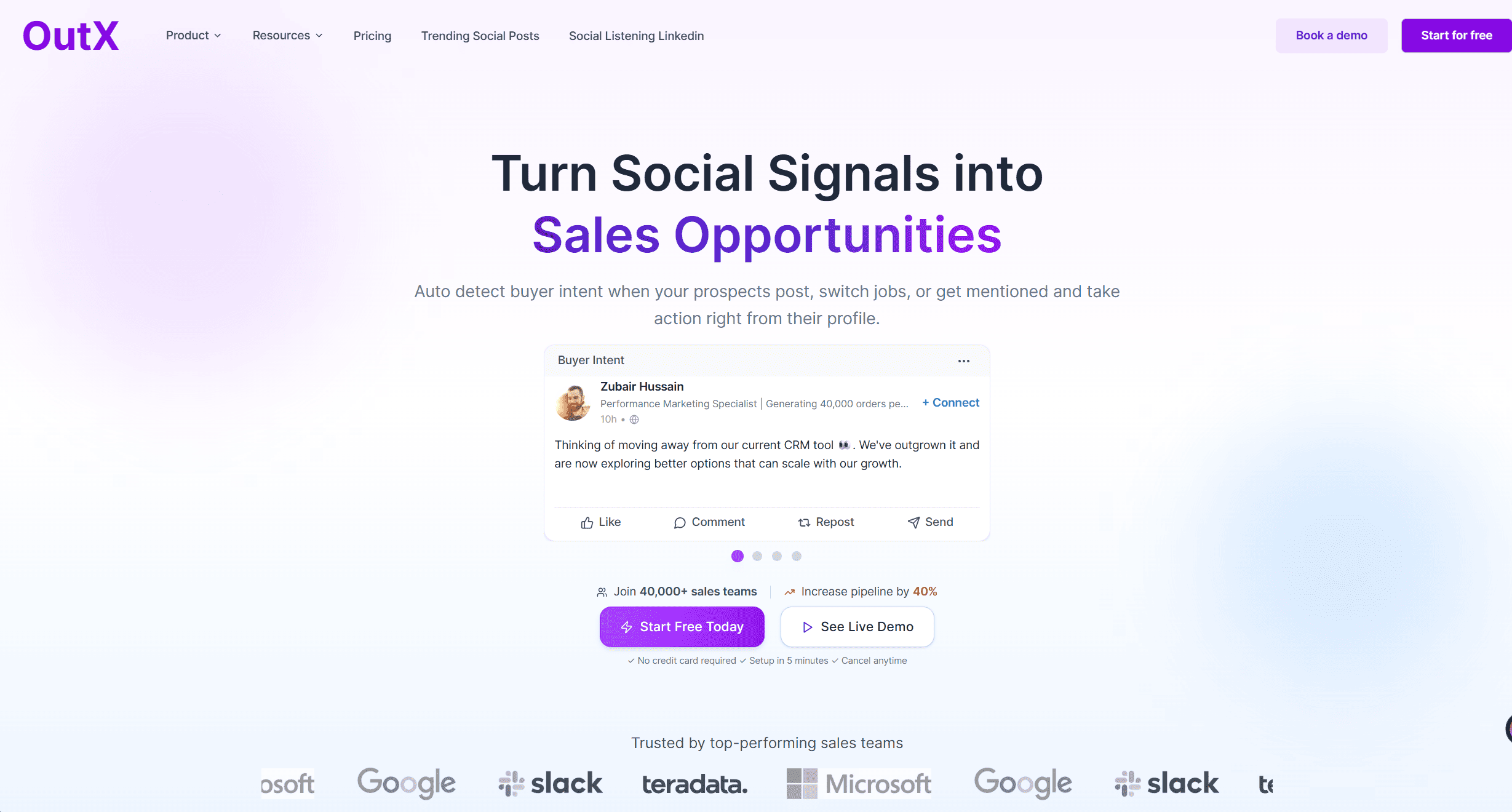
OutX is Best for: AI-powered LinkedIn outreach with real-time personalization
Key features
- AI-powered LinkedIn automation that adapts message tone and timing based on user behavior.
- Real-time personalization using profile insights, post activity, and engagement history.
- Unified inbox with response prioritization and sentiment tagging.
- Cloud-based platform no Chrome extensions required.
- Built-in team collaboration: assign leads, share templates, view teammate activity.
Pricing: tiers and who each tier fits
- Pro (Solo Operators): ~$59/month full automation, basic AI personalization.
- Team: ~$129/month adds multi-seat management, collaboration, shared templates.
- Scale: Custom pricing includes API access, advanced analytics, enterprise support.
Pros and cons
| Pros | Cons |
|---|---|
| Real-time AI personalization boosts reply rates. | AI-based messaging requires oversight to avoid mismatches. |
| Cloud-based = safer than browser extensions. | Advanced features take time to master. |
| Clean, intuitive UI fast onboarding. | Still maturing fewer third-party integrations than older tools. |
Compliance notes: throttling, IP, safety controls
- Safe daily action limits built in; automatically adjusted based on account age and connection rate.
- AI monitors campaign health in real time, suggests pacing tweaks to avoid triggering LinkedIn warnings.
- IP stability controls each user has a consistent access environment via cloud infrastructure.
Who should choose it?
- Choose if: You want smarter outreach, not just faster outreach. If you’re tired of generic sequences and want messages that actually sound human, OutXAI fits.
- Great for solo founders, SDR teams, or marketers who want AI to do more of the thinking, not just the sending.
Expandi
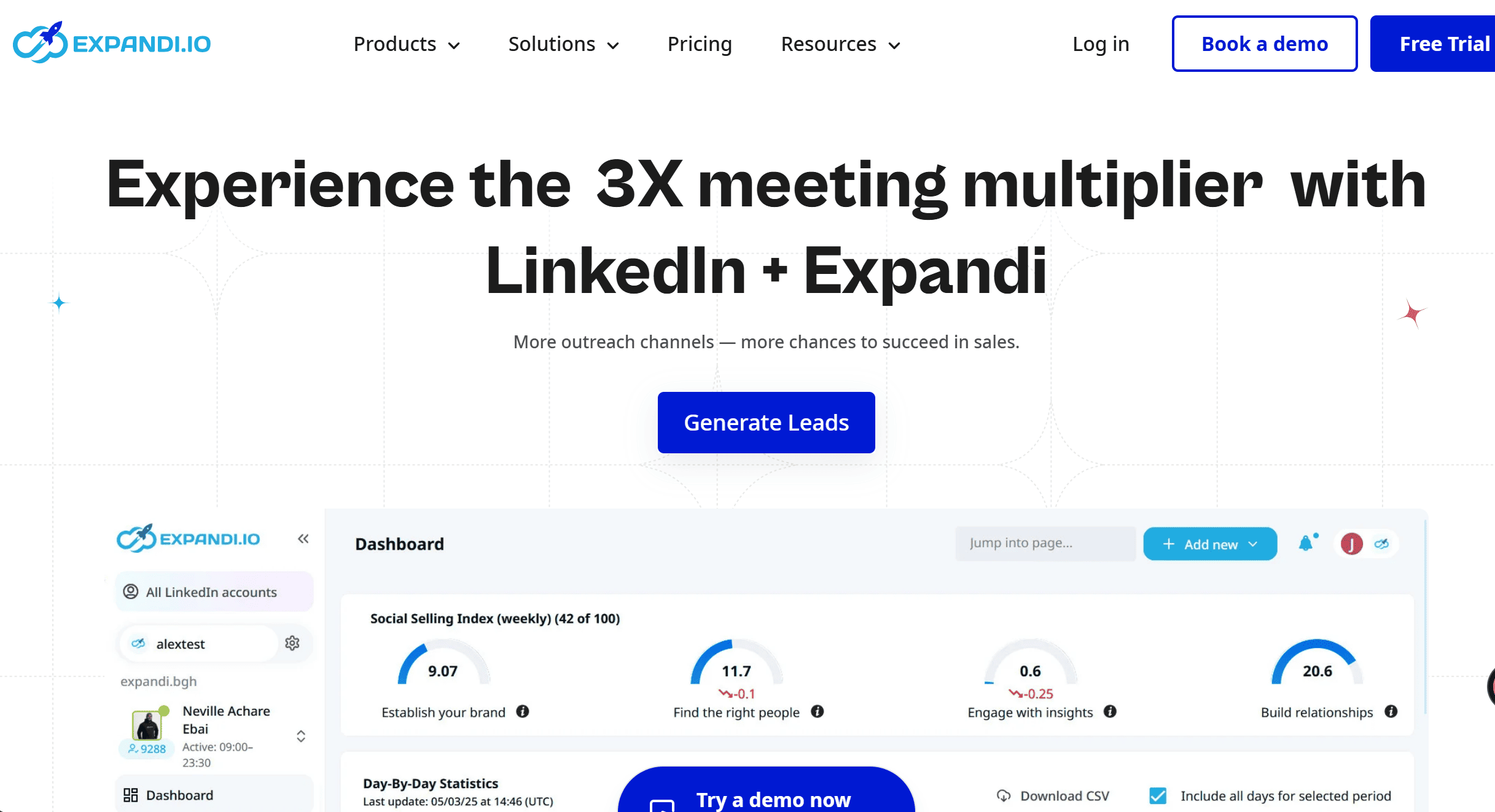
Expandi Best for: Safe, cloud‑based automation at scale
Key features
- Cloud‑based platform; you don’t need a Chrome extension.
- Smart sequences: follow‑ups, conditional logic, multiple outreach scenarios.
- Message personalization (including integrations for dynamic content) ‒ helps avoid spam signals.
- Dedicated country/IP settings; warm‑up features; blacklisting/duplication prevention.
Pricing: tiers and who each tier fits
- Mid‑price to premium‑price. Users report ~$99/month range for full feature set.
- There are cheaper tiers / trials, but if you want maximum safety + volume, you’ll likely pay more.
Pros and cons
| Pros | Cons |
|---|---|
| Very strong safety features; built for scale. | Price is high; can be overkill for solo founders. |
| Rich automation sequences, good integrations. | Steepness in learning curve; more features means more possible misconfigurations. |
| Good documentation, active community. | Even with safety, risk still exists because any automation is potentially against LinkedIn’s ToS. |
Compliance notes: throttling, IP, safety controls
- Has warm‑up features, helps ramp up connection request volumes gradually.
- Offers dedicated IP or country IP controls so your login patterns are more consistent.
- Helps to clean duplicates, blacklist unwanted leads, set safe delays.
Who should choose it / who should skip it
- Choose if: You run multiple campaigns, need good safety controls, value integrations, have budget, want scale, and want to treat outreach like a process.
- Skip if: You are just testing LinkedIn outreach, low volume, tight budget, or extremely risk‑averse (i.e. don’t want any chance of restriction). In those cases, lighter tools or even manual process + enrichment + content might be better.
Octopus CRM
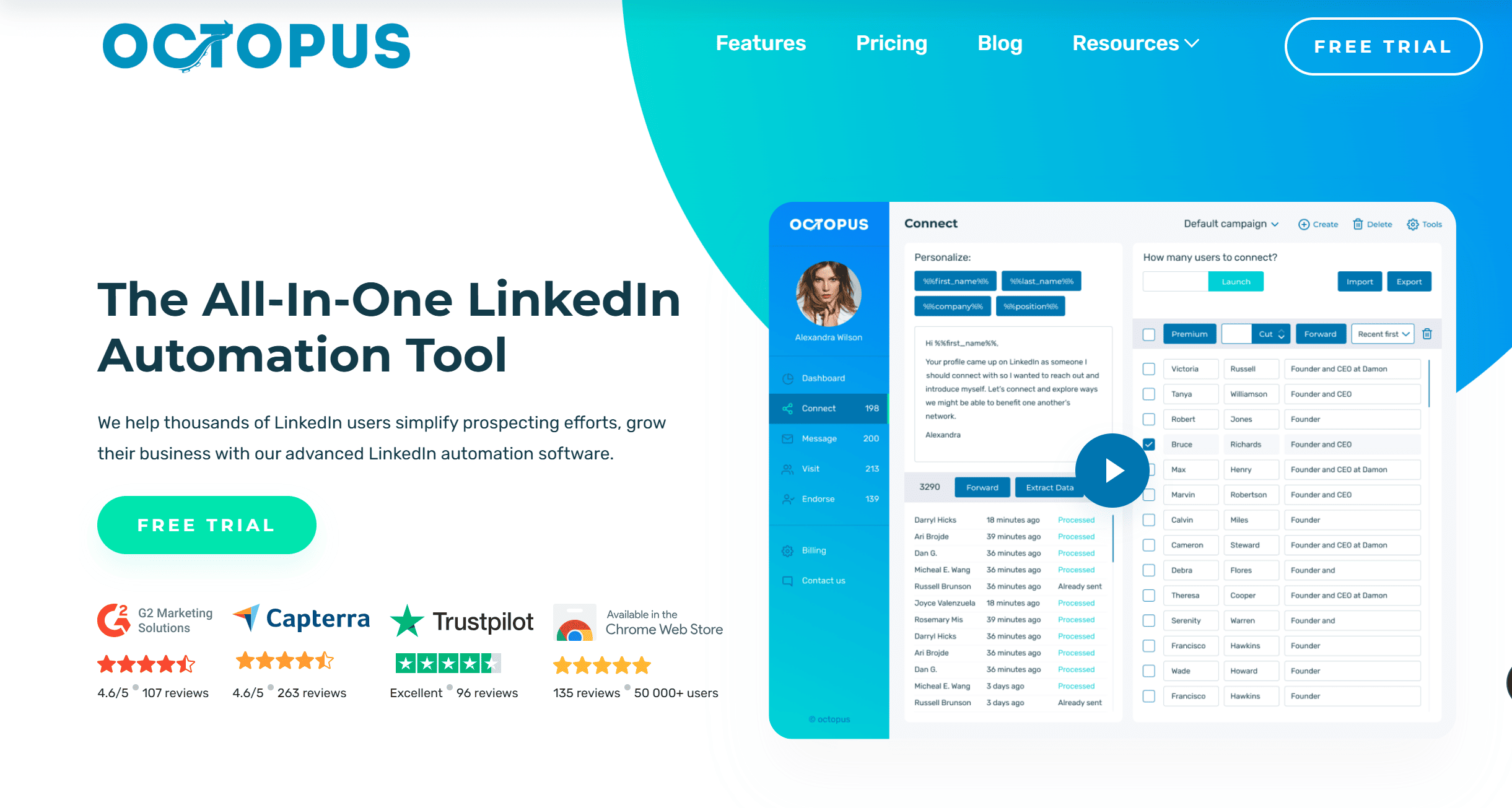
Octopus CRM Best for: Budget‑friendly solo/SMB automation
Key features
- Automate connection requests, visit profiles, send follow‑ups & messages.
- Ability to bypass some LinkedIn invite limits via “connect by email” feature.
- Integrations: Zapier, basic CRM exports, import/export CSV of leads.
Pricing
- Four pricing tiers: Starter, Pro, Advanced, Unlimited. The cheaper tiers are limited in features; full functionality requires the higher tiers.
- Even “Unlimited” plan may still have invite‑limits, or require email credits, etc.
Pros and cons
| Pros | Cons |
|---|---|
| Very affordable; low barrier to entry. | Safety controls less advanced vs premium tools. High volumes risk account flags. |
| Good for small outreach, testing, learning. | UI / analytics are more basic. May lack the polish or advanced error recovery of higher priced tools. |
| Has useful features like import/export, basic integrations. | To bypass LinkedIn’s weekly invite limits you often need email‑based methods which may add cost or complexity. |
Compliance notes
- You must watch daily / weekly limits closely. Octopus gives notifications/warnings if activity gets excessive.
- It offers bulk messaging to 1st‑level connections, skill endorsements, etc., which are safer than mass invite + cold messaging to non‑contacts.
- However, “connect by email” workaround has its own risks: quality of the email data, deliverability, maybe GDPR depending on region.
Who should choose it / who should skip it
- Choose if: You’re solo or small business, want to experiment, want cheap ROI. You know you can manage risk, keep volume moderate.
- Skip if: You need very large scale outreach, or enterprise level tracking or agency scenarios; or if you must stay at extremely low risk.
Meet Alfred
Meet Alfred is Best for: AI‑assisted multichannel outreach
Key features, pricing, pros/cons, compliance notes, fit
- Key features: LinkedIn + email + Twitter outreach; message templates; scheduling; analytics; multi‑user support.
- Pricing: Mid‑range. Individual plans, business plans; scalable.
- Pros: Good multichannel possibilities; nicer UI; templates to speed things up.
- Cons: Likely less powerful safety controls compared to the top‑end tools; performance may degrade at very high volumes; users report occasional bugginess or delays.
- Compliance notes: Use delays; keep variation; avoid patterns that scream automation. Use small volume first.
- Who should choose: If you want to reach prospects both on LinkedIn and via email/socials, want better personalization, want scalable outreach without leaning completely on LinkedIn alone.
- Who should skip: If you only care about LinkedIn, and want the “max safety”: might be better to go with something with more mature safety record (like Expandi). Or if budget is tight.
Dux-Soup
Dux-Soup Best for: Power users wanting granular control
Key features
- Browser-based automation with profile visits, tagging, scraping, filters, drip campaigns.
- Lead enrichment and CSV exporting for custom data workflows.
- Custom actions and advanced targeting controls for experts.
Pricing: tiers and who each tier fits
- Mid-tier plans, with freemium and paid options.
- Paid tiers unlock advanced actions (scraping, automation sequences, bulk campaigns).
- Best value appears when you know what you’re doing technically.
Pros and cons
| Pros | Cons |
|---|---|
| Very granular control over data + filtering. | Browser extension = fragile if LinkedIn changes UI. |
| Powerful scraping and actionable lead exports. | Higher risk if mishandled; requires knowledge. |
| Good for custom workflows and growth hackers. | Learning curve is steep for non-technical users. |
Compliance notes: throttling, IP, safety controls
- Must manually control delays, actions, and behavior variation.
- Avoid repetitive patterns and aggressive scraping.
- Use stable residential IPs and stay under conservative daily limits.
- Monitor alerts, no built-in “smart safety brakes.”
Who should choose it / who should skip it
- Choose if: You’re technical, want deep control, want data, and can manage risk manually.
- Skip if: You want plug-and-play safety or don’t want to micromanage compliance.
Waalaxy
Waalaxy Best for: Easy LinkedIn + email combos
Key features
- Drag-and-drop sequence builder combining LinkedIn actions + email follow-ups.
- CSV import, CRM integrations, multi-step automation templates.
- Supports auto-email fallback when LinkedIn fails or limits you.
Pricing: tiers and who each tier fits
- Reasonable pricing with freemium options.
- Paid tiers add volume + multichannel options.
- Good value at starter to mid-tier usage levels.
Pros and cons
| Pros | Cons |
|---|---|
| Very easy onboarding and visual builder. | Personalization limits at scale. |
| Great value for LinkedIn + email without high cost. | Can trigger restrictions if you push volume aggressively. |
| Good balance of features for small teams. | Less robust safety/AI controls than premium tools. |
Compliance notes: throttling, IP, safety controls
- Keep sequences light; avoid overly repetitive templates.
- Do not send LinkedIn + email on the same day aggressively.
- Maintain slower “warm-up” cycles as you scale.
- Rotate messaging variations to avoid detectable patterns.
Who should choose it / who should skip it
- Choose if: You want “LinkedIn + some email” with easy setup and good value.
- Skip if: You need heavy personalization or enterprise-grade safety.
Dripify
Dripify Best for: Teams needing visual outreach sequences
Key features
- Clean visual campaign builder with smart delays, auto-stops, behavioral triggers.
- Team management dashboards, role-based permissions, performance analytics.
- Cloud execution (no extension dependency).
Pricing: tiers and who each tier fits
- Starts around $39/month, scales with users and features.
- Teams benefit the most because of dashboards + collaboration features.
Pros and cons
| Pros | Cons |
|---|---|
| Excellent UI and visual sequence editor. | No native email integrations, LinkedIn only. |
| Great for increasing team accountability + reporting. | Less flexible customization than premium automation tools. |
| Cloud-based safety > browser-based tools. | Purely LinkedIn, multichannel requires other tools. |
Compliance notes: throttling, IP, safety controls
- Smart delays + daily caps built-in reduce risk.
- Still requires moderate messaging variety.
- Avoid pushing the maximum limits early; warm up gradually.
Who should choose it / who should skip it
- Choose if: You manage a team and want clean visual control over LinkedIn outreach.
- Skip if: You need multichannel or deeper automation safety controls.
Zopto
Zopto Best for: Startups scaling LinkedIn outreach fast
Key features
- Cloud-based automation supporting high-volume targeting.
- Strong Sales Navigator targeting + industry filtering.
- CRM, Zapier integrations and SDR-friendly tracking dashboards.
Pricing: tiers and who each tier fits
- Premium pricing starting around $215/month.
- Built for high-volume SDR teams and funded growth startups.
- Solo founders rarely get full value for the cost.
Pros and cons
| Pros | Cons |
|---|---|
| Designed for sales teams scaling fast. | Expensive for early-stage or solo users. |
| Strong targeting + enterprise integrations. | Less granular workflow control than power-user tools. |
| Cloud safety > browser extensions. | Still requires careful messaging to avoid spam signals. |
Compliance notes: throttling, IP, safety controls
- Warm-up limits and usage caps built-in.
- High volume = high scrutiny → avoid generic mass messaging.
- Use segmentation + persona-specific value in outreach.
Who should choose it / who should skip it
- Choose if: You’re scaling outbound with budget, SDR team, and high lead volume.
- Skip if: You’re bootstrapped, early-stage, or only testing outreach.
Linked Helper
Linked Helper Best for: Desktop-based automation power users
Key features
- Downloadable desktop app for message chains, group invites, lead scraping, data exports.
- Powerful contact management + deep customization options.
- Complex workflows for users who understand manual throttling.
Pricing: tiers and who each tier fits
- Affordable pricing from ~$15/month.
- Power unlocked for users who handle their own safety and throttling.
- Not ideal for beginners or risk-averse outreach.
Pros and cons
| Pros | Cons |
|---|---|
| Very affordable for advanced customization. | Desktop setup = higher detection risk if misused. |
| Deep scraping + data control. | Requires significant manual safety management. |
| Appealing for technical users and growth hackers. | Not plug-and-play; mistakes = restrictions. |
Compliance notes: throttling, IP, safety controls
- You must set your own limits, delays, and human-like behavior.
- High scraping + high action speed = major risk.
- Use conservative action caps and avoid large data pulls quickly.
Who should choose it / who should skip it
- Choose if: You want full control, low cost, and don’t mind tinkering.
- Skip if: You prefer cloud safety, team visibility, or easy compliance.
Salesflow
Salesflow Best for: Agencies and multi-user sales teams
Key features
- Cloud platform with multi-seat support + client accounts.
- Smart inboxes and analytics per rep or per campaign.
- Integrates with HubSpot, Salesforce, Pipedrive, and growth stacks.
- Team campaign assignments + centralized monitoring.
Pricing: tiers and who each tier fits
- Starts around $99/user/month, varies by volume & team features.
- Best value unlocked by agencies or teams running multiple accounts.
- Expensive if you’re only doing low-volume or single-seat outreach.
Pros and cons
| Pros | Cons |
|---|---|
| Strong fit for agencies + sales teams. | Pricey for solos or small teams. |
| Rich reporting, CRM sync + team dashboards. | UI can feel clunky in certain workflows. |
| Cloud-based = safer than browser extensions. | Setup time required for full customization. |
Compliance notes: throttling, IP, safety controls
- Built-in warm-up periods and daily caps.
- Cloud infrastructure with regulated timing + delays.
- Still requires quality messaging + persona segmentation to stay safe.
Who should choose it / who should skip it
- Choose if: You manage multiple client accounts or a multi-user SDR team.
- Skip if: You’re solo, low-volume, or only using LinkedIn part-time.
Skylead
Skylead Best for: Smart inbox + personalization at scale
Key features
- Combines LinkedIn + email in unified smart sequences.
- Advanced personalization (e.g., personalized GIFs, custom fields, dynamic inserts).
- Smart shared inbox to centralize conversations.
- Visual campaign builder for multi-touch outreach.
Pricing: tiers and who each tier fits
- Starts around $100/month per user.
- Pricing fits teams that care about personalization vs. pure volume.
- Not meant for low-touch generic outreach.
Pros and cons
| Pros | Cons |
|---|---|
| Powerful personalization + visual touchpoints. | Onboarding isn’t the most intuitive. |
| Smart inbox makes reply handling efficient. | Pricey vs. simpler tools for basic outreach. |
| Good multichannel flow control. | Requires strategy to fully leverage personalization. |
Compliance notes: throttling, IP, safety controls
- Cloud-based behavior controls (daily caps + delays).
- Still require responsible multichannel pacing.
- Avoid simultaneous LinkedIn+email blasts within same day.
Who should choose it / who should skip it
- Choose if: You value high personalization + unified reply management.
- Skip if: You only need basic LinkedIn connection automation.
We-Connect
We-Connect Best for: Cloud automation with simple UX
Key features
- Straightforward LinkedIn automation with follow-ups and connection requests.
- Tag-based segmentation + built-in inbox + reporting dashboard.
- Focus on safety + simplicity over complexity and multichannel.
Pricing: tiers and who each tier fits
- Around $49/month/user.
- Good value for solo users and small teams.
- Designed for low-to-mid volume outreach with safe defaults.
Pros and cons
| Pros | Cons |
|---|---|
| One of the easiest tools to onboard. | No email or multichannel features. |
| Safer cloud architecture for new users. | Limited complexity in sequences. |
| Affordable and predictable. | Not ideal for aggressive scaling. |
Compliance notes: throttling, IP, safety controls
- Built-in throttling + warm-up for new accounts.
- Cloud execution means fewer detection risks than browser tools.
- Safety relies on keeping volumes modest, not blasting.
Who should choose it / who should skip it
- Choose if: You want simplicity, affordability, and safer LinkedIn automation.
- Skip if: You need email, multichannel, or complex sequences.
Wiza
Wiza Best for: Exporting clean emails from Sales Navigator
Key features
- Chrome extension to extract emails + contact data from LinkedIn Sales Navigator.
- Built-in email verification + CSV export.
- Works well as a lead feeder for CRMs and outreach tools.
Pricing: tiers and who each tier fits
- Starts around $50/month with credit-based billing.
- Costs scale with how much you export, not time-based usage.
- Best for teams mining consistent Sales Nav lists.
Pros and cons
| Pros | Cons |
|---|---|
| Clean data + verified emails from LinkedIn. | Not a messaging/outreach tool at all. |
| Ready-to-export CSVs for cold email tools. | Credit usage can get expensive quickly. |
| Excellent for data sourcing. | Requires Sales Navigator subscription. |
Compliance notes: throttling, IP, safety controls
- Doesn’t automate outreach, only extracts data.
- Lower risk than messaging tools, but must avoid mass scraping speeds.
Who should choose it / who should skip it
- Choose if: You want verified emails for use in external outreach tools.
- Skip if: You’re looking for a full LinkedIn outreach system.
Evaboot
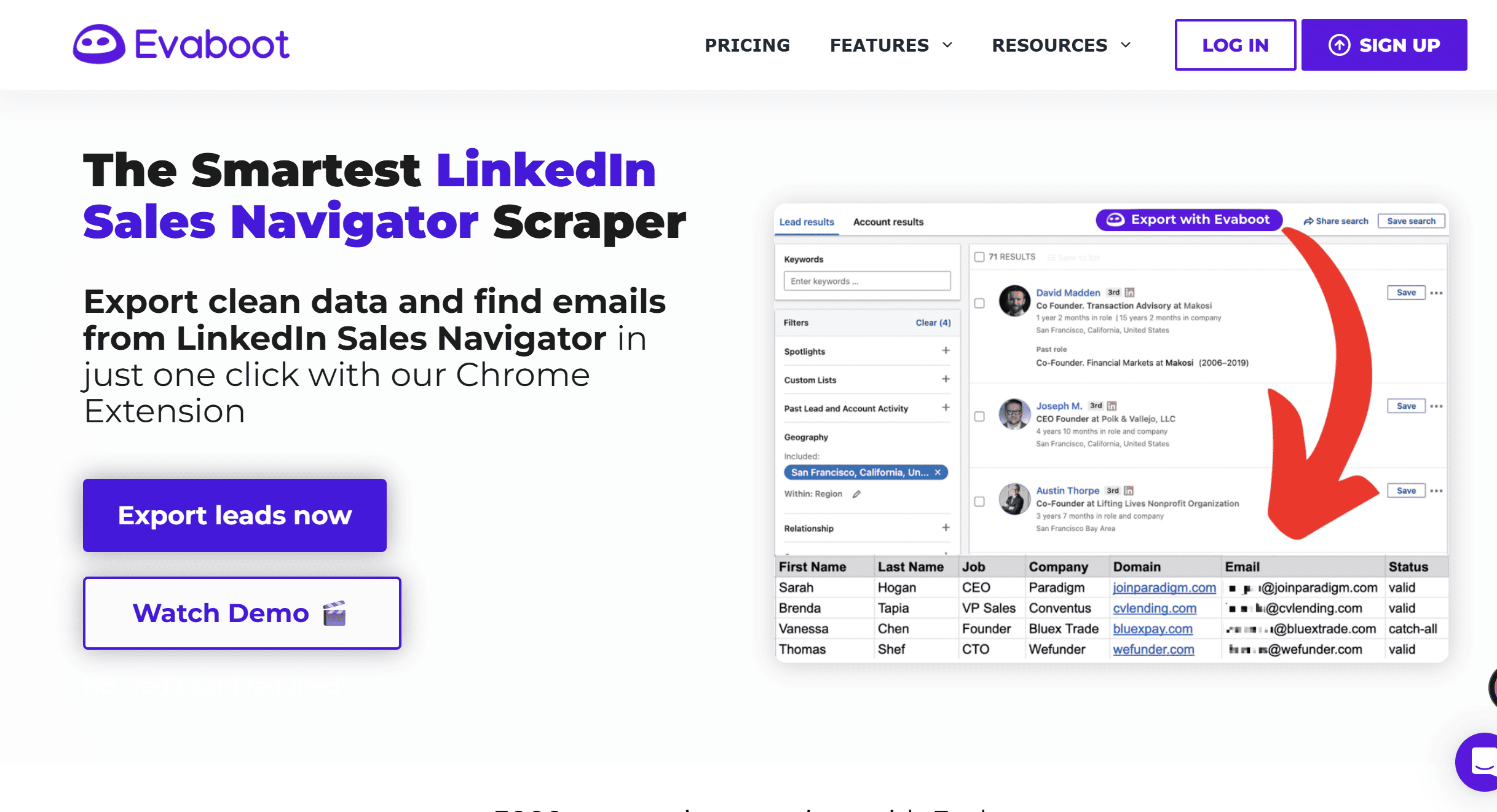
Evaboot Best for: Clean Sales Navigator exports with de-dupe
Key features
- One-click cleanup of Sales Navigator lead lists.
- Removes irrelevant roles, duplicates, and unqualified profiles.
- Integrates with CRMs + external sales tools for clean imports.
Pricing: tiers and who each tier fits
- Starts around $29/month.
- Best ROI for heavy Sales Navigator users doing outbound targeting.
Pros and cons
| Pros | Cons |
|---|---|
| Saves hours of manual cleanup. | Only works with Sales Navigator. |
| Improves targeting accuracy for SDRs. | No messaging or outreach capabilities. |
| Great for data quality at scale. | Dependent on Sales Nav filters quality. |
Compliance notes: throttling, IP, safety controls
- Doesn’t perform actions on LinkedIn → safe by design.
- You control targeting; tool cleans lists, doesn’t scrape actively.
Who should choose it / who should skip it
- Choose if: You prospect heavily with Sales Navigator.
- Skip if: You don’t use Sales Nav extensively.
Phantombuster
Phantombuster Best for: Prebuilt automation recipes (scraping + outreach)
Key features
- Dozens of LinkedIn automations: profile visits, contact scraping, auto messages.
- Works on multiple platforms (Facebook, Twitter, Google Maps, Instagram).
- API-driven workflows for technical users and growth teams.
Pricing: tiers and who each tier fits
- Free tier + paid plans starting around $59/month.
- Pricing scales by API usage + execution time.
- Best for technical marketers and automation builders.
Pros and cons
| Pros | Cons |
|---|---|
| Extremely powerful + highly customizable. | High risk if poorly configured. |
| Works beyond LinkedIn across many platforms. | Requires technical understanding of delays/proxies. |
| API & growth stack ready. | Not user-friendly for beginners. |
Compliance notes: throttling, IP, safety controls
- Must set delays, proxies, IP rotation manually.
- High freedom = high risk if overused.
- Best used for targeted, low-volume, strategic workflows.
Who should choose it / who should skip it
- Choose if: You’re technical, want cross-platform control, or build automations.
- Skip if: You prefer plug-and-play tools or don’t want to manage safety.
TexAu
TexAu Best for: No-code automation across many channels
Key features
- Multi-platform automation (LinkedIn, Twitter, Gmail, Crunchbase, etc.).
- Low-code builder with hundreds of predefined “recipes.”
- Integrates with proxies, custom triggers, and growth stacks.
Pricing: tiers and who each tier fits
- Starts around $29/month.
- Strong value for growth hackers and multi-platform teams.
- Price jumps depending on workflow volume + proxies.
Pros and cons
| Pros | Cons |
|---|---|
| Very flexible cross-channel automation. | Safety varies based on your setup. |
| Low-code builder for growth without coding. | Not specialized for LinkedIn alone. |
| Good for multi-step lead flows. | Can overwhelm non-technical users. |
Compliance notes: throttling, IP, safety controls
- Must build safe flows with delays + testing.
- Use proxies only if necessary + configure responsibly.
- Start small volume before scaling.
Who should choose it / who should skip it
- Choose if: You need multi-channel workflows (LinkedIn + email + data scraping).
- Skip if: You want a simple LinkedIn-only outreach tool.
Taplio
Taplio Best for: AI-assisted content creation & branding
Key features
- AI tools for writing, scheduling, and repurposing LinkedIn posts.
- Content suggestions, viral hooks, formatting templates.
- Personal brand performance tracking + inspiration feed.
- Built to grow inbound authority without cold outreach.
Pricing: tiers and who each tier fits
- Starts around $39/month, scales with advanced AI tools.
- Solopreneurs get strong value; teams pay more for collaboration.
Pros and cons
| Pros | Cons |
|---|---|
| Ideal for building authority and inbound demand. | No messaging or outreach sequences. |
| Saves time with AI content suggestions. | Won’t help with fast pipeline or outbound growth. |
| Great UI for creators and consultants. | Not useful if your focus is pure outbound. |
Compliance notes: throttling, IP, safety controls
- 100% safe, doesn’t automate actions or scrape data.
- No LinkedIn automation = no risk.
Who should choose it / who should skip it
- Choose if: You want a content-first strategy that builds demand.
- Skip if: You need direct outbound automation or fast pipeline.
Surfe
Surfe Best for: Syncing LinkedIn data to your CRM
Key features
- One-click export of LinkedIn contacts into CRMs (HubSpot, Salesforce, etc.).
- Adds emails and phone numbers when available.
- Maps fields automatically to avoid CRM mess.
- Helps sales reps maintain clean data without manual entry.
Pricing: tiers and who each tier fits
- ~$23–$39/month, depending on CRM support and features.
- More valuable when your CRM is central to revenue operations.
Pros and cons
| Pros | Cons |
|---|---|
| Keeps CRM contact data clean and updated automatically. | Not a messaging or outreach tool. |
| Saves hours of manual data entry. | Requires a CRM to see value. |
| Accurate mapping + enrichment. | Doesn’t help if CRM isn’t central to workflow. |
Compliance notes: throttling, IP, safety controls
- GDPR-friendly data enrichment and opt-in controls.
- Doesn’t send messages or automate LinkedIn actions.
Who should choose it / who should skip it
- Choose if: CRM hygiene matters and slows your team down.
- Skip if: You don’t rely on a CRM for outreach.
Captain Data
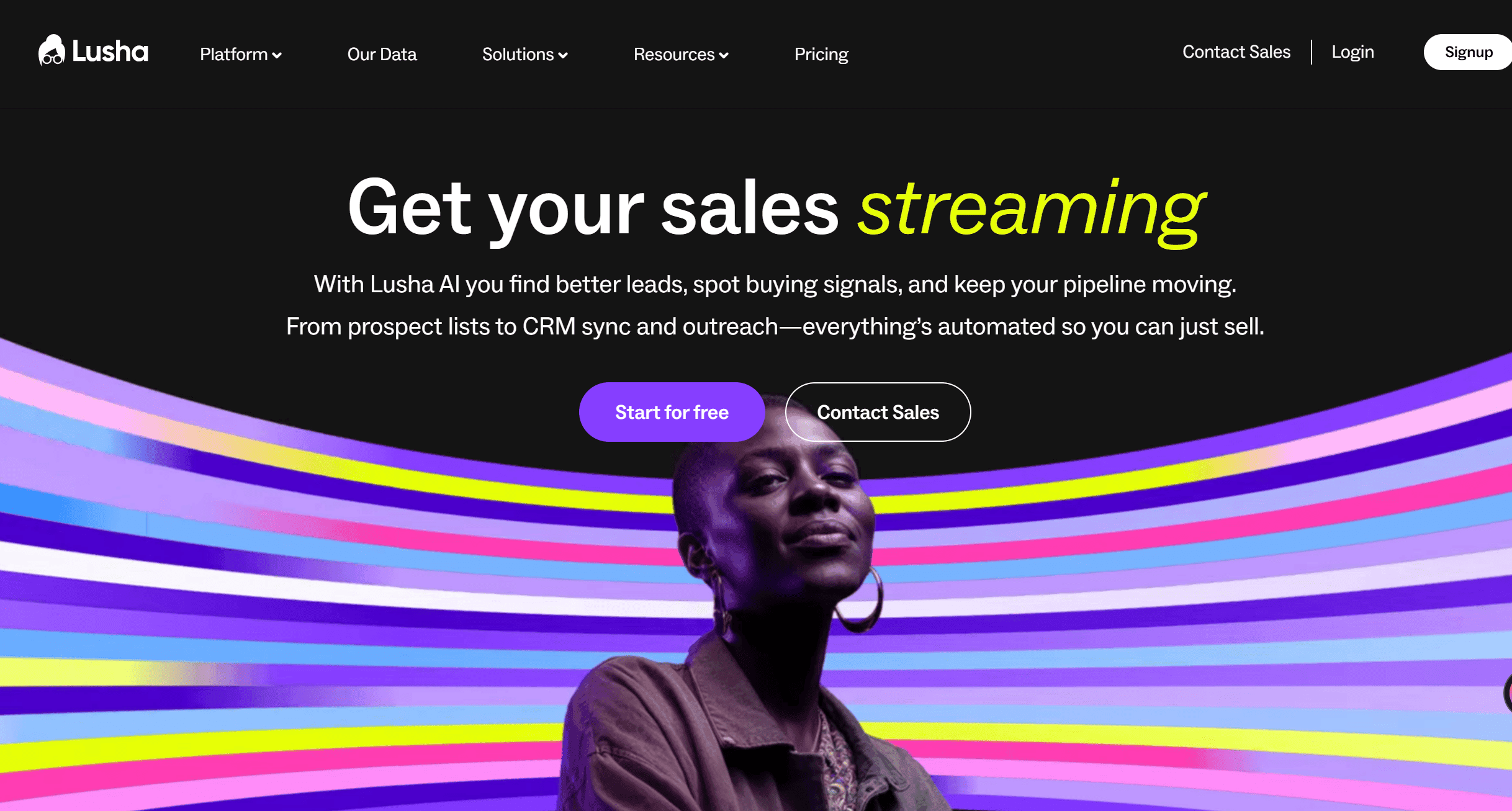
Captain Data Best for: Complex B2B data workflows
Key features
- Orchestrates data extraction, cleaning, enrichment, delivery pipelines.
- Works with Clearbit, Dropcontact, LinkedIn, and CRMs.
- Automates complex data flows for lead-gen operations.
Pricing: tiers and who each tier fits
- Custom/enterprise-leaning pricing.
- Designed for ops-heavy teams, agencies, and enterprise workflows.
Pros and cons
| Pros | Cons |
|---|---|
| Supports end-to-end B2B data pipelines. | Overkill for simple prospecting. |
| Optimized for scale + ops teams. | Requires setup + technical configuration. |
| Integrates cleanly with enrichment providers. | Expensive if only doing small lists. |
Compliance notes: throttling, IP, safety controls
- GDPR-compliant enrichment controls available.
- Safety depends on using approved data vendors and piped workflows.
Who should choose it / who should skip it
- Choose if: You manage data operations at scale (agencies, enterprise ops).
- Skip if: You just want to send DMs or small scrapes.
Lusha
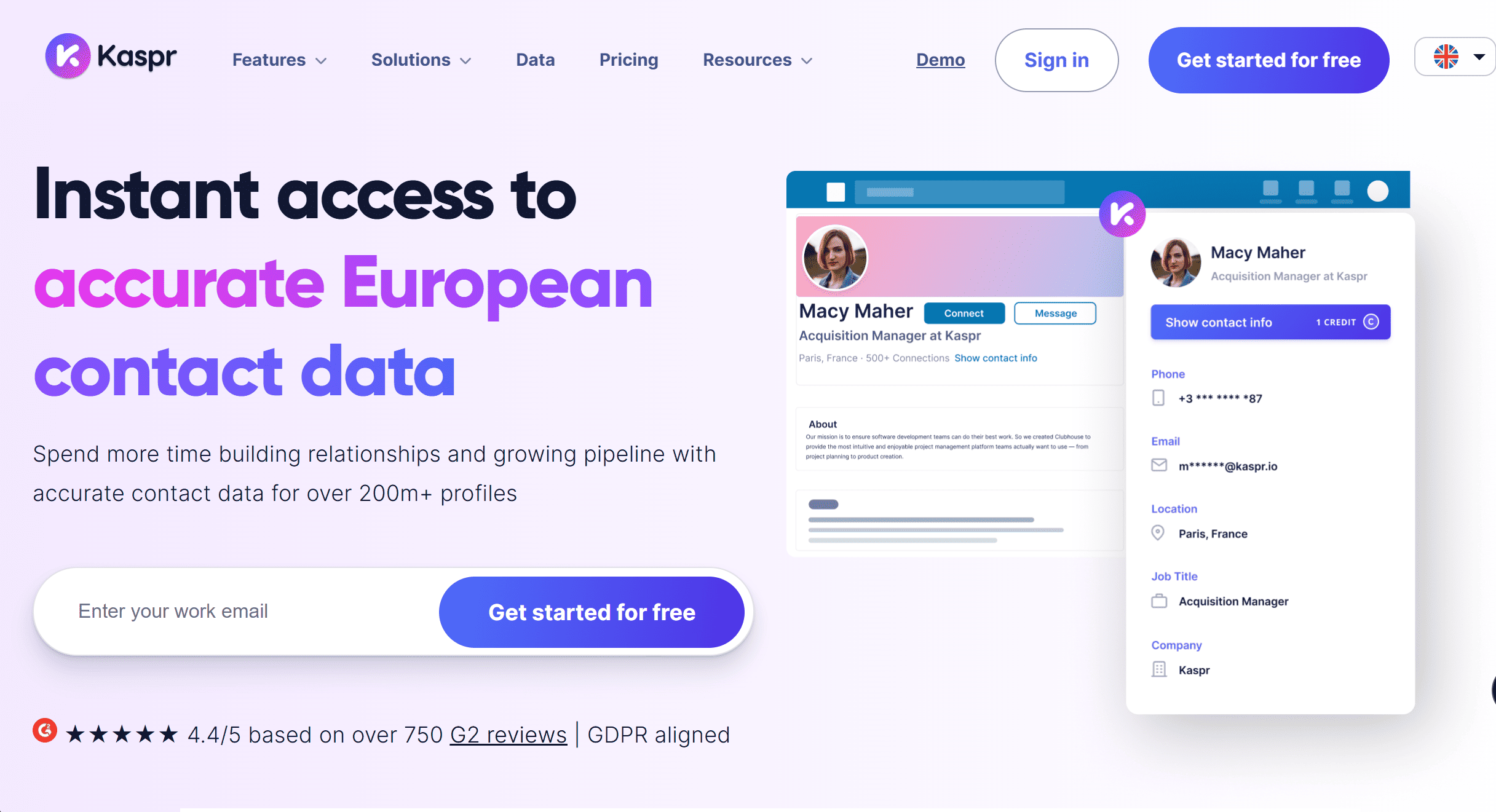
Lusha Best for: B2B contact enrichment (email + phone)
Key features
- Finds verified email addresses + direct dials from LinkedIn and B2B databases.
- Integrates with CRM systems for contact enrichment.
- Known as one of the more accurate phone-number providers.
Pricing: tiers and who each tier fits
- Credits-based pricing starting around $39/month.
- Scales fast if you do high-volume enrichment.
Pros and cons
| Pros | Cons |
|---|---|
| High data accuracy, especially phone numbers. | Credit-based = expensive at scale. |
| Strong integrations across sales stacks. | No outreach, only data sourcing. |
| Good enterprise-grade support. | Purely data, no messaging. |
Compliance notes: throttling, IP, safety controls
- GDPR opt-out system + compliant enrichment.
- Doesn’t automate messaging, so risk is low.
Who should choose it / who should skip it
- Choose if: You need verified contact info at scale.
- Skip if: You only send messages on LinkedIn, don’t need emails/phones.
Kaspr
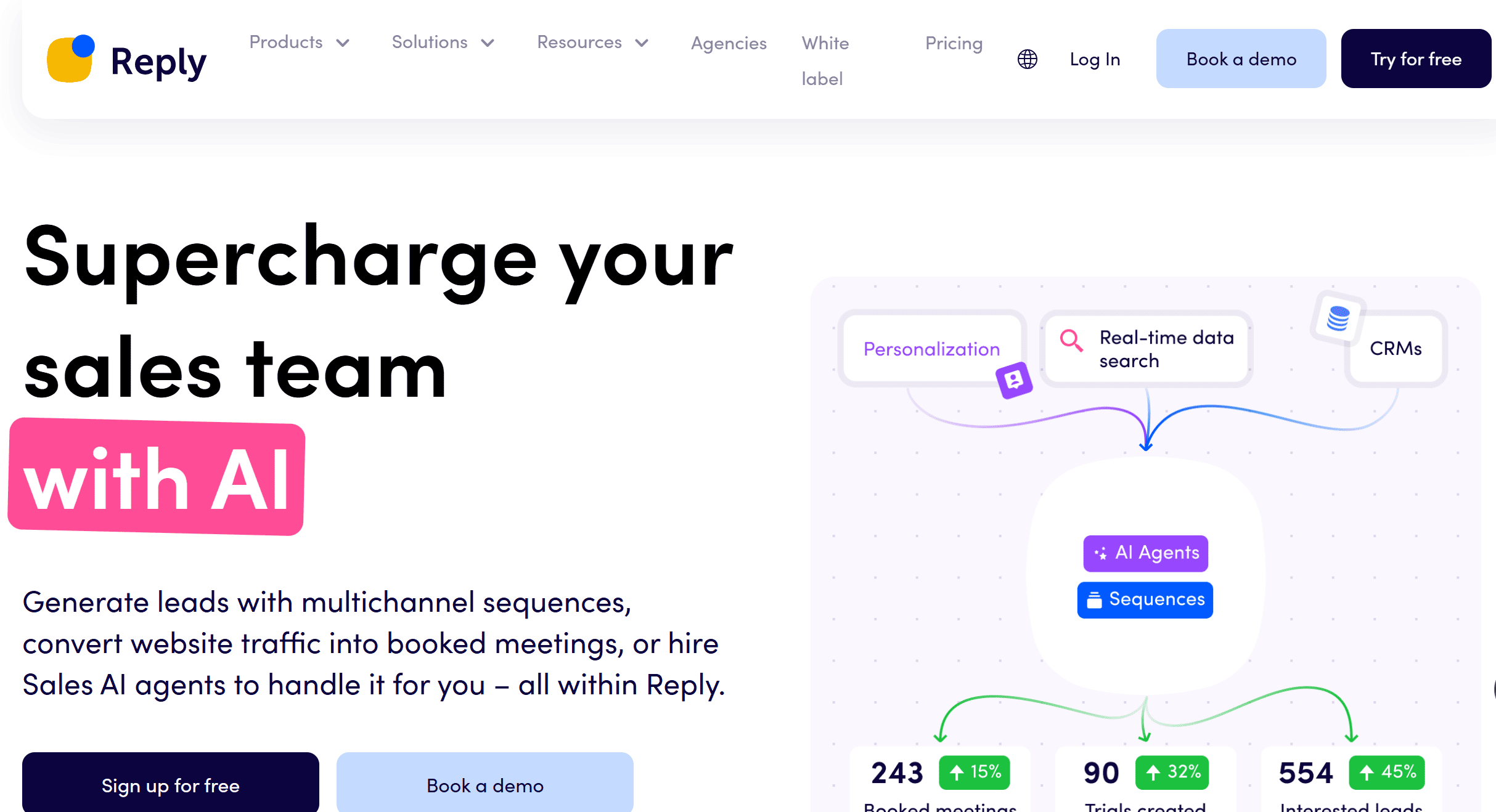
Kaspr Best for: Fast email & phone extraction from profiles
Key features
- Chrome extension for instant extraction of emails + phone numbers.
- Quick lead exporting + list building.
- Affordable enrichment for fast prospecting.
Pricing: tiers and who each tier fits
- Starts around $30/month, credits based.
- Best for small teams and fast scrapes.
Pros and cons
| Pros | Cons |
|---|---|
| Fast, simple, and affordable. | Lower data accuracy vs. Lusha. |
| Great for quick prospecting. | Credit usage drains quickly. |
| Good for small teams needing speed. | Not reliable for large-scale enrichment. |
Compliance notes: throttling, IP, safety controls
- GDPR controls + opt-out awareness.
- Lower risk but must avoid scraping too aggressively.
Who should choose it / who should skip it
- Choose if: You need quick enrichment without enterprise cost.
- Skip if: Accuracy + scale are critical for your pipeline.
Reply.io
Reply.io Best for: Multichannel sales engagement (LinkedIn + email + calls)
Key features
- Combines email, LinkedIn tasks, calls, SMS, and tasks in one sequence.
- Helps sales reps work their whole outbound stack in one place.
- Provides analytics, deliverability tools, contact scoring.
Pricing: tiers and who each tier fits
- Starts around $60/user/month.
- Works best for multi-channel SDR teams, not just LinkedIn users.
Pros and cons
| Pros | Cons |
|---|---|
| Complete sales engagement platform. | Feels bloated if you only want LinkedIn. |
| Centralized multichannel workflows. | Learning curve for small teams. |
| Adds LinkedIn seamlessly into email flows. | Not built primarily for LinkedIn automation. |
Compliance notes: throttling, IP, safety controls
- Built-in pacing + smart delays on LinkedIn actions.
- Works best with clean messaging and transparent cadence.
Who should choose it / who should skip it
- Choose if: You want a true multichannel platform beyond LinkedIn alone.
- Skip if: You only want LinkedIn automation.
Salesloft
Salesloft Best for: Enterprise-level sales engagement
Key features
- Full outbound suite with LinkedIn workflow steps.
- Coaching, reporting, pipeline analytics, cadence orchestration.
- Built for large SDR organizations, not individuals.
Pricing: tiers and who each tier fits
- Enterprise pricing (custom quotes).
- Designed for teams needing governance, coaching, and reporting.
Pros and cons
| Pros | Cons |
|---|---|
| Enterprise-grade workflow + coaching + analytics. | Total overkill for small teams. |
| Supports large SDR orgs with scale + supervision. | Expensive and complex. |
| Combines management + execution tools. | Requires onboarding and admin setup. |
Compliance notes: throttling, IP, safety controls
- Enterprise-level security + compliance built-in.
- Encourages accountable, non-spammy outreach by design.
Who should choose it / who should skip it
- Choose if: You manage dozens of reps and need oversight + coaching at scale.
- Skip if: You’re solo, small team, or early-stage.
Quick summary: top 5 picks by use case
-
Best overall: OutXAI
Completely balanced between safety, automation depth, integrations, and deliverability. If you want a tool that scales without immediately risking your LinkedIn account, OutXAI is the leading option in 2026.
-
Best budget: Octopus CRM, Expandi
Cheap entry point, solid features for solo or small‑team outreach. Doesn’t have all the bells & whistles, but good ROI if you use it carefully and respect safety limits.
-
Best data enrichment: Lusha
When you need accurate B2B contact data (emails, direct dials) to power outreach or multichannel campaigns, Lusha is one of the top options.
-
Best Sales Navigator export: Wiza
If your target research lives in Sales Navigator, and you want clean exports of email addresses etc., Wiza gives very high value per dollar.
_(1).png&w=3840&q=75)
How We Chose the Best LinkedIn lead generation tools
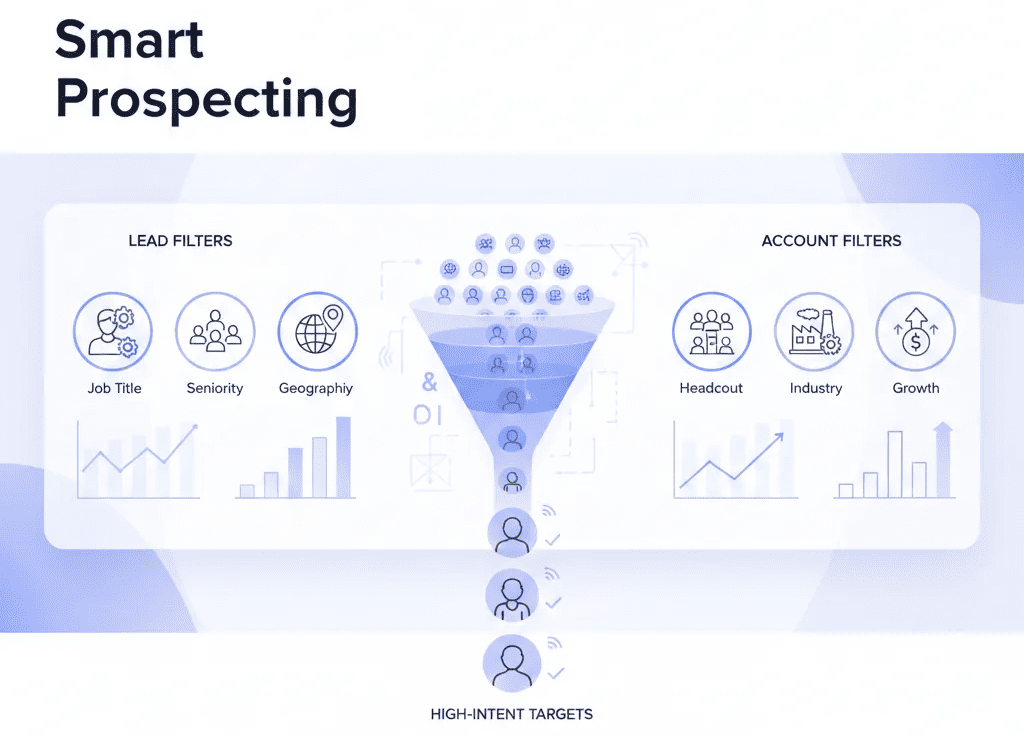
Scoring factors: safety, data accuracy, automation depth, integrations, support, pricing
We scored each tool across these axes:
- Safety / compliance: How well the tool helps you avoid being flagged by LinkedIn: IP hygiene, throttling, cloud vs browser, user controls, audit logs, etc.
- Data accuracy and quality: Are the leads / emails / firmographic data clean, up‑to‑date, deduplicated?
- Automation depth + flexibility: Can it do sequences, follow‑ups, multichannel, conditional flows?
- Integrations / ecosystem: CRM sync, Webhooks, Zapier, email tools, etc.
- Support & reliability: Active customer service, documentation, communities, how fast bugs are fixed.
- Pricing and ROI: Entry cost, scaling cost, hidden costs, whether incremental value justifies price.
Testing process and data sources
- Hands‑on trials of tools (typically 7‑ to 14‑day trials)
- Using them in real outreach sequences: connection requests, messaging, follow‑ups
- Checking how safe they are: do they throttle, do they impose “warm‑up” settings, do they provide safety alerts
- Checking public reviews, change logs, how regularly the vendor updates policies
- Checking for user feedback around bans or account restrictions
Compliance and risk scoring (LinkedIn ToS, rate limits, data privacy)
- We considered what LinkedIn’s Terms of Service state about automation and scraping
- We tracked recent changes: in 2026, LinkedIn has tightened limits, more monitors, more account flags.
- We penalized tools that push behavior that’s clearly over the line (mass inviting without personalization, violating message limits, using browser extensions overly).
- We also looked at data privacy: GDPR/CCPA risk, data retention, how the vendor handles PII.
_(1).png&w=3840&q=75)
Why LinkedIn is the Best Place for Lead Generation
LinkedIn isn’t a nice-to-have in 2026. It’s where growth happens.
1B+ professionals. Decision-makers. Buyers. Talent. All in one place.
But here’s what most people miss: the tool you choose depends on who you are.
Creators and Personal Brands
You’re building trust under your own name.
You need clarity on what content hits, who engages, and how to grow reach without burning hours.
_(1).png&w=3840&q=75)
Company Pages and B2B Marketing Teams
You’re connecting content to pipeline.
That means paid vs organic, audience segments, and dashboards that leadership actually understands.
.png&w=3840&q=75)
Recruiters and Employer Branding
You’re shaping perception.
The win isn’t “ad ROI.” It’s engagement, reach of employer content, and signals from candidates who care about your brand.
.png&w=3840&q=75)
Comparison at a glance: features, pricing, and compliance
Feature checklist to evaluate vendors
Here are the must‑have and nice‑to‑have features:
- Must‑have:
- Message sequence / follow‑up automation
- Ability to personalize messages (not just “template + first name”)
- Safety settings: limits, delays, throttling, working‑hours, geographic/IP controls
- Export / integration options (CSV, API, webhook or native CRM)
- Good UI / workflow visibility (can see which leads failed, which succeeded)
- Nice‑to‑have:
- Multichannel outreach (email, SMS)
- Content amplification or posting features
- Data enrichment within the tool
- Team / agency features: multiple users, roles, shared templates, dashboards
- Support, training materials, community
Pricing tiers and hidden costs to watch
Watch out for:
- “Free trial” vs “free” many are trials which auto‑charge
- “Per user” pricing plus additional costs for extra features (e.g. email credits, enrichment credits)
- Hidden costs for integrations or data (some charge per email confirmed)
- Limits hidden: you may pay for X, but the safety settings force lower action counts unless you upgrade or pay more.
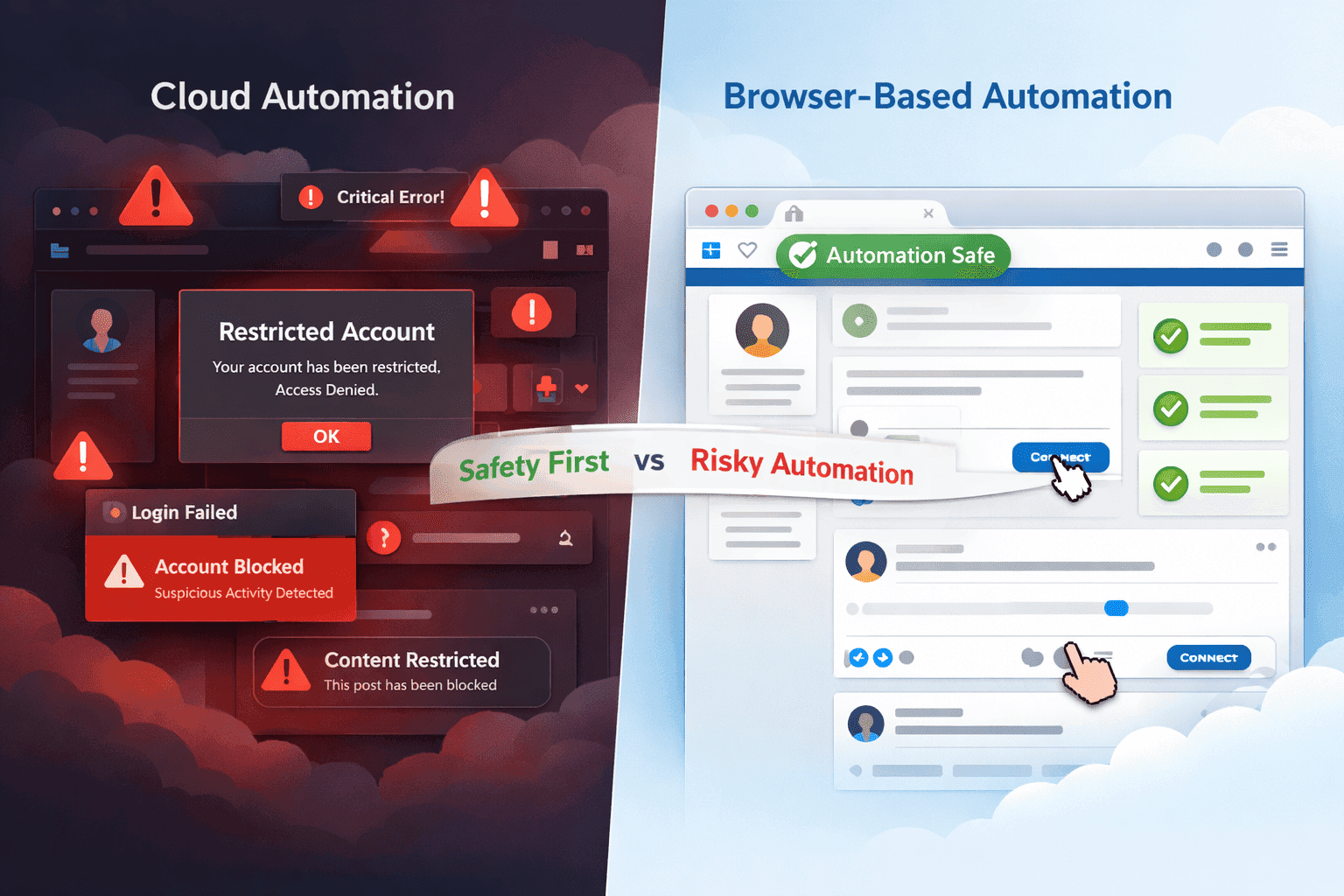
Compliance flags: cloud vs browser, warm‑up, throttling, audit logs
- Browser extensions (i.e. Chrome extensions or things that run via your browser) tend to be riskier: easier to detect, more susceptible to IP leaks, inconsistent behavior.
- Cloud‑based tools (hosted, running on dedicated IPs, 24/7) tend to allow more safe operations, but they are not risk‑free. LinkedIn does not differentiate between allowed vs not allowed in policy by implementation, but detection is easier with bad behavior.
- Warm‑up periods (gradually increasing actions) matter. Tools that force or facilitate warm‑up are safer.
- Throttling (delaying actions, random delays, limiting per‐hour/day/week) is essential.
- Audit logs / safety alerts are useful to catch risky behavior early.
_(1).png&w=3840&q=75)
Free and native options (for beginners and small budgets)
If you’re just starting or very risk‑averse, try:
- LinkedIn Sales Navigator filters, saved searches, job alerts. Very useful for targeting without automation.
- LinkedIn Lead Gen Forms (Ads) high intent leads, less cold outreach risk.
- Built‑in search operators & list management Boolean search, adding tags, tracking who you contacted, who replied.
- Using freemium / free trials of the above tools to test workflows before paying.
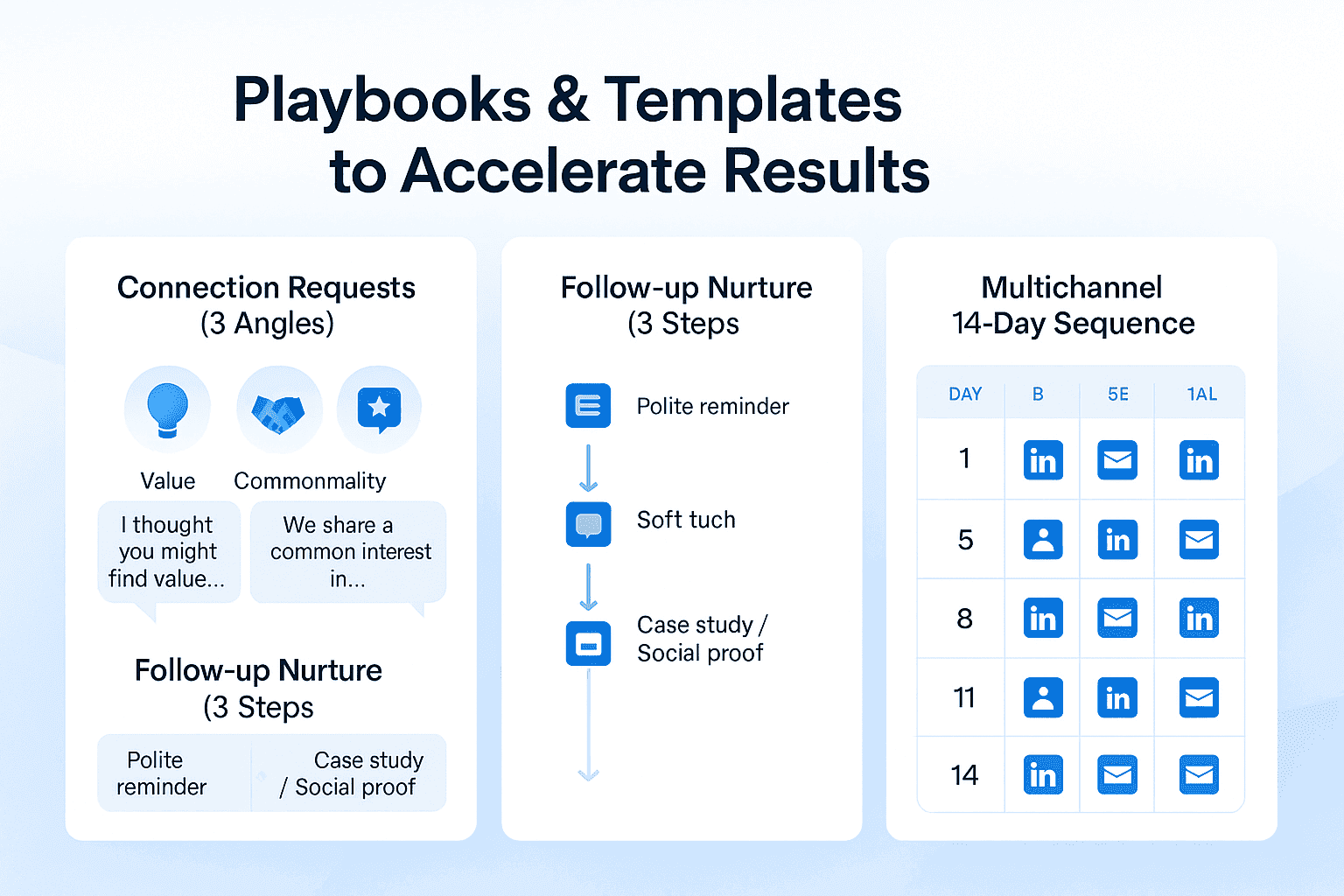
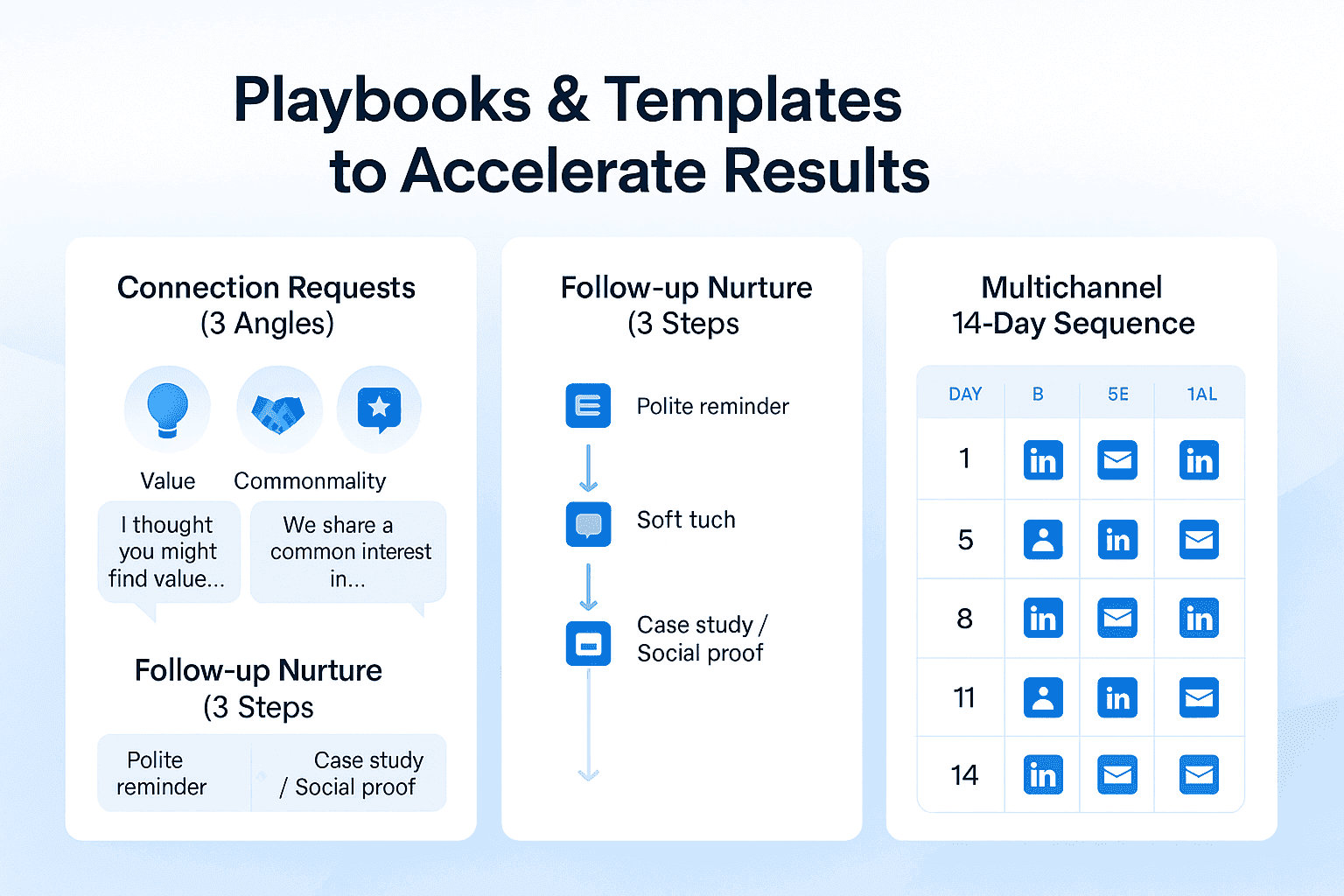
Playbooks and templates to accelerate results
Here are some ready‑to‑use ideas to speed up your process.
Connection request templates (3 angles: value, commonality, event)
-
Value
Hi {{Name}}, I noticed you lead marketing at {{Company}}. I work with teams in SaaS helping them improve LinkedIn outreach efficiency by 2‑3x. Would love to connect and share what’s been working lately.
-
Commonality
Hi {{Name}}, I saw we both attended {{University / Conference}} / share mutual connections like {{Person}}. Always good to connect with someone in {{Industry}}.
-
Event / Trigger
Hi {{Name}}, congrats on the recent funding / promotion / new role at {{Company}}. I see similar work in scaling outbound, happy to connect and learn about what’s working for you.
Follow‑up messages (3‑step nurture with soft CTAs)
-
Follow‑up 1 (2‑3 days after connection accepted, no reply):
Thanks for connecting, {{Name}}. I help {{ICP}} solve {{Pain}} via {{Approach}}. Would you be interested in a quick call or receiving a case study?
-
Follow‑up 2 (5‑7 days after no response):
Just touching base, {{Name}}. I know inboxes get busy. If now isn’t a good time, is there someone on your team I should speak with instead?
-
Follow‑up 3 (7‑10 days later):
Hi again, {{Name}}. Thought you might find this interesting: here’s a recent success story of helping a company like {{Company}} increase response rate by X%. If that resonates, happy to hop on a short call.
Multichannel sequence example: LinkedIn + email over 14 days
| Day | Action |
|---|---|
| Day 1 | Connection request on LinkedIn with template above |
| Day 3 | If accepted, send follow‑up message; if not accepted, send a gentle reminder (if tool allows) |
| Day 5 | Enrichment: find email via Lusha / Kaspr; send introductory email |
| Day 8 | LinkedIn message: share a helpful resource or insight relevant to their pain point |
| Day 11 | Email follow‑up: case study or social proof |
| Day 14 | Final LinkedIn message: soft CTA for call / meeting / demo |
Staying Safe on LinkedIn: Limits, Deliverability, and Data Privacy
Most people screw this up.
They obsess over tools and ignore safety.
After that they wonder why their account gets flagged.
The truth? Growth only works if you protect your account, your domain, and your reputation.
Cloud vs. Browser vs. Desktop Automation
- Browser/desktop tools = risk. Local IPs. Detectable patterns. Easy to flag.
- Cloud-based tools = safer. Dedicated IPs. Randomized delays. Continuous monitoring.
That’s why OutX.ai is built cloud-first. You get compliant workflows without the “extension roulette” that burns accounts.
Action Limits and Warm-Up in 2026
Here’s the reality today:
- Connection requests: 10–20/day for new accounts. More if you’ve got history.
- Daily messages: 50–100/day depending on warm vs. cold.
- Profile views: moderate. Spikes = red flags.
- Warm-up: start slow. Ramp over weeks. Mix activity. Look human.
OutX.ai automates this with smart throttling. You don’t guess. The system adjusts to keep you under radar.
Avoiding Flags: Timing, Personalization, Hygiene
- Random delays. No robotic patterns.
- Local working hours. Stable IPs.
- Personalized messages. No spam templates.
OutX.ai bakes these safeguards in. Every sequence is randomized, compliant, human-like.
Privacy & Compliance (GDPR / CCPA)
- Always have lawful basis for outreach.
- Respect DNC and opt-outs.
- Clean your data. Don’t hoard it.
OutX.ai runs with privacy guardrails so your automation isn’t a compliance nightmare.
Email Deliverability
- Warm your domains.
- Authenticate properly (DKIM, SPF, DMARC).
- Control bounces.
- Segment your lists.
OutX.ai helps keep your LinkedIn + email stack clean, synced, and safe so your pipeline grows without burning your sender reputation.
.png&w=3840&q=75)
How to choose the right stack
Decision framework: ICP, channel mix, volume, team size, CRM
Pick tools based on your Individual Customer Profile (ICP), not features. Ask yourself:
- Who is your target (role, company size, geography)?
- How much outreach volume do you need?
- How many channels (just LinkedIn, or email, phone)?
- What resources / budget do you have?
- How important is safety vs speed?
- What does your CRM stack look like?
Sample stacks: solo, SMB, enterprise, agency
| Size / Type | Stack (tools) | Why it works |
|---|---|---|
| Solo / Founder | OutX.ai + LinkedIn Sales Navigator + Wiza + Crystal Knows + maybe Octopus CRM or We‑Connect / Dripify* | You get targeting, clean data, personalization; low cost; manageable risk. |
| SMB | OutX.ai + Lusha + Reply.io + Surfe + an outreach sequence tool + CRM (e.g. HubSpot or Pipedrive) | More scale, more channels, better tracking, higher volume. |
| Enterprise / Agency | Salesloft or Salesflow + OutX.ai + Lusha / Evaboot + Surfe / Captain Data for workflows + strong compliance tools + team roles + dashboards | For volume, client work, standardization, safety, reporting. |
Implementation checklist: week‑by‑week 30‑day rollout
Here’s a suggested rollout plan:
| Week | Goals / Tasks |
|---|---|
| Week 1 | Finalize ICP + message templates; pick 1 tool to trial; set safety parameters (delays, action limits) |
| Week 2 | Run small campaign: 20‑50 connection requests / messages; test follow‑ups; measure acceptance / response rates; monitor any flags or performance issues |
| Week 3 | Scale volume gradually (maybe double the volume), test multi‑channel if using email or enrichment; refine messaging; integrate CRM / workflows |
| Week 4 | Monitor KPIs; clean up data; drop underperforming leads; evaluate ROI; decide which tools/plans to scale; ensure compliance rules are all in place (privacy / data handling) |
KPIs and dashboards: replies, meetings, CPL, pipeline, ROI
Track:
- Response / reply rate
- Connection acceptance rate
- Meetings booked (or desired outcome)
- Cost per lead (CPL)
- Cost per meeting / pipeline value
- Drop‑off at each stage of sequence
- Tools: use dashboards, Google Sheets / BI tools, or your CRM to monitor these
.png&w=3840&q=75)
Bottom line: pick tools that fit your workflow, not just features
Here’s what I believe from working with many founders, sales teams, and agencies:
- Tools are enablers, not crutches. If your ICP, messaging, targeting are poor, no tool will fix that.
- Safety & consistency beat features + volume. One ban can cost you months of outreach, reputation, network.
- Start small. Build process. Iterate. Then scale.
- Measure what matters: reply rate, meeting conversions, lifetime value of leads not just “messages sent” or “connection requests accepted.”
If you follow this framework, pick tools aligned with your risk tolerances, and stay mindful of policy, you can use LinkedIn lead generation tools in 2026 in a way that grows your business without wiping out your credibility or account.
FAQs about LinkedIn lead generation tools
Are these tools allowed by LinkedIn?
Strictly speaking, LinkedIn's Terms of Service do not allow unauthorized automation that sends messages, invites, or scrapes data in bulk. Using any tool that automates these actions is in a gray area. However, some tools reduce detection risk via safety features. Use them intelligently. The safety of the tool does not guarantee compliance with LinkedIn’s rules.
Will I get banned using automation and how to minimize risk?
Short answer: possibly. Risk depends on volume, behavior, signals (like acceptance rate, message responses), IP/geolocation, account age & activity history. To minimize risk:
- Start slow and gradually scale
- Keep actions within safe daily/weekly limits
- Use cloud‑based tools with stable IP, delays, warm‑ups
- Personalize messages; avoid spammy generic copy
- Monitor account health; stop if alerts appear
What invite and messaging limits are safe in 2026?
Based on recent research:
- Connection requests: ~10‑20/day for newer or free accounts; perhaps higher for older / premium accounts if history is good. Closely+1
- Messaging to first‑degree connections or via InMail: maybe up to 50‑100/day depending on account type. Closely
- Profile views: avoid huge spikes; maybe under 80/day for free accounts. Closely
These are not guarantees, they are working estimates; LinkedIn may clamp down more with sudden changes.
Do I need Sales Navigator to use these tools effectively?
Not always, but:
- Sales Navigator gives access to better filters, more precise targeting, better data. That improves quality of outreach.
- Some tools integrate with Navigator or export from it (e.g. Wiza, Evaboot).
- If you don’t have Navigator, you can still use regular LinkedIn search plus enrichment tools, but expect you’ll need more manual work or accept some lower precision.
What’s the difference between enrichment and scraping?
- Enrichment: augmenting existing contact data (e.g. from LinkedIn leads) with email, phone, company info. Usually via third‑party databases that comply with data protection laws.
- Scraping: extracting data from LinkedIn pages, searches, profiles etc. More borderline from policy perspective; more likely to be flagged if done massively or via browser extensions.
What ROI and timeline should I expect?
- If you start today, week 1 you’ll probably be messy: low acceptance, high bounce, figuring messaging.
- By week 2‑3 you should have refined messages, cleaned your targeting, improved acceptance / reply rates.
- Real returns (meetings, pipeline, revenue) usually show by week 4‑6, provided consistent outreach and follow‑ups.
- ROI depends hugely on how well your ICP is defined, the quality of outreach (personalization), and how many channels you use. A good stack can pay for itself many times over; a bad stack can cost you time, reputation, and maybe account restriction.