How Much Does LinkedIn Learning Cost? 2026 Pricing Guide
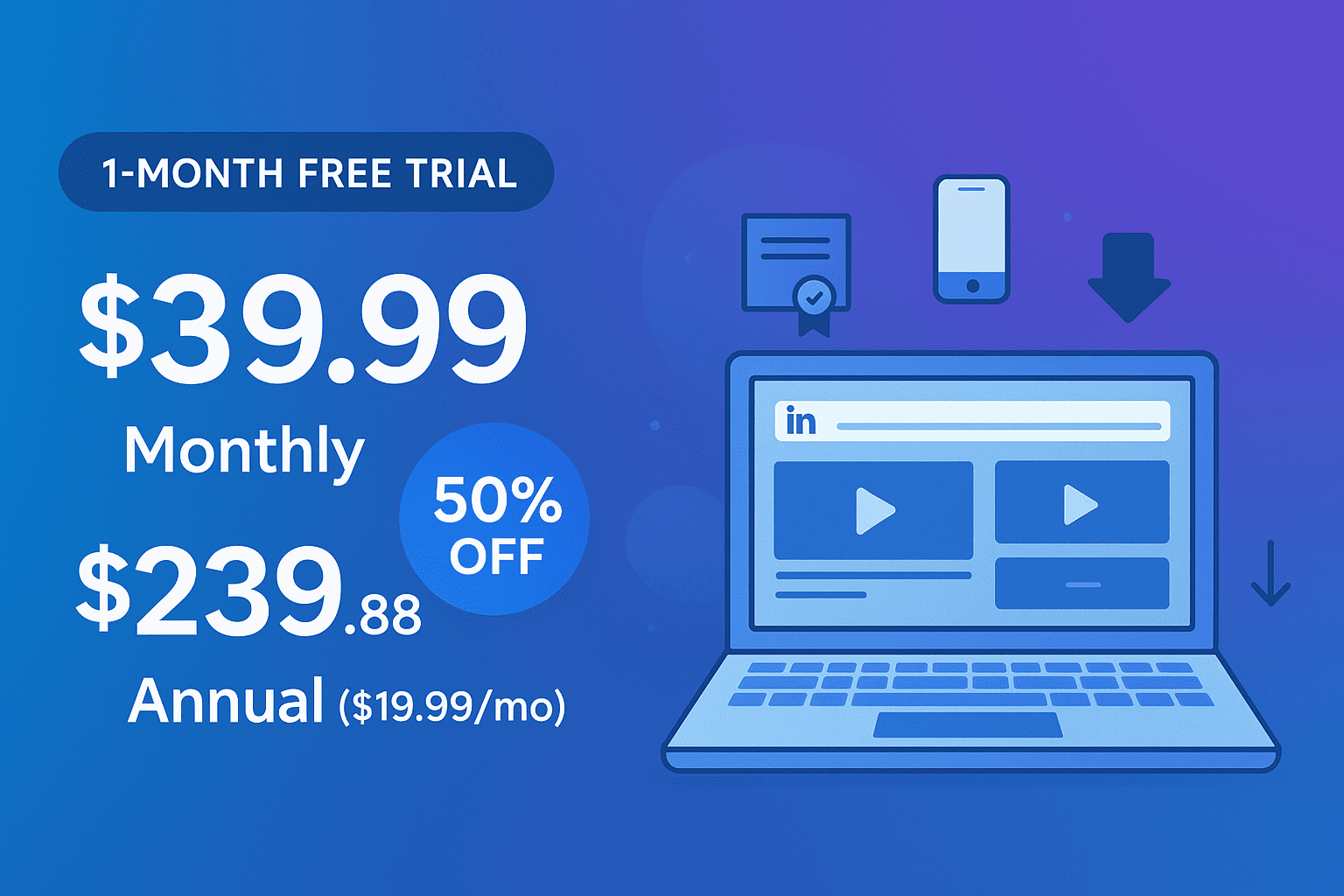
LinkedIn Learning costs $29.99 per month or $239.88 per year ($19.99 per month) for individuals in 2026, saving roughly $120 annually. A 30-day free trial includes the full catalog of 21,000+ courses. Students can get it for about $14.99 per month via Premium Student, and 2,700+ libraries plus many employers offer free access.
If you've ever tried to upskill online, you've probably bumped into LinkedIn Learning.
It's everywhere. It shows up in your LinkedIn feed, your Premium trial, and even in your library.
But here's the problem: the pricing isn't always obvious. Do you pay monthly? Yearly? Do you even need to pay at all?
Whether you're an SDR looking to sharpen your sales skills or a marketer wanting to track LinkedIn activity more effectively, knowing where to invest matters. This guide cuts through the noise. By the end, you'll know exactly what you should pay and when you shouldn't pay anything at all.
How much does LinkedIn Learning cost in 2026: price at a glance
Current monthly vs. annual price (individual plan)
| Category | Plan / Option | Price / Cost | Savings / Notes |
|---|---|---|---|
| Monthly vs. Annual | Monthly | $29.99/month | – |
| Annual | $239.88/year ($19.99/month) | ~$120/year vs. monthly; ~$9.60/hour (assuming 25 hours of training) | |
| Individual Courses | À la carte (rare) | $30–$50/course | Subscription is standard; one-off purchases mostly unavailable |
| Regional Pricing & Taxes | U.S. | USD, pre-tax | Sales tax may apply depending on state; no VAT/GST like Europe/Australia |
| Student / Educator | Premium Student | ~$14.99/month (50% off) | Includes LinkedIn Learning; some universities offer free access |
| Library / Employer | Library / Employer Access | Free (varies) | Many public libraries and employers cover access |
| Promotions & Renewal | Annual Plan Promotions | Up to 20% off | Renewal usually returns to full price; set reminder before card is charged |
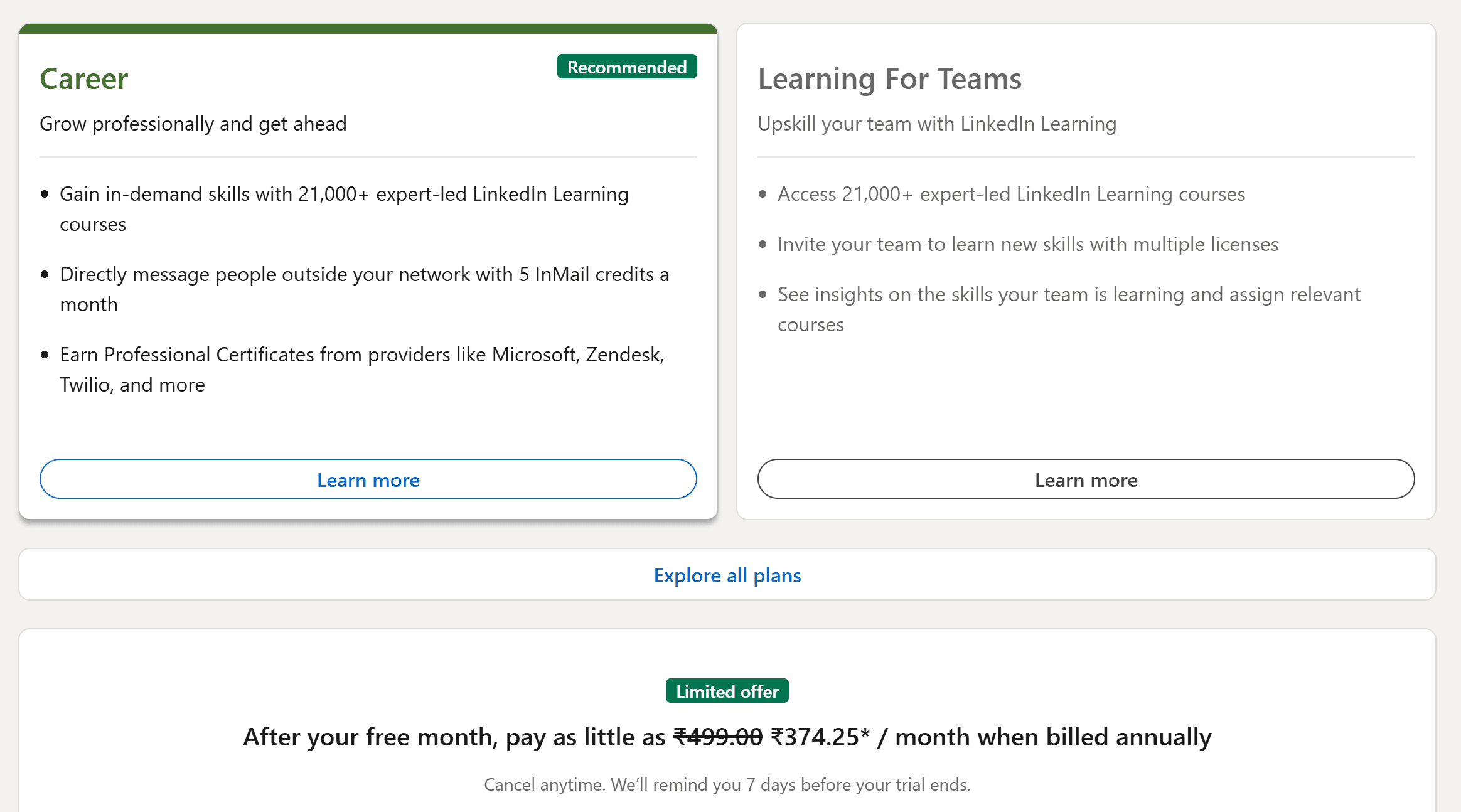
Free trial length and what's included
Every plan starts with a 30-day free trial. And it's the full experience:
- 21,000+ courses
- Learning Paths
- Practice files
- Certificates
No watered-down "trial" version. It's the same access paying users get.
For scale, LinkedIn Learning now features over 25,000 courses with more than 800 million course enrollments in the past year (SQ Magazine, 2025). That's why the 30-day trial is the cheapest way to test whether the catalog covers your specific role before you commit to a year.
Quick recommendation: when monthly vs. annual makes sense
Here's the quick math:
- Go monthly if you just want to binge a couple of courses in the next month or two.
- Go annual if you want to learn consistently all year. Even if you only complete one course per month, you're getting it for half the cost.
Full LinkedIn Learning pricing breakdown for individuals
Monthly vs. annual plans: effective savings and cost-per-hour
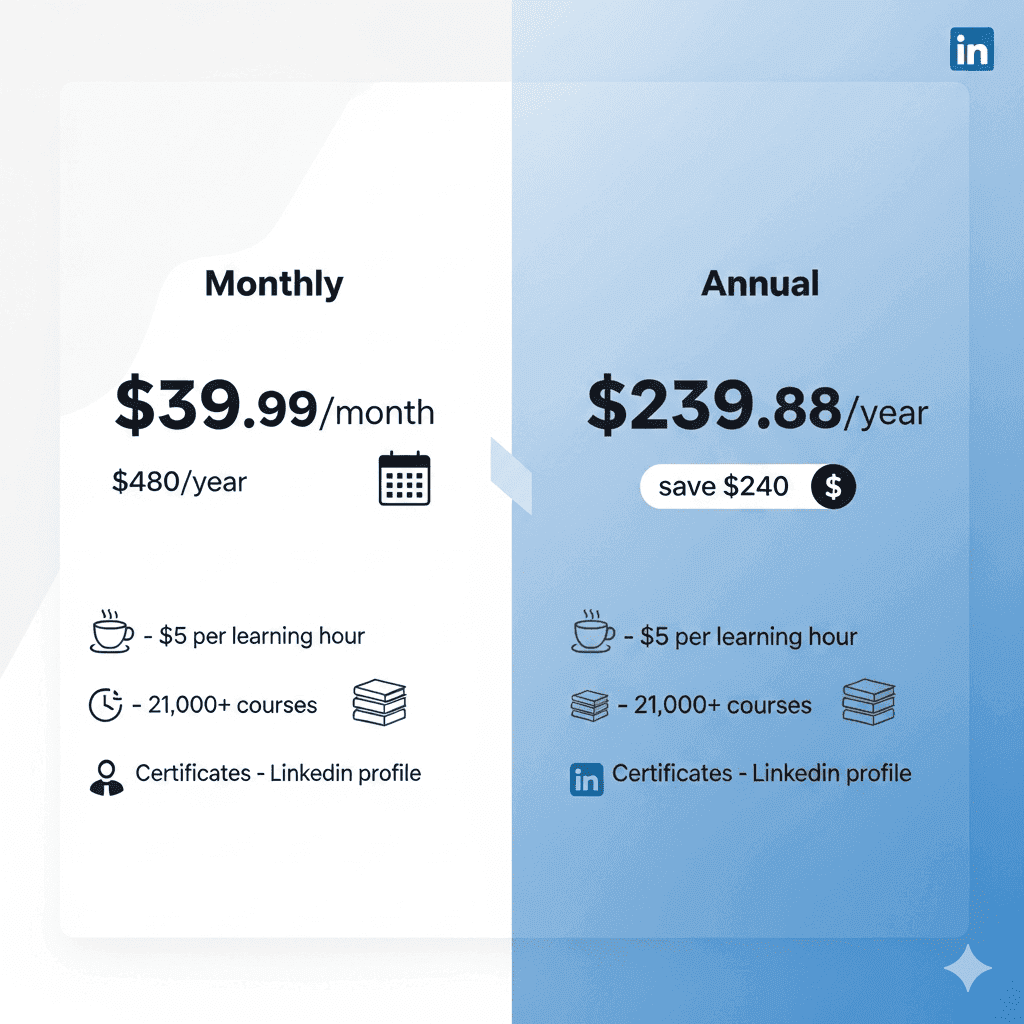
At $29.99 a month, you're paying nearly $360/year.
At $239.88 annually, you save $120.
Think about it this way: if you invest just an hour a week, the annual plan drops to less than $5 per learning hour. That's cheaper than most coffees.
Buying individual LinkedIn Learning courses
Not ready for a subscription? You can buy courses individually. They usually run $30–$50 each.
This only makes sense if:
- You need one certification for work.
- You don't see yourself taking multiple courses.
The moment you want two or more, the subscription wins on price every single time.
Regional pricing, currency differences, and taxes
LinkedIn adjusts pricing by region. So:
- EU and UK pricing reflects local currency
- Some regions add VAT or GST at checkout
Pro tip: your billing country determines the price, not your login.
Student, educator, and alumni options
Students have a hidden advantage.
- Some universities give LinkedIn Learning for free.
- Premium Student plans sometimes bundle it for as low as $14.99/month.
If you're a student or recent grad, check your institution before paying retail.
Library, university, and employer-sponsored access
Here's where most people overpay. Thousands of libraries and universities already offer LinkedIn Learning for free.
- 2,700+ libraries in North America alone
- Many employers include it as part of their learning benefits
The smart move: check your existing memberships before you buy.
Promotions, discounts, and renewal traps
- Expect deals during Black Friday and New Year (20–40% off annual plans)
- But beware: auto-renewals always default back to the full price
A sneaky but effective hack? Cancel before renewal, then resubscribe when promos hit.
Is LinkedIn Learning included with LinkedIn Premium?
Premium Career + Learning vs. Learning-only
Here's where it gets interesting:
- LinkedIn Learning (standalone): $29.99/month or $239.88/year
- Premium Career: $39.99/month (includes everything from Learning + job insights, InMail credits, and applicant data)
On the monthly tier, Premium Career gives you far more bang for your buck, just $10 extra gets you job insights, InMail credits, and applicant data on top of the full LinkedIn Learning catalog.
Which is cheaper for your goals?
Let's walk it out:
- Goal: purely upskill. → Go with the annual Learning plan at $19.99/month.
- Goal: job hunt + network. → Go with Premium Career at $39.99/month.
- Goal: undecided. → Start with a free trial of Premium Career. Use both features. Keep what you use most.
What you get for the price (features that impact value)
Course catalog, Learning Paths, and assessments
You're not buying a couple of random videos. You're getting:
- 21,000+ courses
- Step-by-step Learning Paths designed for careers like Data Analyst, Digital Marketer, or Project Manager
- Practice files and quizzes to lock in knowledge
Certificates of completion and profile integration
Every finished course unlocks a certificate. The beauty? With one click, you can showcase it directly on your LinkedIn profile.
That's free visibility. Free credibility. And in some cases an edge when applying for jobs.
The audience for those certificates is enormous: LinkedIn now has over 1.2 billion registered members and 310 million monthly active users (99firms, 2026), with 11,000 job applications submitted every minute. A certificate that lives on your profile is sitting on the same page recruiters are already scanning.
How to sign up step-by-step (and avoid surprise charges)
Signing up is easy. Avoiding unnecessary charges? That's where people slip.
Start the free trial safely (payment method, reminders, notifications)
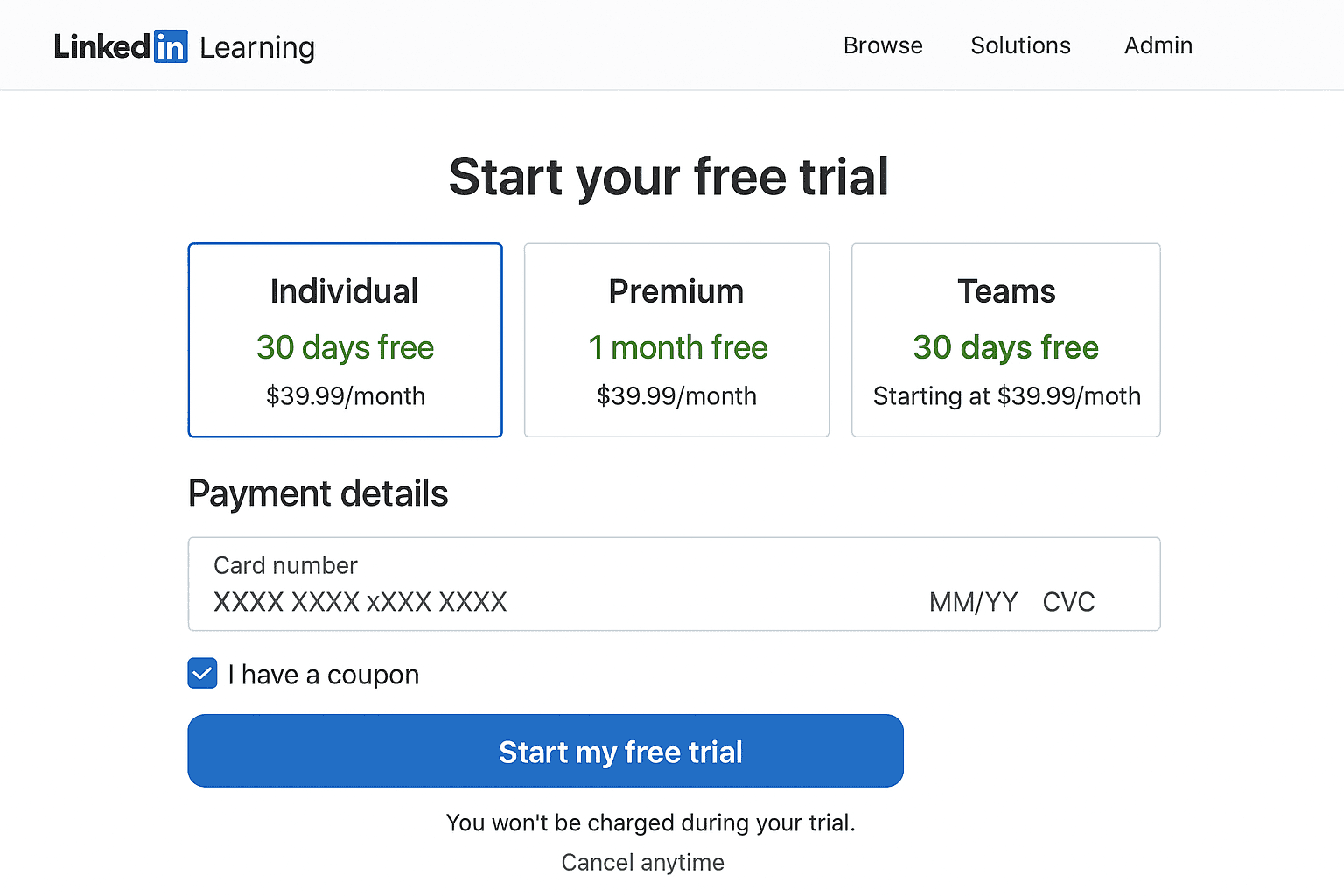
- You'll get 1 month free. But LinkedIn asks for your payment method upfront.
- Add your credit card or PayPal. Then, do this immediately:
- Set a calendar reminder a few days before your trial ends.
- Check your email notifications (LinkedIn usually sends one, but don't bet your wallet on it).
It's not sneaky, but it's easy to forget.
Verify pricing, currency, and taxes before confirming
Before hitting confirm:
- Look for your local currency. LinkedIn auto-adjusts, but taxes vary by country.
- In the U.S., it's $29.99/month or $239.88/year for the Learning plan.
Little details that make a big difference in budgeting.
Switching from Premium trial to Learning-only (or vice versa)
Here's a curveball:
- LinkedIn Premium includes Learning.
- But Learning-only is cheaper if you don't need job insights, InMail, or recruiter data.
Switching is possible. Just cancel the current plan and re-subscribe to the other. You keep your progress and history.
How to cancel, pause, or switch plans
No one likes digging through menus. Here's the shortcut version.
Cancel on desktop and mobile (step-by-step)
- Go to Me > Settings & Privacy > Subscriptions.
- Hit Manage subscription.
- Select Cancel. Confirm.
On mobile? Same thing just tucked inside the LinkedIn app under account settings.
Switch plans without losing progress or recommendations
Good news: your learning history and certificates are tied to your profile. So switching plans doesn't erase your data.
Bad news: you'll lose access to locked courses if you downgrade.
What happens to certificates and history after cancellation
- Certificates? Yours forever. They sit on your profile.
- Progress? Paused. If you resubscribe, you pick up where you left off.
No ugly surprises here.
Refunds and billing policies (read before you buy)
This is where people mess up. They assume refunds are automatic. They're not.
Subscription refunds and prorations: what to expect
- LinkedIn generally doesn't prorate monthly subscriptions.
- Annual subscribers may get partial refunds if canceled early, depending on region.
Individual course purchase refunds and timelines
- If you buy a single course (rarely the best deal), you have 30 days for a refund as long as you haven't watched most of it.
Accepted payment methods and supported currencies
- Credit cards
- PayPal
- Some regions allow direct debit or gift codes
Currencies are auto-detected, but double-check before confirming.
Auto-renewal rules and how to turn off auto-billing
Every plan auto-renews. By default.
Want to stop it? Cancel at least 24 hours before your billing date. Otherwise, you're charged.
How much should you budget? Simple cost calculator
Think of it like this:
- Monthly plan: $29.99
- Annual plan: $239.88 (works out to ~$19.99/month)
Estimate cost per course/hour with real-use scenarios
- If you take 1 course a month, that's ~$30 per course on the monthly plan.
- If you binge 5 courses a month, cost drops to ~$6 per course.
More you learn, cheaper it gets.
Break-even: course purchases vs. subscription vs. Premium bundle
- Buy a single course: ~$30–$50
- Monthly sub: ~$29.99
- Annual sub: ~$239.88
- LinkedIn Premium Career: ~$39.99/month (includes Learning + job tools)
Break-even happens fast if you're consistent.
Is LinkedIn Learning worth it for you?
Short answer: depends who you are.
Best for: job seekers, managers, and tech/creative upskilling
- Job seekers: add certificates to your profile for credibility.
- Managers: leadership, communication, and people skills.
- Tech/creative folks: stay current in fast-moving fields.
When an alternative might be better (certification goals, degree credit)
- Need college credit? Go Coursera or edX.
- Want industry certification (AWS, PMP, etc.)? Pluralsight or vendor academies may fit better.
LinkedIn Learning is solid. But not always the best fit.
Price comparison with popular alternatives
Udemy, Coursera Plus, Skillshare, Pluralsight: costs at a glance
- Udemy: $10–$200 per course (frequent discounts)
- Coursera Plus: ~$399/year, includes certificates from top universities
- Skillshare: ~$165/year, heavy on creative and freelance skills
- Pluralsight: ~$299/year, specialized in tech/dev
Context on parent-platform reach: LinkedIn generated $17.81 billion in fiscal year 2025 revenue (Microsoft Earnings, via 99firms), with growth across Talent Solutions, Marketing Solutions, and Premium Subscriptions (the segment LinkedIn Learning sits inside). None of the alternatives plug into a 1.2B-member professional graph the way Learning does.
Key differences that impact total cost (licenses, certificates, catalog)
- Certificates: LinkedIn and Coursera carry more weight on resumes.
- Catalog depth: Udemy has volume, but quality varies.
- Niche focus: Pluralsight = tech. Skillshare = creative. LinkedIn = career/office-ready skills.
Level up your LinkedIn game beyond courses
LinkedIn Learning is great for building skills, but what about putting those skills to work on the platform itself?
If you're serious about LinkedIn, whether for sales, marketing, or personal branding, you need more than courses. You need visibility.
OutX.ai helps professionals and teams track LinkedIn mentions, engage automatically, and export leads, all from a privacy-first Chrome extension that runs locally in your browser. No passwords shared. No LinkedIn ban risk.
- SDRs and marketers: Track keyword mentions and buyer signals in real time
- Founders and creators: Auto-engage to build your personal brand while you focus on building
- Teams: Export Sales Navigator data and collaborate on outreach
Think of it this way: LinkedIn Learning teaches you how to use LinkedIn. OutX.ai helps you actually use it at scale.
Conclusion
LinkedIn Learning is not the bargain-bin option in the online education world. Platforms like Udemy throw $9.99 flash sales every week. Skillshare costs less than half for a year.
Coursera Plus gets you Ivy League names. Pluralsight dominates tech-heavy training.
So why would someone still pick LinkedIn Learning?
Because it plays where you already live, your LinkedIn profile.
Every course, every certificate, every skill ties back into the place recruiters, clients, and hiring managers are already looking at you.
That's the unfair advantage.
It's not just learning, it's learning with built-in distribution. Each time you finish a course and add that certificate to your profile, it's free visibility. Free credibility. And often, a conversation starter with people in your network.
Here's the trade-off: if you're looking for formal accreditation, like a university-backed credential or degree credit, LinkedIn Learning might feel light. If you want deep specialization (say AWS certification, or advanced project management), a niche platform like Pluralsight or PMI will serve you better.
But if your end game is career momentum, LinkedIn Learning sits in a sweet spot. It's practical, integrated, and ridiculously easy to showcase.
And here's the kicker: even if you only use it for six months, you'll probably still extract more career ROI than you'd get from most one-off courses elsewhere.
So yes, there are cheaper options. But for professionals who breathe LinkedIn every day, the value isn't in being the cheapest. It's in being the most visible.
Next Steps
Okay, so you're curious. Maybe ready to try it. Here's a smarter way to do it without falling into the "forgot-to-cancel" trap:
- Start with the 30-day free trial. Don't overthink. Sign up. Explore the catalog. Test the interface. See if the learning paths fit the way you learn. It costs nothing if you cancel in time.
- Set a reminder to cancel before it ends. This one matters. LinkedIn will ask for payment upfront, credit card or PayPal. If you do nothing, you'll roll into a paid subscription. Pro move: set a calendar event three days before your trial ends. No surprises.
- Decide your mode: binge or commit.
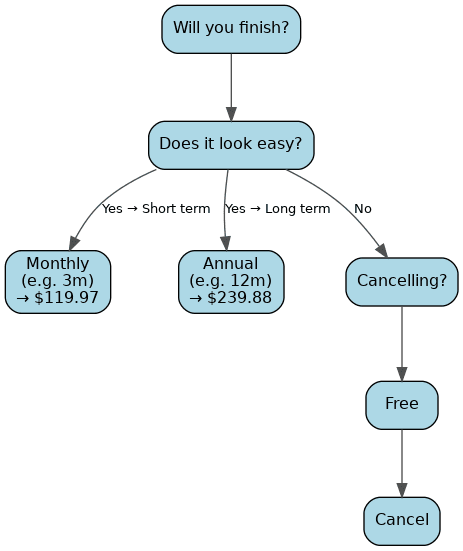
- If you just want to knock out a couple of certifications, say, Excel and a project management course, monthly works. Pay $29.99 for a month or two, binge, and walk away.
- If you want long-term consistent growth, leadership, analytics, AI, marketing, design, annual is the winner. At $19.99/month, it's nearly half-price.
- Check your free options first. You might not need to pay at all. Thousands of public libraries and universities already include LinkedIn Learning in their systems. Many employers quietly bundle it under "learning benefits." Always check before swiping your card.
- If you're job-hunting, go Premium Career. At $39.99/month, you get more features: InMail credits, who-viewed-your-profile, and applicant insights. Think of it as LinkedIn Learning with a job-search booster pack.
Bottom line: Don't pay blindly. Test it, set reminders, and match the plan to your actual goals.
FAQs: Pricing, Trials, and Access
Is there a student discount for LinkedIn Learning?
Yes. Students have one of the best deals in the house. Many universities provide free access as part of their institutional license. If your school uses LinkedIn Learning, all you need is your .edu (or equivalent) login.
If your university doesn't cover it, LinkedIn sometimes offers a Premium Student bundle for around $14.99/month. That includes LinkedIn Learning + Premium Career features. It's an incredible bargain compared to the $29.99 standard monthly fee. Always check your school's portal before paying full price.
Does my public library offer free access? How to check
Surprisingly, yes. More than 2,700 libraries across North America (and many internationally) offer LinkedIn Learning for free. If you have a library card, you may already have access.
How to check:
- Visit your library's official website.
- Look under "Digital Resources" or "eLearning."
- Search for "LinkedIn Learning" (some still list it under its old name, Lynda.com).
- If available, you'll usually log in with your library card number.
Or, simpler, just ask a librarian. It's their job to know.
Can I share my subscription or get a family plan?
Nope. As of 2026, LinkedIn Learning is strictly single-user. No family plans, no sharing logins. Your account is tied to your LinkedIn profile, so every certificate and history entry belongs only to you.
Can I download courses during the trial?
Yes. You can download courses for offline use on the LinkedIn Learning mobile app. Perfect if you commute, travel, or just want to learn without burning data.
The catch: once your trial or subscription ends, the offline downloads disappear. So if you're thinking of "stockpiling" content, don't bother, it won't stick.
Are certificates included or extra?
Included. 100%. Every time you finish a course, you earn a certificate of completion.
And the real power? With one click, you can showcase that certificate on your LinkedIn profile. No paywall. No upsell. Just instant credibility that signals your skills to recruiters, managers, and peers.
How often does pricing change and how can I lock in a rate?
LinkedIn's pricing has been remarkably stable. $29.99/month and $239.88/year have been the baseline for the individual Learning plan.
That said, there are two things to know:
- Discounts pop up during Black Friday and New Year, usually 20–40% off annual plans.
- Auto-renewals reset to the full price. Always.
The best way to lock in savings? Buy annual when promotions run. That way you secure a year of learning at a reduced cost and avoid the creeping monthly renewal.