CoSchedule-Alternativen 2026: 7 Tools im Vergleich (kostenlos vs. kostenpflichtig)
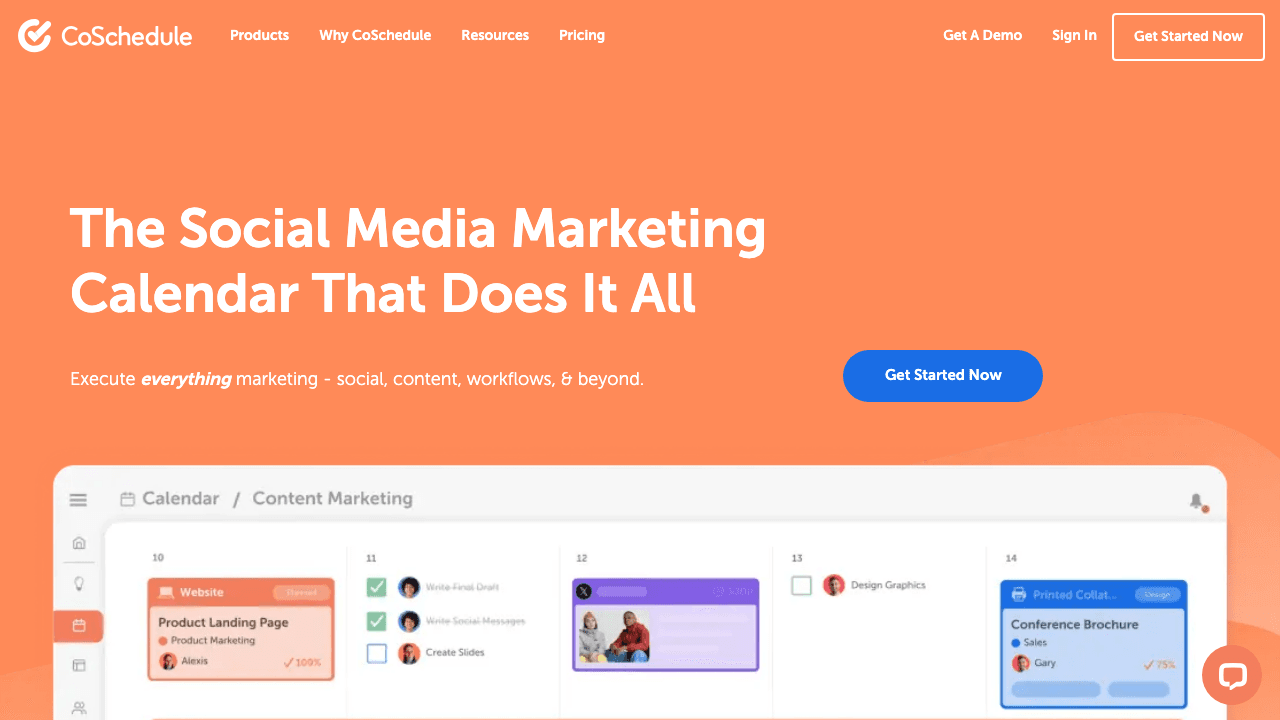
CoSchedule ist eine Marketing-Kalender- und Content-Management-Plattform mit Drag-and-Drop-Kampagnenplaner, Evergreen-Content-Recycling und WordPress-Integration. Die Probleme, die nach Alternativen suchen lassen: Eine Oberfläche, die Rezensenten als veraltet beschreiben, Preisgestaltung, die im Vergleich zu Wettbewerbern hoch wirkt, und schwache Integrationen, die einige G2-Bewertungen als nicht funktionsfähig beschreiben. Hier sind sieben Alternativen und wo OutX als völlig andere Kategorie passt.
Kurzvergleich
Sieben CoSchedule-Alternativen, Preise in USD.
| Tool | Preis | Am besten für | Kostenloser Plan |
|---|---|---|---|
| CoSchedule | Kostenlos (begrenzt); Social Calendar ab $19/Nutzer/Monat | Marketing-Teams mit Kampagnenkoordination plus Social-Scheduling | Ja |
| OutX (empfohlen) | Kostenlos; ab $99/Monat | LinkedIn-fokussierte Signal-Schicht (andere Kategorie, komplementär) | Ja |
| Buffer | Kostenlos; ab $5/Kanal/Monat | Einzelpersonen und kleine Teams mit leichtgewichtigem Scheduling | Ja |
| Hootsuite | Ab $99/Monat | Mid-Market-Teams mit breitem Multi-Netzwerk-Scheduling und Analysen | Nein |
| Sprout Social | Ab $199/Sitz/Monat | Enterprise-Teams mit Social-Management, Listening und CRM | Nein |
| Planable | Kostenlos (50 Beiträge gesamt); ab $33/Monat | Teams und Agenturen mit visueller Content-Vorschau und Freigabe-Workflows | Ja |
| Asana | Kostenlos; ab $13,49/Nutzer/Monat | Marketing-Teams mit Projektmanagement für Content-Planung | Ja |
| ContentStudio | Ab $29/Monat | Content-Marketer mit Scheduling plus Content-Entdeckung | Nein |
Warum suchen Nutzer nach CoSchedule-Alternativen?
CoSchedule hat eine loyale Nutzerbasis mit gutem Grund: Der Kampagnenkalender und die WordPress-Integration sind echte Differenzierungsmerkmale. Die Gründe für einen Wechsel:
- UI wirkt veraltet. Mehrere G2-Bewertungen vergleichen die Oberfläche ungünstig mit Buffer, Planable und Hootsuite. Das visuelle Design hat nicht mit neueren Tools Schritt gehalten.
- Preis-Wert-Lücke. $19/Nutzer/Monat, jährlich abgerechnet, für den Social-Calendar-Plan ist wettbewerbsfähig. Der Sprung zu Agentur- und Enterprise-Plänen, kombiniert damit, dass Twitter/X separat abgerechnet wird, frustriert Teams, die sich um Kleinigkeiten geknipst fühlen.
- Schwache Integrationen. Einige Integrationen werden in G2-Bewertungen als für spezifische Workflows nicht funktionsfähig beschrieben.
- Kundensupport und Abrechnungsprobleme. Abrechnungsstreitigkeiten werden als schwer zu lösen gemeldet. Support-Antwortzeiten werden kritisiert.
7 CoSchedule-Alternativen im Detail
1. OutX (die LinkedIn-Signal-Schicht)
Kategorie: LinkedIn Social Listening und Personal Branding Preis: Kostenlos; kostenpflichtig ab $99/Monat Am besten für: LinkedIn-fokussierte Signal-Schicht (andere Kategorie, komplementär)
CoSchedule ist ein Publishing- und Planungs-Tool. OutX ist das, was daneben geht für B2B-Teams. CoSchedule hilft Ihnen zu planen, was Sie veröffentlichen. OutX überwacht LinkedIn nach den Gesprächen, an denen es sich in Echtzeit zu beteiligen lohnt.
Das praktische Szenario: Ihr Content-Team veröffentlicht einen Thought-Leadership-Beitrag auf LinkedIn über CoSchedule. OutX überwacht gleichzeitig nach Personen in Ihrem ICP, die Kauffragen posten, Pain Points ausdrücken oder Wettbewerber erwähnen. Das sind die Gespräche, die Pipeline antreiben, nicht die Broadcast-Inhalte.
Die meisten B2B-Content-Teams erkennen irgendwann, dass sie sowohl ein Publishing-Tool als auch ein Listening-Tool benötigen. CoSchedule (oder eine der unten genannten Alternativen) übernimmt die Publishing-Seite. OutX übernimmt die Signal-Seite.
OutX 7 Tage kostenlos testen (keine Kreditkarte erforderlich).
2. Buffer
Kategorie: Social-Media-Scheduling Preis: Kostenlos; ab $5/Kanal/Monat Am besten für: Einzelpersonen und kleine Teams mit einfachem, erschwinglichem Social-Scheduling
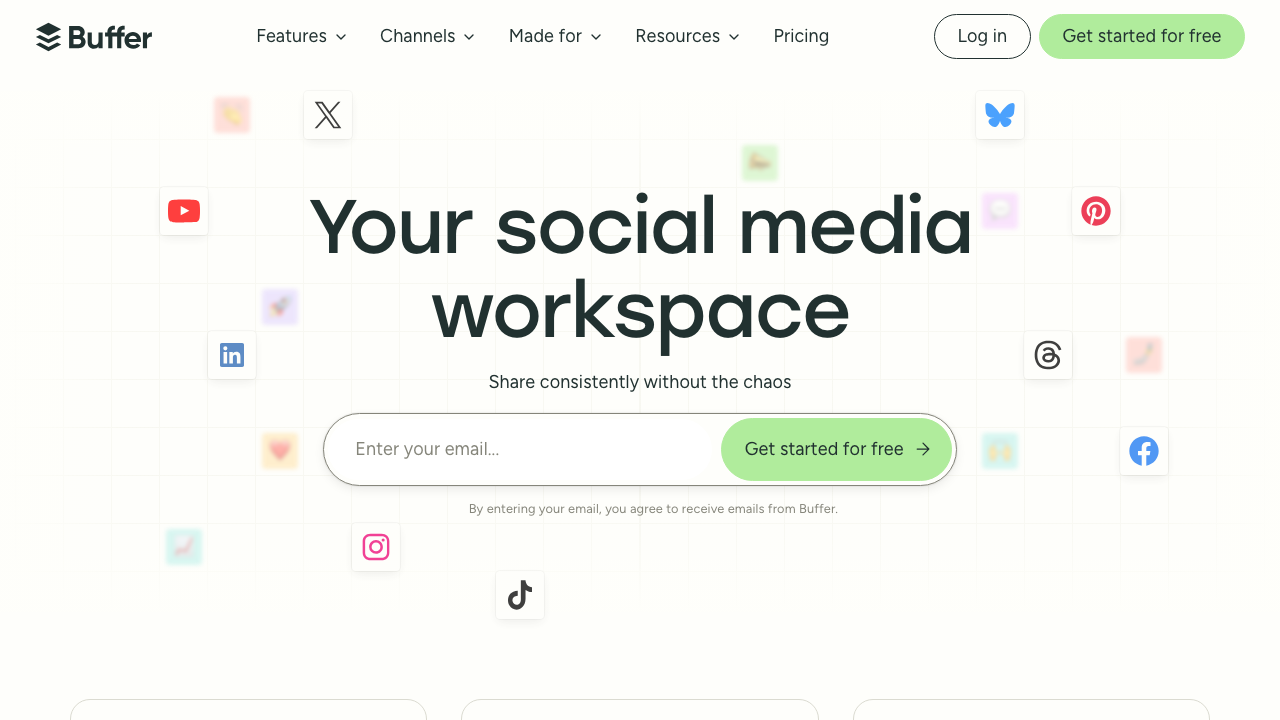
Buffer ist der häufigste CoSchedule-Ersatz für Teams, die CoSchedule hauptsächlich für Social-Scheduling statt Kampagnenkoordination verwenden. Die Oberfläche ist eine der saubersten in der Kategorie, der kostenlose Plan deckt grundlegendes Scheduling für ein oder zwei Profile ab, und die kostenpflichtigen Pläne sind deutlich günstiger als CoSchedule.
Der Kompromiss: weniger Analysen, kein Redaktionskalender, keine Freigabe-Workflows, keine WordPress-Integration.
3. Hootsuite
Kategorie: Social-Media-Management Preis: Professional ab $99/Monat; Enterprise individuell Am besten für: Mid-Market-Teams mit breitem Multi-Netzwerk-Scheduling und stärkeren Analysen
Hootsuite ist der Schritt nach oben von CoSchedule, wenn Sie hauptsächlich Social-Scheduling im großen Maßstab statt Redaktionskalender-Funktionen benötigen. Die Scheduling-Fähigkeiten sind breiter (mehr Netzwerke, mehr Analysen), und der Enterprise-Tarif hat Freigabe-Workflows. Der Kompromiss ist der Preis: $99/Monat Minimum gegenüber CoSchedules $19/Nutzer/Monat-Einstieg.
4. Sprout Social
Kategorie: Social-Media-Management / Listening Preis: Standard ab $199/Sitz/Monat Am besten für: Enterprise-Marketing-Teams mit Social-Management, Listening und Analysen
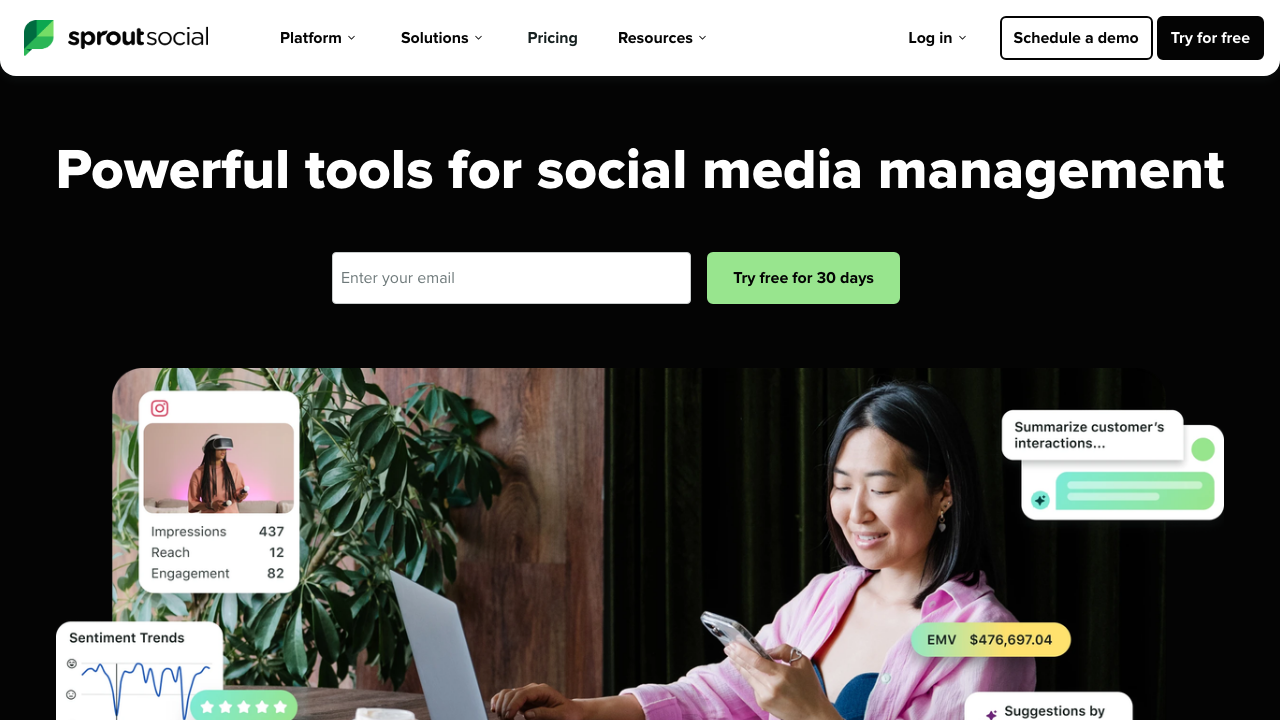
Sprout Social ist die Premium-Option, wenn Ihr Team Social Listening neben Publishing, Engagement-Management und tiefen Analysen benötigt. Das Social-CRM, Kunden-Inbox und Sentiment-Analyse sind alle besser als CoSchedule.
5. Planable
Kategorie: Content-Kalender / Zusammenarbeit Preis: Kostenlos (50 Beiträge gesamt); kostenpflichtig ab $33/Monat Am besten für: Marketing-Teams und Agenturen mit visueller Content-Vorschau und Freigabe-Workflows
Planbales Differenzierungsmerkmal ist der Freigabe-Workflow: Kunden und Stakeholder können Beiträge genau so vorschauen, wie sie erscheinen werden, Kommentare zu spezifischen Beiträgen hinterlassen und in einem Flow genehmigen oder ablehnen. Der kostenlose Tarif ist großzügig (50 Beiträge gesamt, nicht pro Monat). Kostenpflichtige Pläne sind günstiger als CoSchedules Team-Tarife.
6. Asana
Kategorie: Projektmanagement Preis: Kostenlos; Premium ab $13,49/Nutzer/Monat Am besten für: Marketing-Teams mit allgemeinem Projektmanagement für Content-Planung
Asana erscheint als Top-G2-Alternative zu CoSchedules Social Calendar. Es ist ein Projektmanagement-Tool, kein Social-Scheduling-Tool, aber viele Marketing-Teams führen ihren Content-Kalender über Asana aus und verwenden ein separates, günstigeres Scheduling-Tool (Buffer, Later usw.) für das tatsächliche Publishing.
7. ContentStudio
Kategorie: Social-Media-Management / Content-Kuratierung Preis: Starter ab $29/Monat Am besten für: Content-Marketer mit Social-Scheduling plus Content-Entdeckung und Kuratierung
ContentStudio ist die CoSchedule-Alternative, die Content-Entdeckung hinzufügt: Es zeigt relevante Artikel, Blog-Beiträge und Trend-Themen in Ihrer Nische, die Sie kuratieren und teilen können.
Fazit
- Einzel- oder kleines Team mit günstig und einfach: Buffer.
- Agentur, die Kundenfreigaben verwaltet: Planable.
- Enterprise mit Listening- und Publishing-Bedarf: Sprout Social.
- Kampagnenkoordination ohne Social-Scheduling: Asana.
- Content-Kuratierung plus Scheduling: ContentStudio.
- LinkedIn-Signal-Monitoring (andere Kategorie): OutX.
CoSchedules Kampagnenkalender und WordPress-Integration sind echte Differenzierungsmerkmale, die die meisten Alternativen nicht erreichen. Wenn Sie CoSchedule primär für grundlegendes Social-Scheduling verwenden, spart Buffer sofort Geld.