Best LinkedIn Video Downloader: Complete Guide (2026)
LinkedIn has become the go-to platform for professional content, with video posts driving 277% more engagement than text posts.
Whether you're a marketer analyzing competitor content, a designer building presentations, or a professional saving training materials, you need reliable ways to download LinkedIn videos safely.
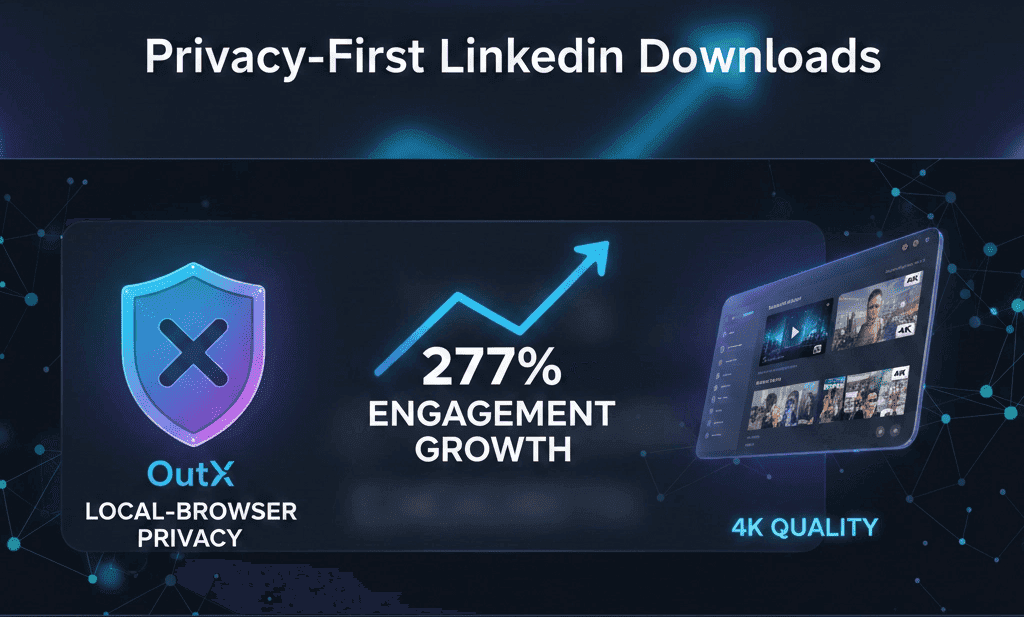
In this comprehensive guide, we'll explore the best LinkedIn video downloader tools, including privacy-first solutions that protect your data while delivering high-quality downloads.
Best LinkedIn Video Downloader Tools (2026)
1. OutX LinkedIn Video Downloader
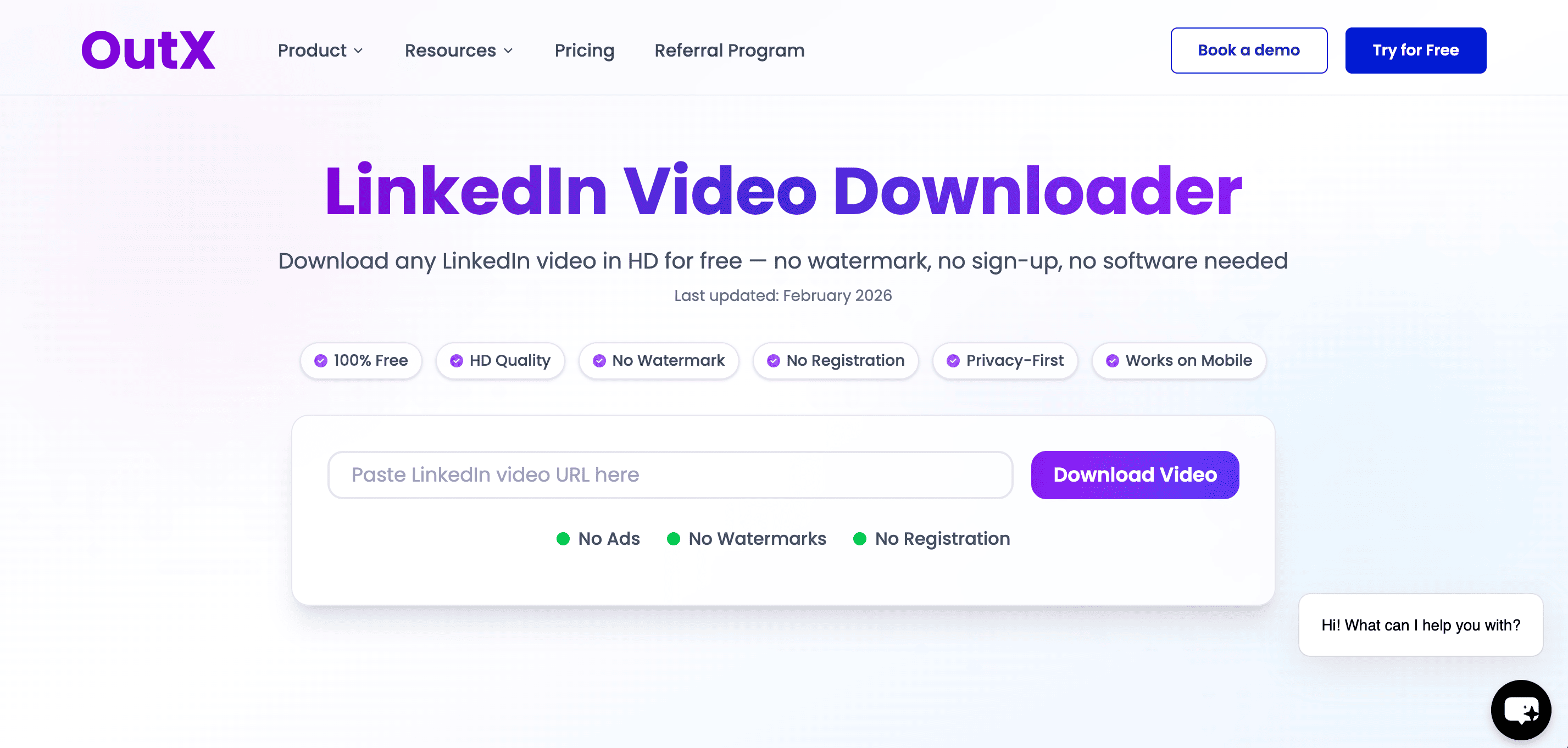
Best for: Privacy-conscious professionals and teams
OutX leads the market with browser-based video downloading that keeps your data completely local. Unlike cloud-based tools, OutX runs directly in your Chrome browser, ensuring no LinkedIn credentials or video data ever leaves your device.
Key Features:
- Browser-based execution (no data sharing)
- HD video quality preservation
- Bulk download capabilities
- Team collaboration features
- Built-in LinkedIn social listening integration
- Best For: Professional teams prioritizing privacy and integration
2. Taplio Video Downloader
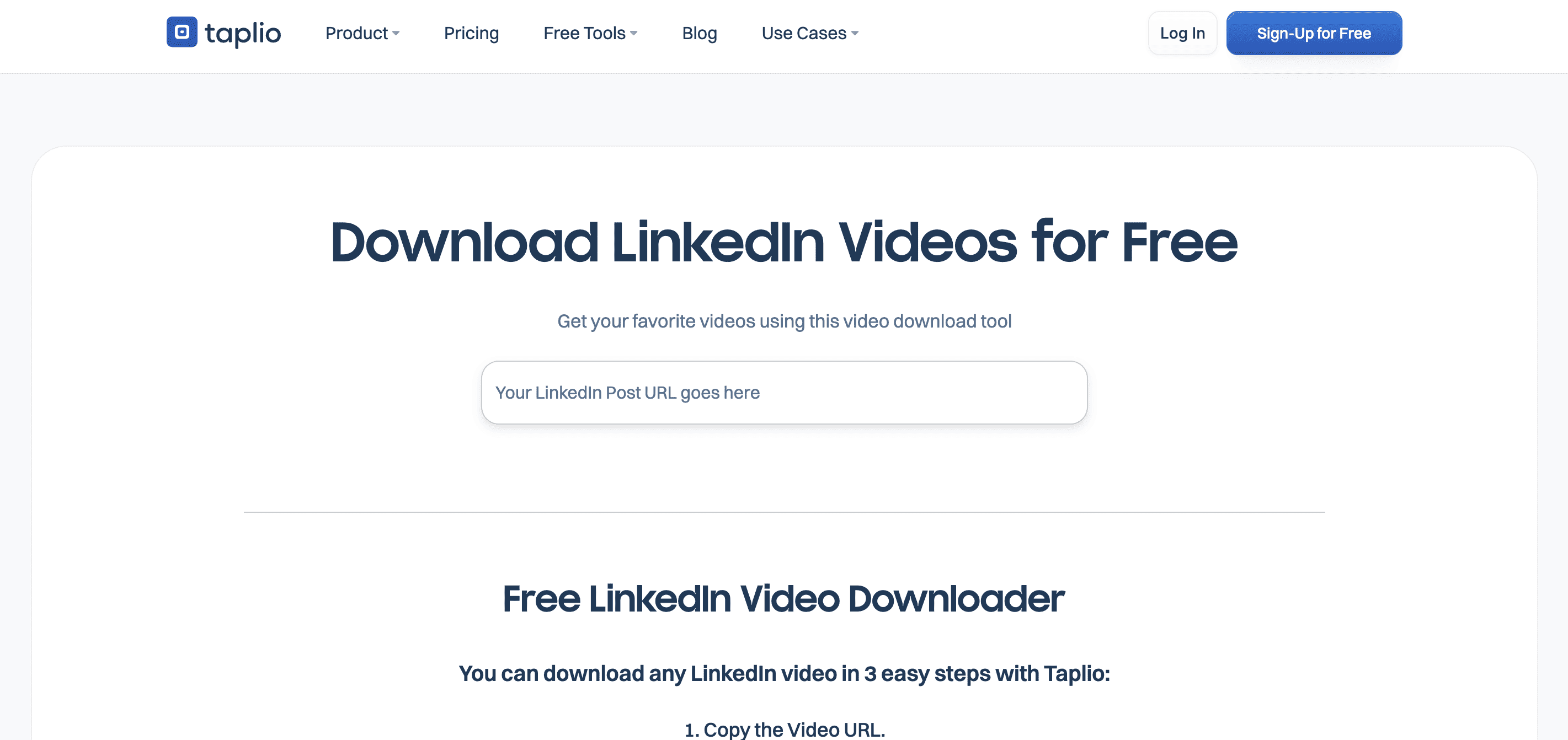
Best for: Content creators and personal branding
Taplio combines video downloading with content creation tools, making it popular among LinkedIn influencers and creators.
Key Features:
- Simple 3-step download process
- Content scheduling integration
- Analytics dashboard
- Creator-focused features
3. Publer LinkedIn Downloader
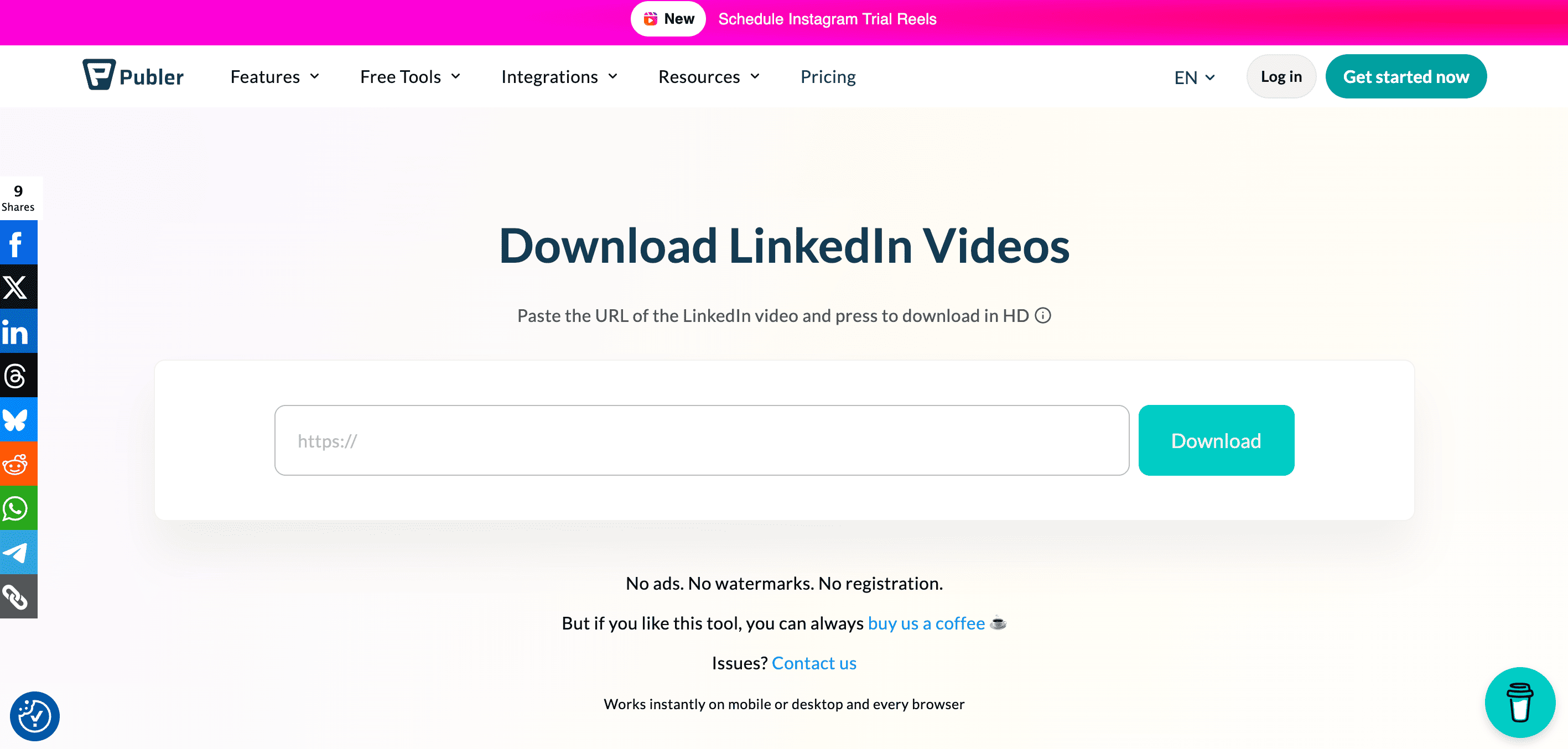
Best for: Quick one-off downloads
Publer offers a straightforward tool for downloading LinkedIn videos without registration requirements.
Key Features:
- No account registration required
- HD quality support
- Fast processing times
- Clean, simple interface
Why Professionals Download LinkedIn Videos
Content Marketing Teams
- Competitive analysis: Study competitor video strategies
- Content repurposing: Transform LinkedIn videos for other platforms
- Campaign research: Analyze trending video content in your industry
Sales and Business Development
- Prospect research: Save videos from potential clients or partners
- Training materials: Download product demos and explainer videos
- Relationship building: Reference specific video content in outreach
Design and Creative Teams
- Portfolio building: Collect inspiration from industry videos
- Client presentations: Include relevant case studies and examples
- Trend analysis: Archive trending visual styles and formats
Learning and Development
- Educational content: Save training videos and tutorials
- Skill development: Build personal libraries of professional content
- Team training: Share relevant video content across organizations
LinkedIn Video Downloader Comparison Table
| Tool | Privacy Level | Video Quality | Bulk Downloads | Mobile Support |
|---|---|---|---|---|
| OutX | Highest (Local) | Up to 4K | Yes | Yes |
| Taplio | Medium (Cloud) | HD | Yes | Yes |
| Publer | Low (Cloud) | HD | Yes | Yes |
What Sets OutX Apart
Privacy-First Architecture: OutX processes everything locally in your browser, ensuring your LinkedIn activity and downloaded content never touches external servers.
Professional Integration: Built-in auto-engagement tools let you interact with the content you're analyzing, creating a complete LinkedIn strategy platform.
Team Collaboration: Share download queues and video libraries with team members while maintaining individual privacy controls.
Mobile vs Desktop: Which Works Better?
Desktop Advantages
- Full browser control: Access to developer tools and extensions
- Better file management: Easier organization of downloaded videos
- Higher processing power: Faster downloads and conversions
- Multi-tasking: Download while working on other tasks
Mobile Advantages
- Convenience: Download on-the-go content
- Quick sharing: Immediate access to share downloaded videos
- Touch interface: Simpler interaction for basic downloads
- Always available: Download content whenever you encounter it
Recommendation: Use desktop for bulk operations and professional workflows. Mobile works best for quick, opportunistic downloads.
Legal and Privacy Considerations
What's Legal
- Public content: Videos posted publicly on LinkedIn can generally be downloaded for personal use
- Educational purposes: Downloading for learning and skill development
- Fair use scenarios: Commentary, criticism, and transformative use
What to Avoid
- Commercial redistribution: Selling or monetizing others' LinkedIn videos
- Copyright infringement: Using copyrighted content without permission
- Privacy violations: Downloading private or restricted content
Privacy Best Practices
- Choose local-processing tools like OutX to avoid data sharing
- Read terms of service for both LinkedIn and downloader tools
- Respect creator intentions and intellectual property
- Use downloads responsibly and within legal boundaries
LinkedIn's Official Stance
LinkedIn's Terms of Service generally prohibit automated data collection, but personal downloading for legitimate business purposes falls into a grey area. Using browser-based tools like OutX mimics manual behavior and poses lower risk than server-based scrapers.
Frequently Asked Questions
Is it legal to download LinkedIn videos?
Downloading public LinkedIn videos for personal use, research, or fair use scenarios is generally acceptable. However, redistributing copyrighted content commercially without permission violates copyright law. Always respect intellectual property rights.
How to download LinkedIn videos without watermark?
Most professional tools including OutX, Taplio, and Publer download videos without adding watermarks. Free tools may add watermarks to encourage paid upgrades. Check the tool's documentation before downloading.
What is the best LinkedIn video downloader?
For professionals prioritizing privacy and integration, OutX offers the most comprehensive solution. Content creators may prefer Taplio for its creation tools. For occasional use, Publer provides a good free option.
Can I download LinkedIn videos on mobile?
Yes, most modern tools including OutX support mobile downloading. SnapLinkedin specifically optimizes for mobile users. However, desktop tools generally offer more features and better file management.
Do I need special software to download LinkedIn videos?
Browser-based tools like OutX require only a Chrome extension. Online tools work through your web browser without additional software. Advanced users can use browser developer tools without any additional downloads.
Conclusion
LinkedIn video downloading has evolved significantly in 2026, with privacy-first solutions leading the market. Whether you're conducting competitive research, building educational libraries, or analyzing content trends, choosing the right tool makes all the difference.
For professional teams, OutX provides the ideal balance of privacy, functionality, and integration. Content creators benefit from Taplio's comprehensive suite, while occasional users can start with Publer for free.
Remember to always respect intellectual property rights and use downloaded content responsibly. The best LinkedIn video downloader is one that fits your specific needs while protecting your data and maintaining compliance with platform policies.
Ready to start downloading LinkedIn videos safely? Try Outx.ai

.png&w=3840&q=75)