PhantomBuster vs OutX: Which LinkedIn Tool Wins in 2026?
Is PhantomBuster still safe for LinkedIn in 2026? With increasing reports of account restrictions and evolving LinkedIn policies, this question keeps sales professionals and marketers awake at night.
If you're looking for a reliable PhantomBuster alternative and tired of walking on eggshells with your LinkedIn automation tools, wondering if today's the day LinkedIn flags your account, you're not alone.
The automation landscape has shifted dramatically. What worked in 2023 doesn't work anymore. Cloud-based tools are getting caught. Rate limits are tightening. Yet somehow, 77% of B2B companies still rely on LinkedIn for lead generation.
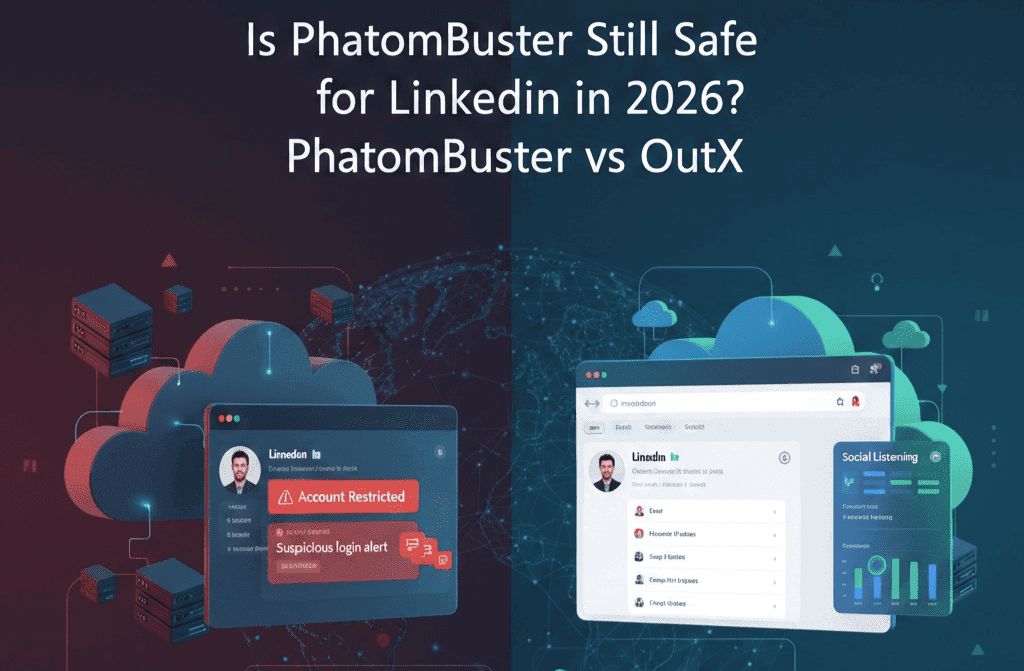
Here's what we'll cover: A comprehensive breakdown of PhantomBuster versus OutX, focusing on the safety-first approach that actually protects your LinkedIn account while driving results.
TL;DR
- PhantomBuster runs on cloud servers that LinkedIn can easily detect, while OutX operates directly in your browser
- PhantomBuster costs $69-$439/month with complex slot systems, OutX starts at $49/month with transparent pricing
- OutX specializes in LinkedIn safety with built-in rate limiting, PhantomBuster covers multiple platforms with higher risk
- PhantomBuster requires technical setup, OutX installs like any Chrome extension
- For LinkedIn-focused teams prioritizing safety, OutX wins. For multi-platform automation experts, PhantomBuster has broader coverage.
Quick Comparison Table
| Feature | PhantomBuster | OutX |
|---|---|---|
| LinkedIn Safety | High risk (cloud-based) | Low risk (browser-based) |
| Pricing | $69-$439/month | $49-$999/month |
| Setup Complexity | High (technical knowledge required) | Low (Chrome extension) |
| Data Export | Yes (complex setup) | Yes (one-click) |
| Social Listening | Basic | Advanced |
| Multi-Platform | 100+ platforms | LinkedIn-focused |
| Rate Limiting | Manual configuration | Built-in safety |
| Learning Curve | Steep | Gentle |
What is PhantomBuster?
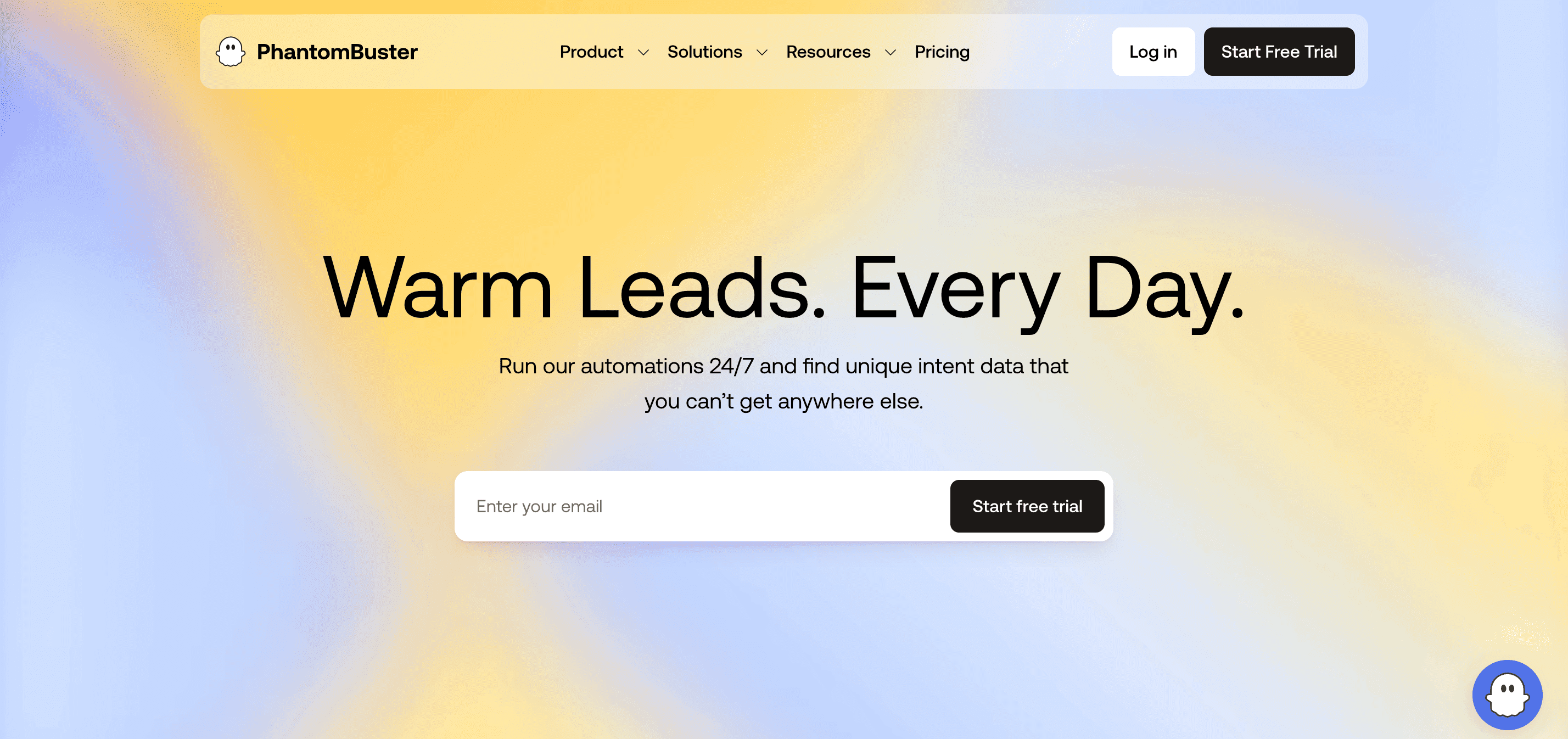
PhantomBuster is a cloud-based automation platform that scrapes data and automates actions across 100+ platforms including LinkedIn, Twitter, Instagram, and Facebook. Think of it as a Swiss Army knife for social media automation.
Launched in 2017, PhantomBuster gained popularity among growth hackers and agencies for its versatility. You can extract Sales Navigator data, auto-connect with prospects, scrape company employee lists, and even automate Instagram follows.
But here's the problem: PhantomBuster runs on remote servers. When it logs into your LinkedIn account, LinkedIn sees a different IP address, different browser fingerprint, different location. This triggers red flags in LinkedIn's security systems.
The platform uses a "Phantom" system where you configure individual automation scripts. Each Phantom has specific functions like "LinkedIn Profile Scraper" or "LinkedIn Auto-Connect." You set parameters, schedule runs, and monitor results through their dashboard.
PhantomBuster Pricing Breakdown
PhantomBuster uses a credit-based system that confuses most users:
Growth Plan: $69/month
- 2 Phantom slots
- 10,000 API calls
- 20 hours of execution time
Business Plan: $159/month
- 5 Phantom slots
- 25,000 API calls
- 50 hours of execution time
Enterprise Plan: $439/month
- 15 Phantom slots
- 100,000 API calls
- 200 hours of execution time
The confusing part? Each action consumes both API calls AND execution time. Scraping 1,000 LinkedIn profiles might use 1,000 API calls and 2-3 hours of execution time. Run out of either, and your automation stops.
What is OutX?
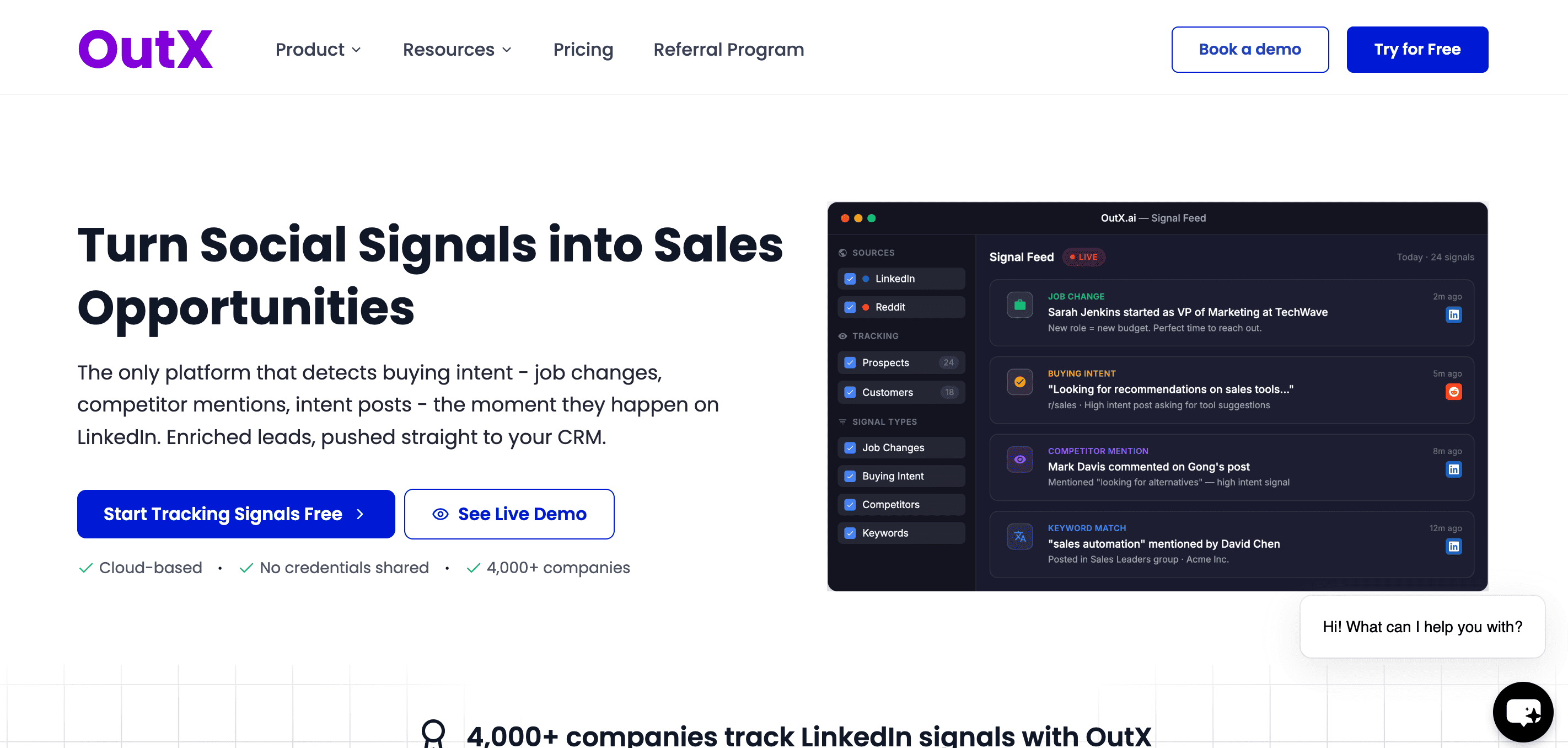
OutX is a browser-based LinkedIn tool designed specifically for safe LinkedIn automation and data export. Instead of running on external servers, OutX operates directly within your Chrome browser as an extension.
This fundamental difference means when OutX interacts with LinkedIn, it looks exactly like you manually browsing and clicking. Same IP address, same browser fingerprint, same human-like behavior patterns.
OutX focuses on two core use cases: social listening on LinkedIn for sales teams and personal branding automation for individuals. The platform tracks keyword mentions, monitors competitor activity, exports Sales Navigator data, and automates engagement while maintaining LinkedIn compliance.
OutX Pricing Structure
OutX uses straightforward monthly subscriptions:
Basic: $49/month
- Keyword tracking
- Profile monitoring
- Basic data export
- 1,000 monthly actions
Popular: $249/month
- Everything in Basic
- Advanced social listening
- Team collaboration
- 10,000 monthly actions
- Priority support
Ultimate: $999/month
- Everything in Popular
- Unlimited actions
- Custom workflows
- Dedicated account manager
No confusing credits, slots, or execution hours. You pay for features, not arbitrary limits.
Safety Comparison: The Critical Difference
This is where the two platforms diverge dramatically.
PhantomBuster's Cloud Risk
PhantomBuster runs your automation from their cloud servers. Here's what LinkedIn sees:
- Different IP address (often datacenter IPs)
- Generic browser fingerprints
- Superhuman action speeds
- No natural browsing patterns
- Multiple accounts from same server
LinkedIn's anti-bot systems flag these signals immediately. The platform has become sophisticated at detecting cloud-based automation. Reddit and Twitter discussions are filled with PhantomBuster users reporting account restrictions.
One user on r/sales reported: "Used PhantomBuster for 3 months, sent 50 connection requests per day. Account got restricted, took 2 weeks to restore, and I lost all pending connections."
OutX's Browser-Based Safety
OutX operates differently. As a Chrome extension, it:
- Uses your actual IP address
- Maintains your browser's unique fingerprint
- Follows human-like browsing patterns
- Respects LinkedIn's rate limits automatically
- Appears identical to manual usage
When OutX sends connection requests, LinkedIn sees your computer, your location, your typical browsing behavior. It's indistinguishable from manual actions.
OutX also implements strict rate limiting: maximum 15 connection requests per day, 30-second delays between actions, randomized timing to mimic human behavior. These aren't arbitrary restrictions – they're based on LinkedIn's acceptable usage patterns.
Features Deep Dive
Data Export Capabilities
PhantomBuster Data Export:
- Supports 100+ platforms
- Complex setup with multiple Phantoms
- CSV/JSON export formats
- Requires technical knowledge
- Can extract detailed profile data
OutX Data Export:
- LinkedIn-focused extraction
- One-click Sales Navigator export
- Instant CSV download
- No technical setup required
- Maintains data accuracy
For LinkedIn data specifically, OutX is simpler and safer. PhantomBuster wins for multi-platform extraction.
Social Listening
PhantomBuster Social Listening:
- Basic keyword monitoring
- Multi-platform coverage
- Manual setup for each platform
- Limited real-time alerts
OutX Social Listening:
- Advanced LinkedIn keyword tracking
- Company and profile monitoring
- Real-time notifications
- Job change alerts
- Intent signal detection
OutX specializes in LinkedIn social listening with features PhantomBuster doesn't offer.
Automation Capabilities
PhantomBuster Automation:
- 100+ pre-built Phantoms
- Custom JavaScript workflows
- Multi-platform automation
- Advanced scheduling options
- API integrations
OutX Automation:
- LinkedIn-specific workflows
- Auto-engagement with safety limits
- Personal branding automation
- Team collaboration features
- CRM integration
PhantomBuster offers broader automation. OutX provides safer, LinkedIn-focused automation.
Who Should Choose PhantomBuster?
PhantomBuster makes sense for:
Growth Hackers and Agencies
- Need multi-platform automation
- Have technical resources for setup
- Can accept higher LinkedIn risk for broader capabilities
- Require custom JavaScript workflows
Enterprise Teams with Dedicated IT
- Can manage complex setup and maintenance
- Have budget for higher-tier plans
- Need API integrations with existing tools
- Can implement additional safety measures
Who Should Choose OutX as a PhantomBuster Alternative?
OutX is better for:
Sales Teams and SDRs
- LinkedIn is primary prospecting channel
- Account safety is non-negotiable
- Want simple setup and maintenance
- Need reliable data export
Individual Professionals
- Building personal brand on LinkedIn
- Want automated engagement without risk
- Value ease of use over complexity
- Prefer transparent pricing
Marketing Teams Focused on LinkedIn
- Track competitor activity and mentions
- Monitor industry conversations
- Export prospect data for campaigns
- Collaborate across team members
Common Concerns Addressed
Will LinkedIn detect browser-based automation?
OutX has operated for 2+ years with thousands of users without significant detection issues. The browser-based architecture makes detection extremely difficult because actions appear identical to manual usage.
LinkedIn's detection systems focus on obvious violations: superhuman speeds, datacenter IP addresses, suspicious patterns. OutX avoids these red flags through built-in safety measures.
What about LinkedIn's Terms of Service?
LinkedIn's Terms of Service prohibit automated tools, but enforcement focuses on harmful or obvious violations. The key is using automation responsibly: respecting rate limits, maintaining human-like behavior, and not spamming users.
OutX implements these safety measures automatically. However, users should always follow LinkedIn's community guidelines regardless of the tool they use.
Can I migrate from PhantomBuster to OutX?
Yes. OutX accepts CSV imports from PhantomBuster exports. The migration process typically takes 15-30 minutes for most workflows. OutX's support team can assist with data migration for larger datasets.
What if I need automation beyond LinkedIn?
If you require multi-platform automation, PhantomBuster remains a better choice despite the higher LinkedIn risk. However, for most B2B teams, LinkedIn generates the majority of social selling results, making platform specialization worthwhile.
Real User Experiences
PhantomBuster User (r/sales): "Used PB for 6 months. Great features but got my LinkedIn account restricted twice. Had to dial back automation significantly. Switched to manual prospecting."
OutX User (LinkedIn): "Been using OutX for 8 months. No account issues. The social listening caught 3 major prospects mentioning our competitor. Converted 2 into meetings."
Agency Owner (interview): "We use PhantomBuster for Instagram and Facebook, OutX for LinkedIn. Different tools for different risks. Our clients' LinkedIn accounts are too valuable to risk with cloud automation."
What is the Best PhantomBuster Alternative?
OutX emerges as the top PhantomBuster alternative for LinkedIn-focused teams who prioritize account safety and ease of use. While PhantomBuster offers broader platform coverage, OutX's browser-based approach provides significant safety advantages for LinkedIn automation.
The key differentiators that make OutX the preferred PhantomBuster alternative:
- Browser-based architecture that eliminates detection risk
- LinkedIn specialization with deep platform knowledge
- Transparent pricing without confusing credit systems
- Built-in safety features that require no configuration
- Simple setup that works for any skill level
The Bottom Line
Choose PhantomBuster if you need multi-platform automation and have technical resources to manage the complexity and risk. It's a powerful tool for agencies and growth teams who can accept higher LinkedIn risk for broader capabilities.
Choose OutX if LinkedIn is your primary platform and account safety is critical. The browser-based approach offers significant safety advantages for LinkedIn-focused teams and individuals.
For most B2B sales and marketing teams, OutX wins. The combination of safety, simplicity, and LinkedIn specialization outweighs PhantomBuster's broader feature set.
The automation landscape is shifting toward privacy-first, platform-specific tools. OutX represents this trend – specialized, safe, and designed for the modern LinkedIn environment where account preservation matters more than feature breadth.
Your LinkedIn account is your professional reputation. Choose the tool that protects it.
.png&w=3840&q=75)
.png&w=3840&q=75)
.png&w=3840&q=75)