How to scrape data from LinkedIn
Scraping data from LinkedIn sales navigator is still one the best ways to get the most refined data of professionals and B2B marketers it has a vast network of 1.2 billion users by the end of 2025.
If you can catch buyer signals and keep your engagement running on auto-pilot, you instantly position yourself as a smart, active, and industry-aware professional without spending hours scrolling.
In this guide, we’ll break down how to scrape LinkedIn the right way and the best tools you can use to:
- Get more leads
- Grow your business or personal brand
- Boost engagement
- Understand buyer intent early
So, without further ado, lets dig in
What is Scraping Data from LinkedIn?
Scraping data from LinkedIn simply means pulling information from profiles, companies, and posts at scale without manually opening thousands of pages.
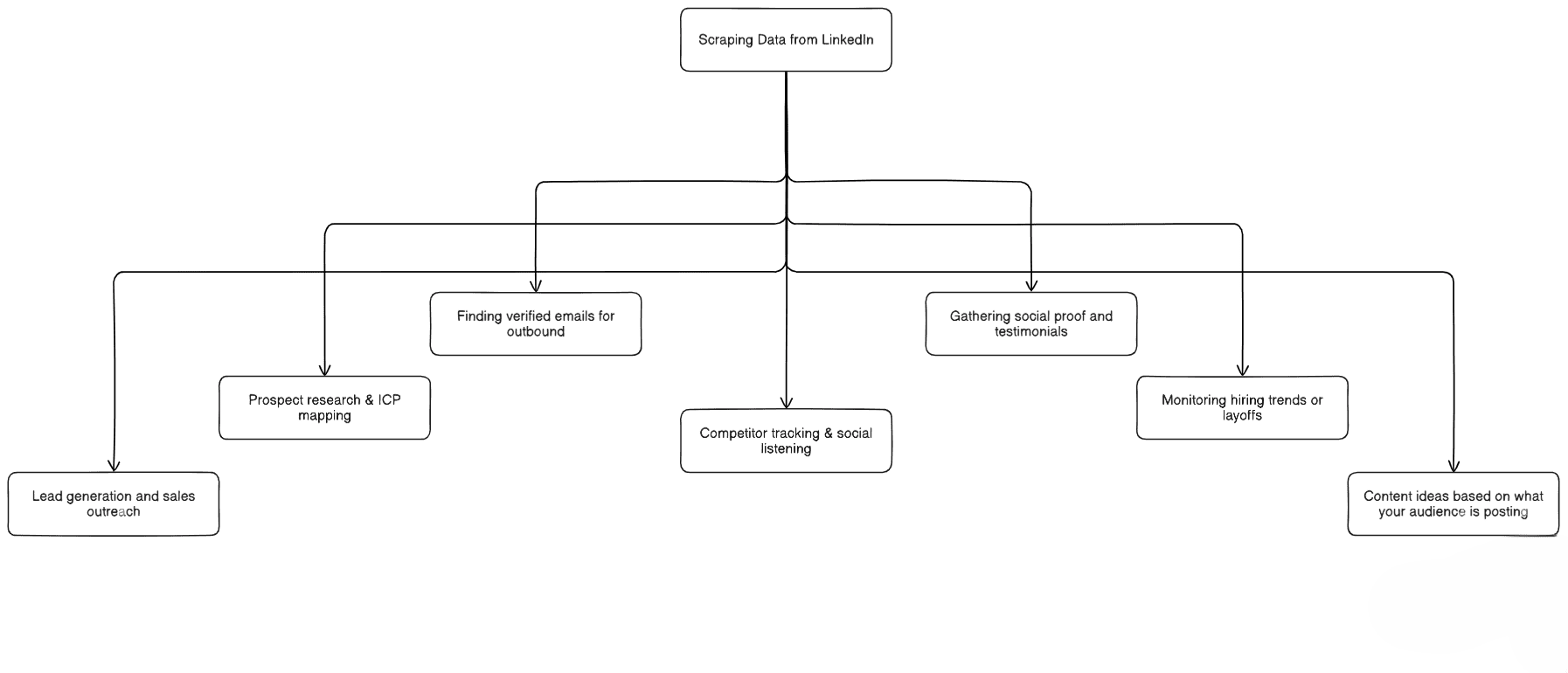
And why do people do it? Because LinkedIn is a goldmine. Scraped data gets used for things like:
- Lead generation and sales outreach
- Prospect research & ICP mapping
- Finding verified emails for outbound
- Competitor tracking & social listening
- Gathering social proof and testimonials
- Monitoring hiring trends or layoffs
- Content ideas based on what your audience is posting
The types of data you can pull are endless: names, emails, job titles, industries, company headcount, post engagement, keywords, comments, birthdays, job changes, funding announcements, and more.
If it shows up publicly on LinkedIn, someone’s scraping it.
But things aren’t as straight forward as it seems:
Scraping LinkedIn walks a fine line with LinkedIn’s Terms of Service. They don’t love automated extraction.
If you hit their servers too fast or too aggressively, you risk rate limits, temp blocks, or worst case account restrictions.
So modern scraping isn’t about “grab everything.” It’s about staying compliant, scraping safely, using browser-side automation, mimicking human behavior, and never pushing LinkedIn’s limits.
So Scrape smart. Scrape slow. Scrape without getting banned.
Can I scrape data from LinkedIn ethically?
Short answer: yes… but only if you do it the right way.
Scraping LinkedIn gets tricky because it sits at the intersection of data extraction + platform rules + privacy laws.
Do it wrong and you risk account bans, legal headaches, and burning your entire outbound engine.
Do it right and you unlock the single richest source of B2B buying intent online.
| Not Ethical / Not Safe | Ethical / Usually Compliant |
|---|---|
| Hitting LinkedIn servers too aggressively | Scraping only publicly available data |
| Scraping data you shouldn’t access (private or gated) | Pulling information from your logged-in access level |
| Selling user data publicly | Browser-side automation using your own session instead of LinkedIn’s servers |
| Using bots that violate TOS and break rate limits | Avoiding spam / no data resale & no mass abuse |
Let’s break the data down:
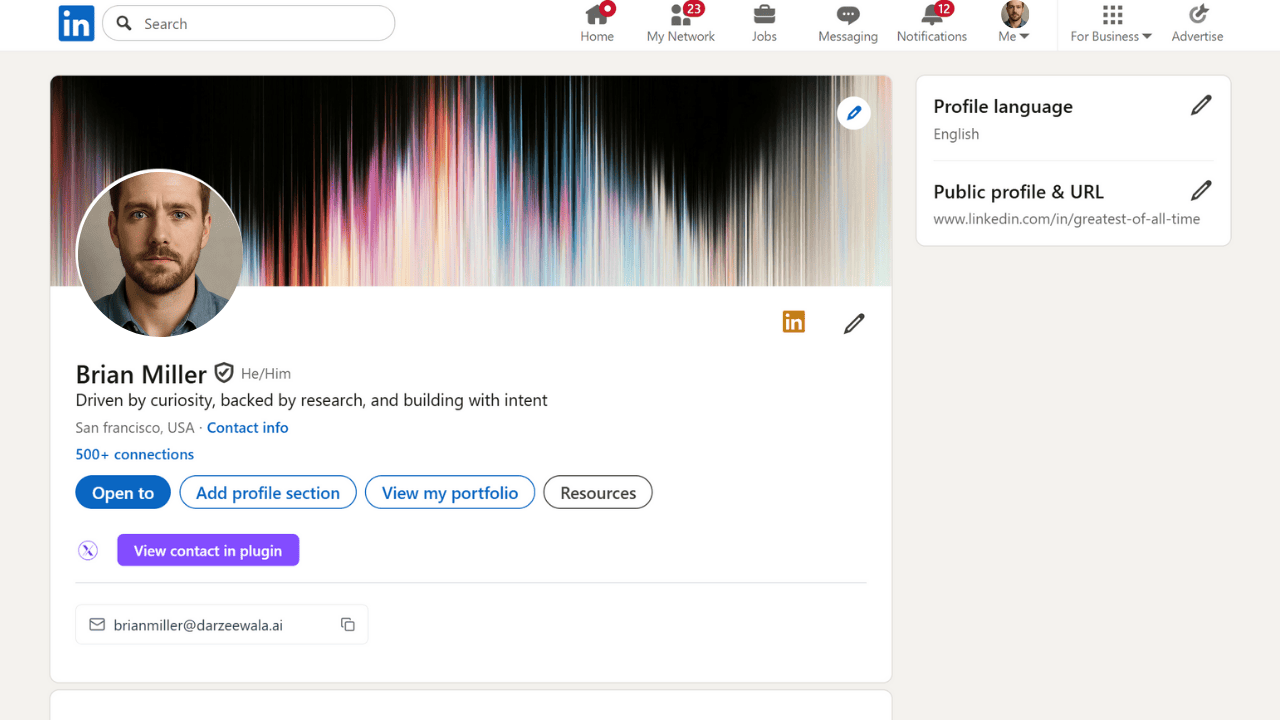
Publicly available profile data (generally safe to extract)
- Name
- Job title
- Company
- Work history
- Skills
- Social links
- Posts & engagement
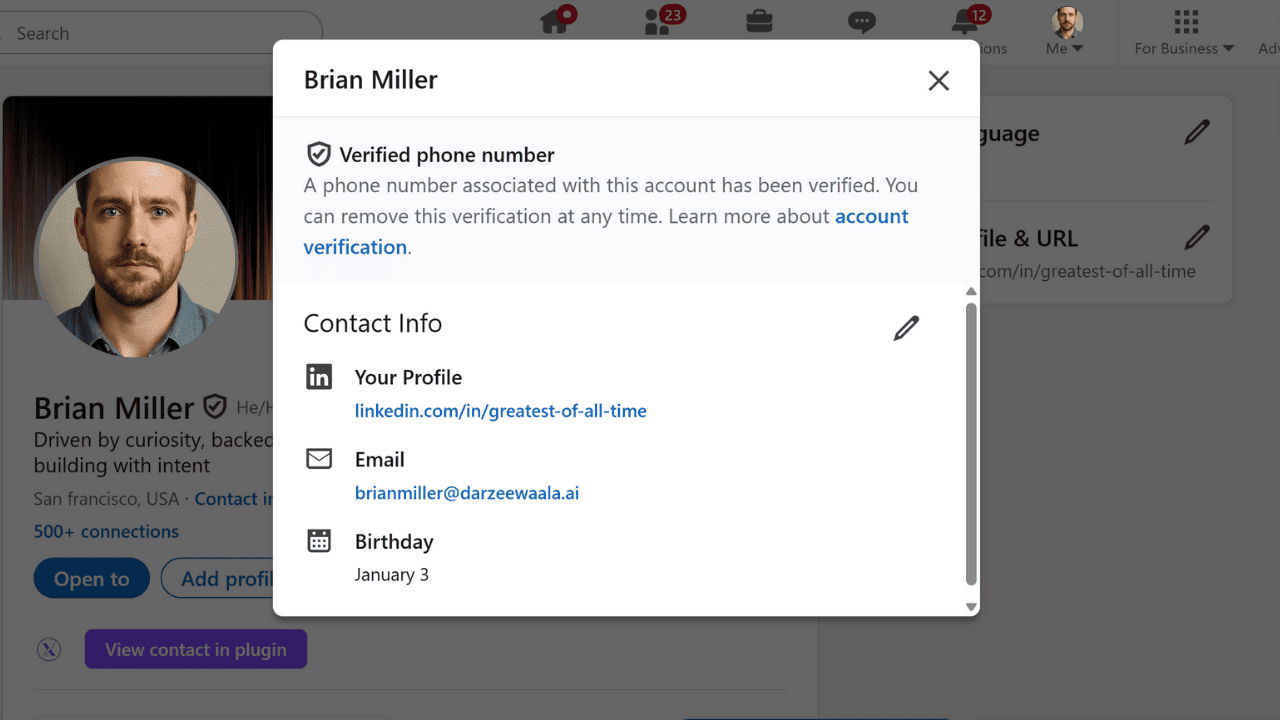
Conditional / subscription-level data (only access if your account already has it)
- Emails shown in Contact Info
- Company insights in Sales Navigator
- Alerts, job changes, funding news, headcount growth
- Buyer intent signals
The ethical rule is simple:
- If your account can organically view it, you can extract it.
- If the data is gated or private, don’t force access.
Handled correctly, scraping isn’t “stealing data.”
It’s organizing LinkedIn’s raw signals to understand your ICP, spot buying windows, and reach the right people at the right time without crossing compliance boundaries.
How To Scrape LinkedIn Data?
There isn’t just one way to scrape LinkedIn. There are a few popular approaches people use based on their skills, time and risk tolerance:
- Manual scraping / CSV export (slow, safe, zero scale)
- Custom scrapers using APIs / code (powerful but highly technical)
- No-code scraping tools & automation platforms (fast, scalable, safest for most users)
Let’s break them down the right way what works, what doesn’t, and what makes sense in 2025.
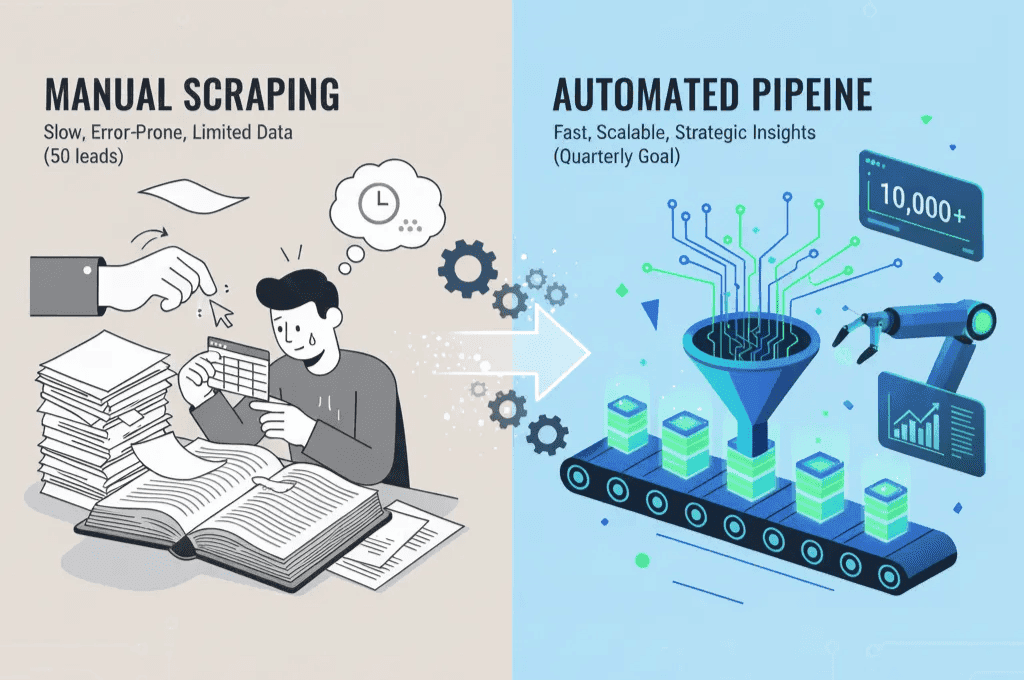
1) Manual Scraping or CSV Export (Beginner-Friendly but Not Scalable)
This is the simplest and safest route but also the slowest.
You open profiles manually, copy-paste data into sheets, or use LinkedIn’s built-in Data Export to download your connections list.
You only get limited information: names, job titles, sometimes emails (only if visible), plus a handful of profile fields.
It’s safe because you’re not breaking any rules.
But the downside is obvious: zero automation, zero signals, zero scale.
If you're building a list of 50 leads fine.
If you’re trying to build a pipeline for a quarter this will eat your life.
Most people outgrow manual scraping very fast.
2) Custom LinkedIn Scraping Using APIs or Code
This is the OG hacker way and still wildly effective if you know what you’re doing.
You build a scraper (Python, Node.js, Puppeteer, Playwright, etc.) that simulates a browser, logs into LinkedIn, navigates pages, and extracts the exact fields you want: names, titles, emails, posts, job changes, engagement, and more.
Some developers even hunt for the LinkedIn Private API because it exposes structured data, makes queries easier, and allows fast enrichment.
But let’s be honest: access to it is brutally hard. It’s undocumented, LinkedIn actively blocks it, and using it at scale can get you banned quickly. Zero margin for error.
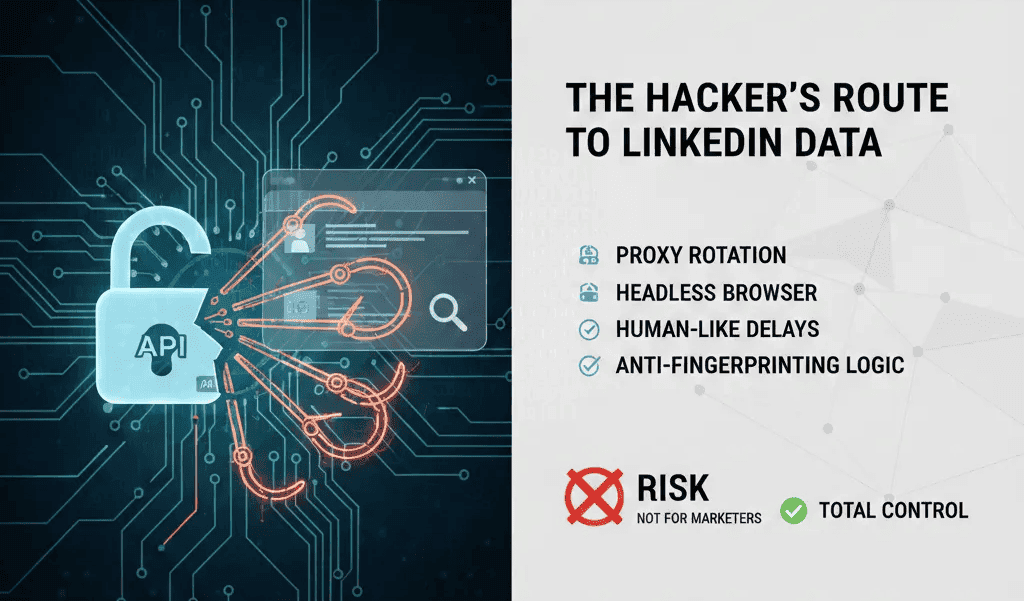
If you go custom, you need:
- Proxy rotation
- Headless browser handling
- Human-like delays
- Anti-fingerprinting logic
The upside? Total control.
The downside? Time-sucking maintenance and constant risk.
This route is not for 95% of marketers, founders, and SDRs.
3) Using LinkedIn Scraping Tools (Most Practical for 2025)
This is where things get interesting.
Instead of building the infrastructure, tools scrape for you and the modern ones scrape inside your browser session, which makes them dramatically safer than bots firing requests from remote servers.
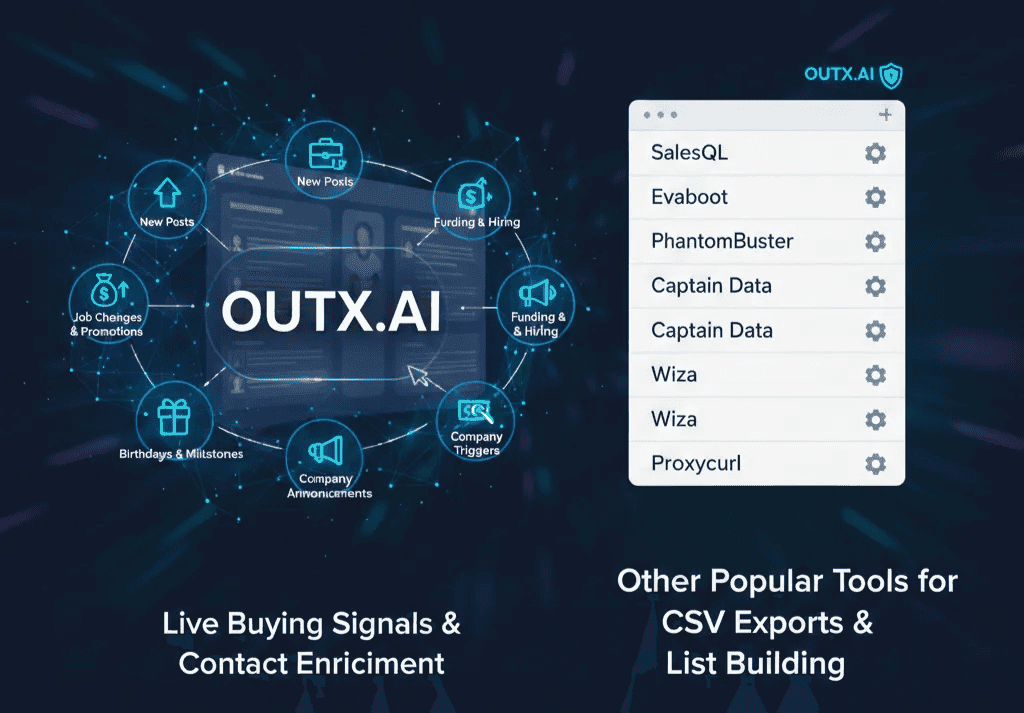
Among the new-age tools, OutX.ai is leading the pack because it doesn’t just scrape static profile info it pulls live buying signals like:
- New posts from your ICP
- Job changes & promotions
- Funding and hiring activity
- Prospect birthdays & milestones
- Company announcements
- Keyword-based intent triggers
Plus it enriches contacts, finds emails, and exports Sales Navigator searches without hammering LinkedIn or risking your account. This is the “do it right, do it safe” category.
Other popular scraping tools worth knowing about:
- SalesQL
- Evaboot
- PhantomBuster
- Captain Data
- Wiza
- Proxycurl
They’re solid for specific workflows CSV exports, email enrichment, list building, etc.
But they don’t monitor signals or automate ongoing engagement like OutX.ai does.
OutX also offers a direct LinkedIn API for fetching profiles and posts programmatically, a safer alternative to traditional scraping.
So which method should you pick?
If you’re technical, love tinkering, and don’t mind babysitting a scraper custom code works.
If you’re a founder, SDR, marketer, growth operator, or recruiter who wants fast, reliable, low-risk scraping a browser-side tool like OutX.ai is the move.
Because scraping isn’t just about collecting contacts anymore.
It’s about scraping signals finding the people who are ready to buy, right now.
12 Ways To Export LinkedIn Data
LinkedIn is a goldmine… if you know what to extract.
Most people scrape the obvious stuff names & titles and call it a day.
Pros milk LinkedIn for every signal, trigger, and buying moment.
Here are the 12 real ways to export LinkedIn data that top outbound + demand gen + recruiting teams use in 2025 and how OutX.ai turns each one into revenue.
- LinkedIn Feed data (posts from people and companies you follow)
- LinkedIn Search Results (ICP filtering via free search or Sales Navigator)
- People who engaged on a post (likes, comments, reposts)
- Sales Navigator Lead Lists (lean ICP lead exports with enrichment)
- Company Pages & Team Members (employees, hiring trends, headcount insights)
- Groups & Members lists (communities related to niche industries/topics)
- Event & Webinar Attendees (high-intent prospects gathered by topic)
- LinkedIn Contact Info Exports (pulled via LinkedIn’s native download)
- Messaging inbox exports (conversations + contact metadata)
- Follower lists of influencers & competitors (audience mining)
- Hashtag / Keyword content & people posting (great for finding active buyers)
- Job Changes & Promotions alerts (connections, saved leads, or target accounts)
1) LinkedIn Feed Data
Your LinkedIn feed is a mirror of your market’s brain. Every post reveals what your ICP is learning, loving, hating, struggling with, or investing in right now. Exporting feed data isn’t about collecting posts it’s about spotting patterns before the market shifts.
When you pull feed insights at scale, you suddenly know:
- What people are praising
- What people are complaining about
- What tools/products are trending
- What objections are repeated across industries
OutX.ai turns the regular scrolling behavior into signal intelligence. It tracks your feed automatically, detects ICP activity, and pulls the exact people worth paying attention to prospects, buyers, power users, hires, investors. You don’t manually monitor the feed; OutX.ai brings the feed to you as actionable triggers.
2) LinkedIn Search Results
LinkedIn Search is the largest free demographic filter on the internet. You type a job title, industry, or location, and LinkedIn converts into a laser-focused ICP index. But scrolling page by page is basically punishment.
Exporting search results lets you build clean prospect lists in minutes and not just names, but context around their jobs, companies, industries and geos. OutX.ai takes it further by enriching emails, adding prospects to watchlists, and keeping them monitored for future signals like new posts, job changes or milestones. One search becomes a pipeline on autopilot no more copying URLs into spreadsheets.
3) People Who Engaged on a Post
Nothing screams “warm prospect” louder than engagement. Likes, comments and reposts aren’t random they’re micro-buying signals. Someone engaging on content about “automation tools,” “DevOps,” or “sales enablement” is already thinking about that solution space.
Exporting engagers gives you a list of people who are:
- Aware of the problem
- Interested in the topic
- Emotionally connected enough to interact
OutX.ai exports everyone who engaged with a LinkedIn post, enriches them with verified emails, and then continues tracking them so you can engage again when they post. It’s not list scraping it’s social listening + timing advantage. Outreach becomes:
“I saw you dive into that post curious what pushed you toward exploring this?”
4) Sales Navigator Lead Lists
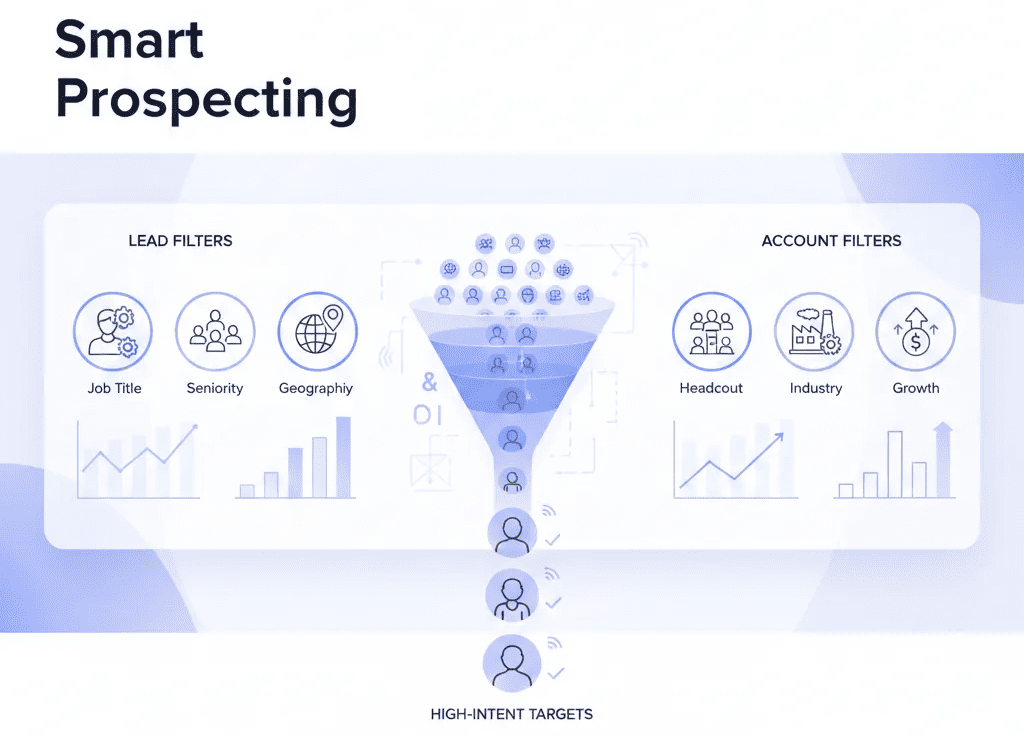
Sales Navigator is basically “ICP mode unlocked.” You get filters nobody else has headcount, growth, seniority, geography, industry, posted content, funding news, and more. Exporting that data turns searching into selling.
OutX.ai scrapes Sales Navigator lead lists safely inside your browser session. No risky bots hitting LinkedIn servers. No temp block nightmares. Once exported, the list is instantly enriched with verified emails, firmographic data and job signals. SDRs don’t build lists they walk into battle with ready-to-fire contact sets, sometimes in under 60 seconds.
See the Sales Navigator Export guide for step-by-step instructions.
5) Company Pages & Team Members
Selling to a company isn’t “find the guy and pitch him.” It’s know the org chart. Exporting team members gives you immediate clarity:
- Who influences the decision
- Who signs off
- Who uses the product day-to-day
This is ABM in its prime. OutX.ai exports employee lists, enriches profiles and then monitors job changes so when a champion leaves and joins a new company, you get the notification. A warm intro becomes an easy logo win.
6) LinkedIn Groups & Member Lists
Groups are where people gather around shared pain or ambition founders, SDRs, AI developers, marketers, cybersecurity experts, etc. Exporting groups gives you pocket communities that match your niche.
OutX.ai identifies group members, enriches their profiles, and tags each member based on interest topics. So you’re not dealing with a cold list you’re dealing with a pre-qualified conversation community. These are people who will actually reply because they already care.
7) Event & Webinar Attendees
Events and webinars are interest filters. Someone attending a session on “sales automation” or “AI agents” doesn’t need convincing they’re already mentally in-market. Exporting attendees gives you a vault of prospects who are searching for answers today.
OutX.ai extracts attendee lists, enriches contacts, and then tracks those attendees long-term. When an attendee later posts about procurement, funding, or a new role that’s your moment. No cold outreach just timing.
8) LinkedIn Contact Info Exports
LinkedIn’s native export gives you a CSV of your connections, including emails for first-degree contacts (if they chose to share them). The problem? After exporting… nothing happens.
OutX.ai changes the game not by exporting better, but by activating what you exported. Upload your native CSV and OutX.ai immediately attaches:
- Live post alerts
- Job changes
- Promotion milestones
- Company updates
Your old network becomes the warmest pipeline you forgot you had.
9) Messaging Inbox Exports
Your inbox contains more revenue than cold outreach ever will old conversations, people who ghosted after being busy, meetings that never happened, and prospects who said “circle back later.” But it’s impossible to track manually.
OutX.ai exports inbox metadata and detects when those same prospects start posting again meaning they’re active. That’s your moment to re-enter the conversation without sounding desperate:
“Saw your latest post congrats on the milestone. Still exploring X?”
Prospects remember people who stay present, not people who chase.
10) Follower Lists of Influencers & Competitors
Influencers build audiences full of your ICP for free. Competitors do the same (without realizing they’re doing you a favor). Exporting followers lets you turn the content ecosystem into a ready-made demand pool.
OutX.ai enriches followers, builds segmented lists, and triggers alerts when those followers post so you can engage before your competitor’s SDR notices. You stop being reactive and start being first in the conversation.
11) Hashtags / Keyword Tracking
Keywords are not content they’re intent declarations.
People posting about:
- “pipeline automation”
- “SOC2 compliance”
- “RevOps”
- “cold outbound strategies”
…are telling you what they care about today. Exporting keyword activity is scraping demand not scraping contacts.
OutX.ai identifies people posting, commenting, or engaging around tracked keywords, enriches them, and continues following them. So you don’t chase broad lists you chase the top 1% of buyers in the moment of need.
12) Job Change + Promotion Alerts
A job change is the closest thing to a flashing BUY signal.
New role = new budget = new decisions = new openness.
A champion who loved you at Company A becomes instant pipeline at Company B.
OutX.ai exports job changes across saved Prospect Lists or target Companies, enriches the new profile, and notifies you instantly. This gives you a perfect timing window to restart conversations:
“New role congrats! Curious if X is a focus for you this quarter?”
This one workflow alone prints revenue for top outbound teams.
Summary
Scraping LinkedIn isn’t just a hacker trick anymore. It’s become one of the fastest ways to get real, live B2B buying intent straight from the world’s biggest professional network 1.2B users by 2025.
And here’s the twist most people miss:
It’s not about collecting more data.
It’s about collecting the right signals.
When you can extract the moments job changes, new posts, keyword activity, comments on industry content you don’t need to “warm up” prospects. They’re already warmed up by the market.
Scraping LinkedIn ethically is absolutely possible.
The rule is simple:
➡️ If your account can view it organically, you can extract it.
➡️ If it’s private, gated, or forced don’t touch it.
The real danger isn’t compliance.
It’s scraping recklessly: bots hitting LinkedIn servers, fake fingerprints, API abuse, rate-limit explosions. That’s how people get restricted. The modern way to scrape? Browser-side automation that mimics human behavior. Slow. Safe. Invisible.
And that’s exactly where OutX.ai flips the game.
Instead of scraping just profiles, it scrapes behaviors:
- Who posted
- What they posted about
- Who engaged
- Who changed jobs
- Who’s hiring or raising funding
- Who’s suddenly active after months of silence
Twelve export methods feed data, post engagers, Sales Navigator lists, keywords, followers, events, inbox exports, and more all become one thing when done right:
A timing advantage.
Because the best outbound teams don’t pitch strangers.
They intercept buyers at the moment the pain is loudest.
That’s why scraping isn’t a spreadsheet game anymore.
It’s a signal game.
You’re not trying to talk to everyone.
You’re trying to talk to the right people at the moment they’re most likely to care.
Scrape smarter.
Scrape ethically.
Scrape for intent not volume.
And if you want to turn scraped data into actual pipeline, not just CSV files collecting dust, tools like OutX.ai are where scraping finally becomes selling.
Frequently asked questions (FAQs)
1. Is scraping LinkedIn legal?
Scraping LinkedIn is legal as long as you extract only publicly accessible data and use your own logged-in access level. What gets people in trouble is bypassing restrictions, scraping private/gated data, or reselling user info. Ethical scraping = safe scraping.
2. Will scraping get my LinkedIn account banned?
Only if you scrape aggressively. LinkedIn blocks patterns that look robotic too many requests, too fast, from remote servers. Browser-side scraping that mimics human behavior (like OutX.ai) dramatically lowers risk.
3. What type of LinkedIn data can I scrape?
Anything your account can see: posts, comments, profiles, job titles, company info, job changes, contact info (if shown), engagement, keywords, and more. If you can see it manually, scraping is simply automating that process.
4. Can scraping get me verified emails?
Not directly from LinkedIn itself, since most profiles hide emails. But tools can scrape the profile → match the person across datasets → verify email using enrichment APIs. OutX.ai does this automatically.
5. What’s better manual scraping, coding, or scraping tools?
Manual = safest but slow.
Coding/APIs = powerful but risky + high maintenance.
Scraping tools = best balance of safety + speed, especially for non-technical users.
6. Can I scrape data from Sales Navigator?
Yes if you’re already subscribed and have access to that data. OutX.ai safely exports Sales Navigator searches inside your browser session and enriches them instantly.
7. Is scraping the best way to get leads from LinkedIn?
Scraping names alone? No.
Scraping buyer signals? Absolutely. Job changes, post engagement, keyword activity, event attendance, and company news convert significantly better than cold lists.
8. Why use OutX.ai for scraping instead of other tools?
Most tools just export lists. OutX.ai exports lists + detects live buying intent + automates next steps (alerts, enrichment, auto-engagement). It’s built for pipeline, not spreadsheets.